
Installation and Maintenance Tips for Multi-Player Shooting Machines
- Preparing Your Venue for a Multi-Player Shooting Machine
- Site selection and floor requirements
- Power, network and environmental considerations
- Accessibility and safety planning
- Step-by-Step Installation Guide
- Unpacking, inspection and pre-install checks
- Anchoring, leveling and mechanical assembly
- Electrical connection, grounding and initial power-up
- Calibration, Sensors and Software Setup
- Calibration of scoring sensors and alignment
- Software configuration and player profiles
- Network security and remote management
- Routine Maintenance and Troubleshooting
- Daily and weekly maintenance checklist
- Monthly and quarterly preventive maintenance
- Common faults and stepwise troubleshooting
- Parts, Spares and Long-Term Care
- Recommended spare parts kit
- Seasonal care and storage
- When to call professional service
- Safety, Compliance and Best Practices
- Regulatory and industry guidance
- Electrical safety and grounding standards
- Training staff and incident reporting
- Case Study: Reducing Downtime in a Busy Family Entertainment Center
- Baseline issues and objectives
- Actions taken and results
- Lessons learned
- FAQ
- How often should I recalibrate the scoring sensors?
- Can I place a Multi-Player Interactive Shooting Machine outdoors?
- What is the best way to handle firmware updates?
- How much spare inventory should I keep?
- Who should I contact for technical support or parts?
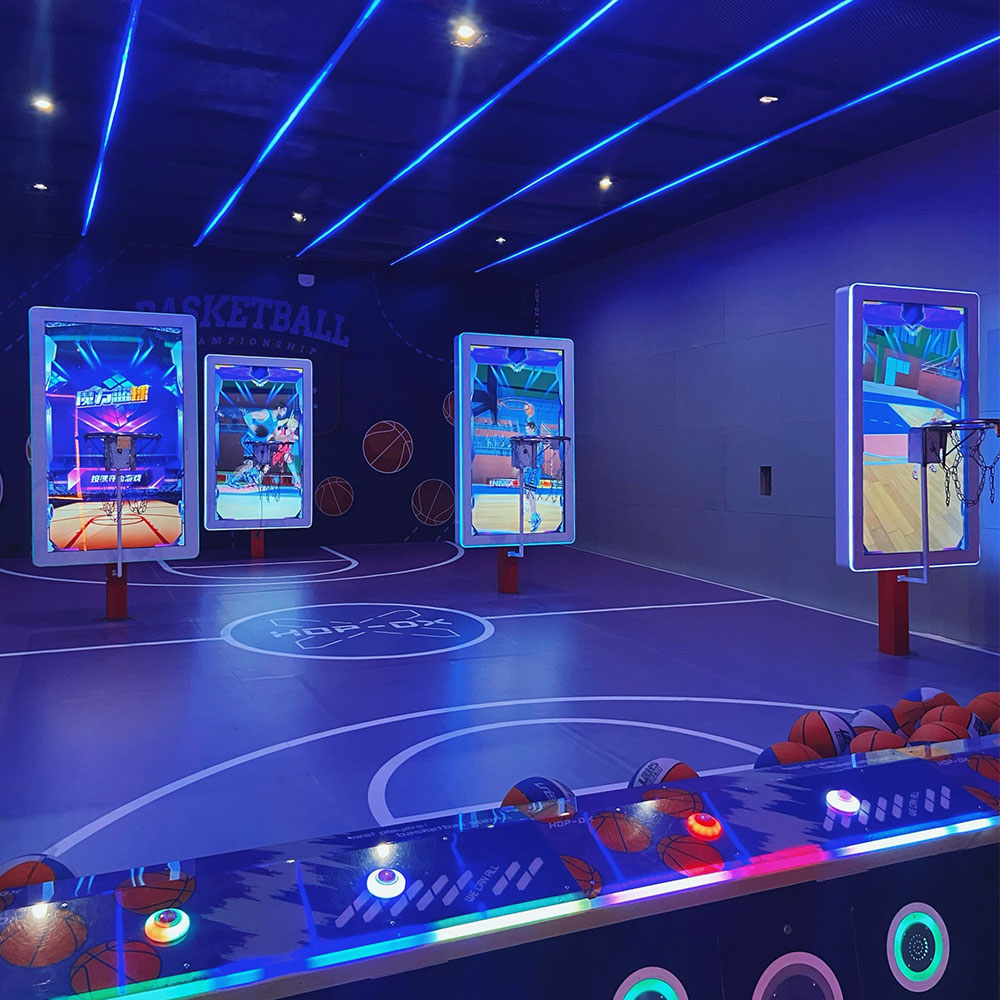
Geo-aware summary: This guide provides practical, location-sensitive advice for venue owners and operators on installing and maintaining Multi-Player Interactive Shooting Machines (shooting arcade machine). Whether you run an indoor family entertainment center, mall arcade, or outdoor seasonal attraction, the recommendations below cover site selection, power and network considerations, calibration for multi-player accuracy, routine cleaning and diagnostics, spare parts planning, and safety/compliance links to international standards. Following these steps reduces downtime, enhances player experience, and extends equipment life.
Preparing Your Venue for a Multi-Player Shooting Machine
Site selection and floor requirements
Choose a flat, level area with enough clearance for player traffic and queuing. The Multi-Player Interactive Shooting Machine typically requires a footprint that accommodates the machine body plus a 1.5–2 m play zone in front for safe play and queuing. Ensure flooring is non-slip and can bear the weight of a metal-framed shooting arcade machine; concrete or commercial-grade vinyl are preferred. If the venue is outdoors or semi-outdoors, provide a covered surface and consider anchoring options to prevent tipping.
Power, network and environmental considerations
Verify nearby power availability: most multi-player shooting machines operate on standard 110–240VAC single-phase power but check the machine's nameplate for exact requirements. Use a dedicated circuit or appropriate surge protection to avoid voltage dips from other heavy loads. For multi-player leaderboards, online scoreboards, or cloud-based analytics, a reliable network connection (Ethernet preferred over Wi‑Fi for stability) is recommended. Keep ambient temperature within the equipment's rated range (typically 5–35°C) and avoid direct sunlight or high humidity that can accelerate electronic wear.
Accessibility and safety planning
Plan for operator access to the rear and internal compartments for maintenance and troubleshooting. Maintain at least 0.6–1 m clearance behind the machine for service panels. Install the machine in a location with clear sightlines for staff supervision. Post visible safety signage about proper use and age or height restrictions when applicable.
Step-by-Step Installation Guide
Unpacking, inspection and pre-install checks
Upon delivery, inspect packaging and the shooting arcade machine for transit damage. Refer to the packing list and manufacturer’s inspection checklist. Photograph any damage and notify the shipper if needed. Verify that all accessories (mounting bolts, power cord, spare fuses, manual) are present. Review the manufacturer-supplied wiring diagram and installation manual before powering on.
Anchoring, leveling and mechanical assembly
Assemble any modular components per the instructions—this commonly includes attaching the backboard, scoreboard assembly, or side panels. Anchor the base using bolted floor-anchors or weight plates per the manual: for permanent indoor installs use expansion anchors into concrete; for temporary or rental setups use stabilizing ballast and anti-tip straps. Level the machine using adjustable feet or shims to ensure sensors that detect ball entry operate correctly.
Electrical connection, grounding and initial power-up
Connect to the dedicated power circuit and ensure functional grounding. Install a surge protector or uninterruptible power supply (UPS) if the location experiences frequent power instability. On initial power-up, run the machine through its boot and diagnostics sequence. Verify LED or LCD displays power on, that sound and light effects respond, and that scoring sensors provide baseline readings. If the machine uses network connectivity for leaderboards or firmware updates, configure IP/DHCP settings at this stage.
Calibration, Sensors and Software Setup
Calibration of scoring sensors and alignment
Multi-Player Interactive Shooting Machines use multiple sensors to detect ball passage and trajectory. Calibrate sensor thresholds according to the manufacturer’s instructions—this often involves shooting test balls at several positions to record correct scoring responses. Check sensor alignment visually and with diagnostic tools built into the machine software. Proper calibration ensures fair multi-player scoring and reduces false positives/negatives that frustrate players.
Software configuration and player profiles
Configure game modes, difficulty levels and multi-player rules through the administrative menu. Create default player profiles for tournaments or commercial sessions to provide consistent timed games and scoring targets. If the machine supports remote analytics or cloud leaderboards, register the device and enable secure firmware update channels to keep software current.
Network security and remote management
When connecting the machine to a venue network, isolate it on a guest or device VLAN to minimize security exposure. Change default administrative passwords and enable secure communication channels for remote support. For centralized fleets of shooting arcade machines, use manufacturer-supplied device management tools to push updates and monitor machine health remotely.
Routine Maintenance and Troubleshooting
Daily and weekly maintenance checklist
Simple daily tasks prevent many problems:
- Quick visual inspection for loose panels, cables, or debris.
- Wipe control surfaces and displays with a soft, lint-free cloth.
- Empty and inspect ball return and collection areas.
Weekly tasks should include checking sensor cleanliness and verifying scoreboard accuracy.
Monthly and quarterly preventive maintenance
Perform more detailed inspections on a monthly or quarterly basis:
| Task | Frequency | Purpose |
|---|---|---|
| Sensor cleaning and recalibration | Monthly | Maintain scoring accuracy |
| Check and tighten fasteners | Quarterly | Prevent mechanical loosening |
| Test power protection (UPS/surge) | Quarterly | Ensure power stability |
| Software/firmware updates | As released | Security and feature improvements |
Common faults and stepwise troubleshooting
Common issues and first-response steps:
- No power: verify outlet, circuit breaker, and fuse; test with known-good device; inspect internal power module per manual.
- Inaccurate scoring: inspect and clean sensors; run calibration routine; check for software updates that address sensor algorithms.
- Display or audio faults: test speaker and display connectors; verify GPIO or USB connections; review system logs for errors.
If in doubt, document failure conditions and contact manufacturer technical support with photos, model and serial numbers.
Parts, Spares and Long-Term Care
Recommended spare parts kit
Stock a small parts kit to reduce mean time to repair (MTTR): spare fuses, a backup power cord, replacement sensors or sensor modules, a spare display/data cable, and common fasteners. Manufacturer-supplied consumables (e.g., scoring ribbon, LED modules) should also be stocked for high-throughput venues.
Seasonal care and storage
For outdoor or seasonal locations, winterize the machine: disconnect and store sensitive electronics in climate-controlled storage, drain or protect water-prone areas, and cover the exterior with a breathable weatherproof cover. Before re-installation, inspect seals, connectors and perform a full calibration.
When to call professional service
Contact certified service when there are persistent electrical faults, structural damage, or when replacing major assemblies. Use only qualified technicians or manufacturer-authorized service providers to preserve warranties and ensure compliance with safety guidelines.
Safety, Compliance and Best Practices
Regulatory and industry guidance
Follow general safety and occupational health guidance such as ISO 45001 for workplace safety practices. Consult the International Association of Amusement Parks and Attractions (IAAPA) for attraction operation best practices specific to amusement equipment. For contextual information about arcade equipment and user expectations, see the industry overview on Arcade game (Wikipedia).
Electrical safety and grounding standards
Adhere to local electrical codes and recommended safety standards. Manufacturers often reference UL or IEC testing standards—consult your machine documentation for the exact standard applicable to your model. When in doubt, engage a licensed electrician to confirm grounding and circuit protections are appropriate for the shooting arcade machine.
Training staff and incident reporting
Train staff on safe operation, basic troubleshooting, and emergency power-off procedures. Maintain a simple logbook of maintenance actions and incidents to help identify recurring issues and to support warranty claims. Promptly report any injury or structural failure following local regulatory reporting requirements.
Case Study: Reducing Downtime in a Busy Family Entertainment Center
Baseline issues and objectives
A multi-location family entertainment center reported frequent scoring errors and intermittent network disconnects across five Multi-Player Interactive Shooting Machines. Objective: reduce machine downtime and improve customer satisfaction scores.
Actions taken and results
Actions included installing dedicated Ethernet lines, calibrating sensors monthly, adding surge protection, and stocking key spare parts. Over six months, recorded downtime decreased by 72% and average play session complaints related to scoring fell by 85%.
Lessons learned
Proactive maintenance routines and network segregation had the largest impact. Standardizing firmware across devices simplified troubleshooting and reduced time spent on-site during repairs.
FAQ
How often should I recalibrate the scoring sensors?
Calibrate sensors at least monthly in high-traffic venues, and immediately after repositioning, cleaning, or power events. Check more frequently if you notice scoring inconsistencies.
Can I place a Multi-Player Interactive Shooting Machine outdoors?
Some models are designed for semi-outdoor use, but most shooting arcade machines are intended for indoor environments. If outdoor placement is necessary, provide full weather protection, elevated foundation, and ensure components are rated for outdoor exposure. Follow manufacturer guidance for weatherproofing.
What is the best way to handle firmware updates?
Schedule updates during off-hours and ensure you have a rollback plan. Use wired connections where possible and follow manufacturer update instructions precisely. Maintain records of update versions applied to each unit.
How much spare inventory should I keep?
For a single-unit venue, keep critical consumables and 1–2 sensor modules or fuses. For multi-unit venues, scale spares to expected throughput—typically one spare sensor per three machines and at least one spare power module or display cable per site.
Who should I contact for technical support or parts?
Contact the machine manufacturer or your authorized distributor. Keep your machine model, serial number and purchase order handy to speed up service.
Contact & View Product: To learn more about the Multi-Player Interactive Shooting Machine, request a site assessment, or arrange certified installation and maintenance plans, please contact our sales and service team or view the product page. Our technicians provide certified installation and maintenance programs tailored for your venue.
References: IAAPA resources (IAAPA), ISO 45001 guidance (ISO), and industry overview on arcade games (Wikipedia).
Product description:
Joy Power is full of fun and exciting playgrounds! The basketball shooting machine is a classic amusement device integrating competition, entertainment, and interactivity. Based on the traditional basketball shooting sport, it integrates electronic scoring, sound and light effects, and challenge mechanisms to bring players an immersive game experience. The main body of the equipment is usually built with a metal frame, equipped with a standard-sized basket and a sturdy rim, with multiple sets of sensors to accurately capture the trajectory of the shot; when the player shoots the ball, the machine's built-in sensors count the score in real time and present the score, remaining time, and challenge goals through the LED display or LCD screen, with exciting sound effects and colorful lights to create a tense and exciting gaming atmosphere.
Top 10 bullshooter dart machine for sale Manufacturers and Supplier Brands
Tips for buy golf simulator chicago in Europe
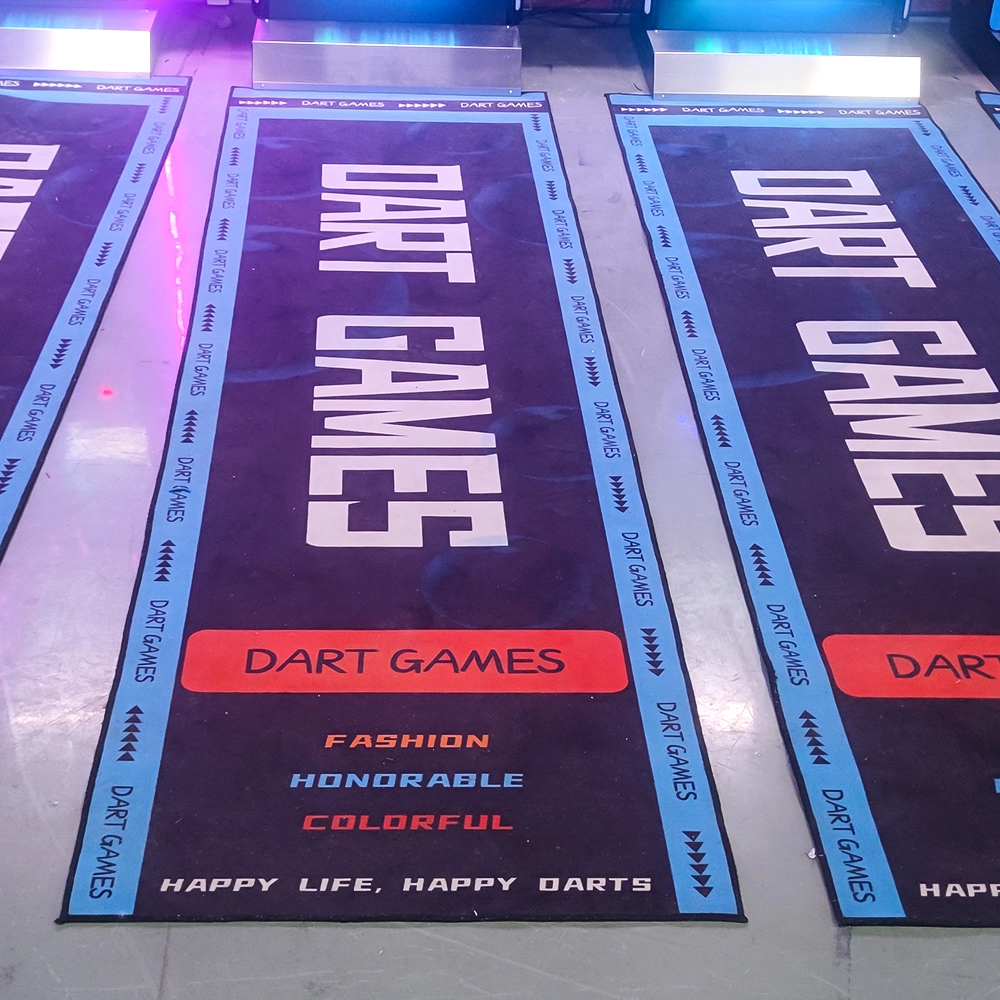
Selecting the Right Screen and Sound for Electronic Dart Machines
Top interactive games for trampoline park Manufacturers and Suppliers
Holographic Light and Shadow Restaurant
What is the principle of holographic projection?
Firstly, during the recording process, a reference light and an object light are simultaneously irradiated onto the object, causing interference between the two beams. The intensity and phase information of the object are recorded on the photosensitive material, forming a hologram. Then, during the reproduction process, the hologram is illuminated with the same beam of light as the reference light, and the hologram acts like a complex diffraction grating, causing the light to diffract and thus reproducing the three-dimensional image of the object.
Dart Machines Bar Dart Machines
How to attract customers when operating the program in shopping malls?
Create a cool venue decoration style and incorporate trendy elements, such as fluorescent light strips and anime-themed murals. o Launch diversified marketing models such as parent-child packages and couple packages, combined with time-limited promotional activities, such as half-price experience in the first three days of opening, to attract different groups of people such as families and couples to stop by and participate.
How often does the equipment require maintenance?
For daily use, simple monthly maintenance, such as simple cosmetic cleaning and function checking after use, is sufficient. A more comprehensive quarterly maintenance is sufficient.
Infrared Shooting
Why are sports arcades a hot spot for investment?
The traditional entertainment market (e.g., arcade, KTV) has become less attractive to generations, while digital hip playgrounds integrating technology, sports, and socialization are more in line with young people's needs, and the market size has exceeded 50 billion in 2023, with an annual growth rate of more than 30%.
Football Simulator
How does the picture effect of simulation soccer achieve realism?
With the help of advanced technology, the green field is accurately reproduced with fine turf texture and realistic player movements. From the players running, passing to shooting, are lifelike, to give players a sense of immersion.
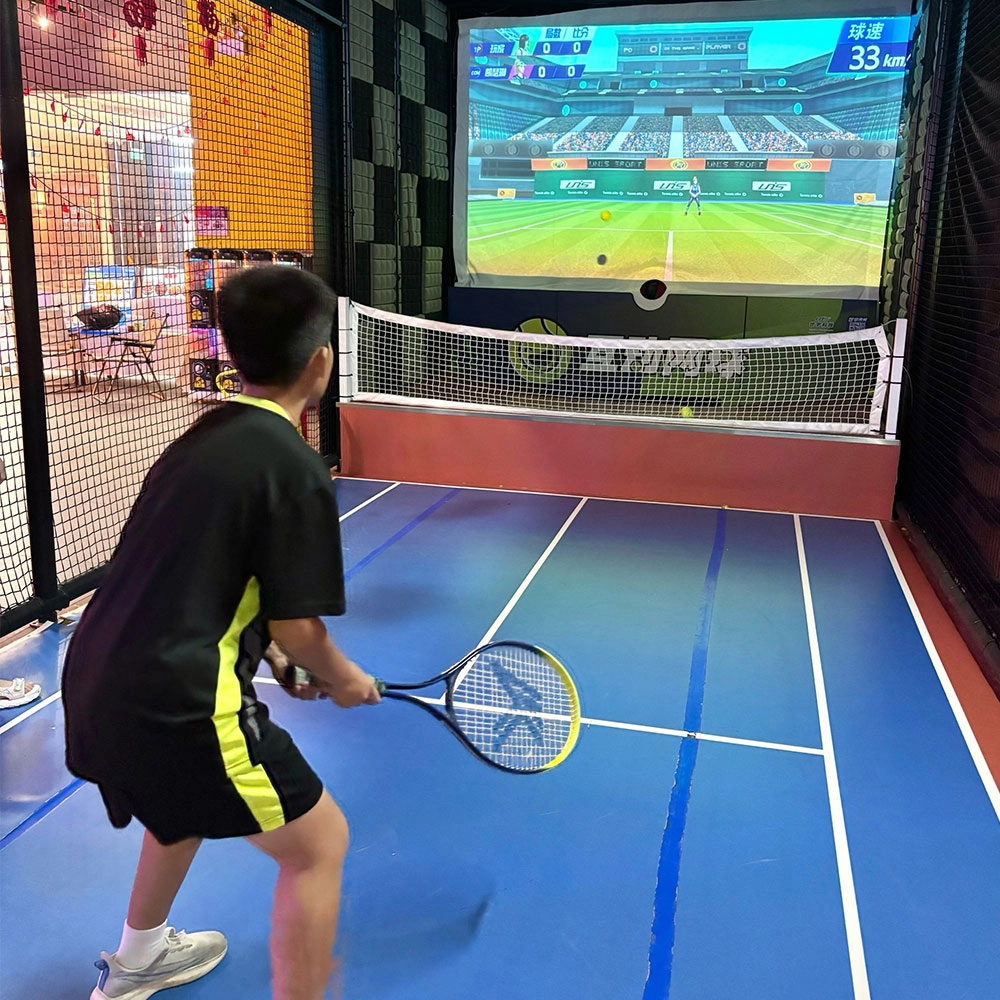
Indoor Tide Play Simulation Tennis Equipment
FUNTECH is full of fun and exciting playgrounds! With high-definition scene projection, force feedback racket, and intelligent scoring system, the simulated tennis equipment in the indoor arcade realizes immersive sports experiences and diversified interactive play, combining the advantages of safety and ease of use with high operational efficiency.
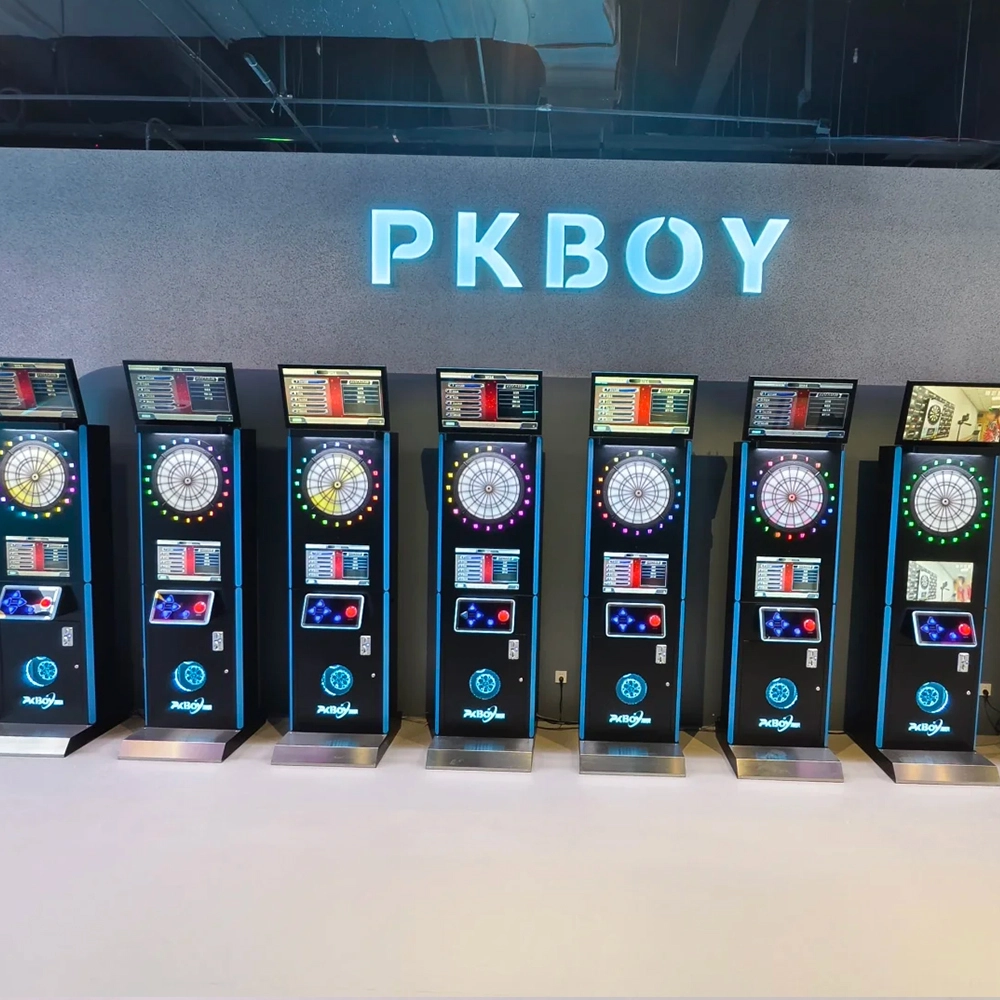
Dart Machines Bar Dart Machines
Joy Power is full of fun and excitement in the playground! The dart machine is suitable for all kinds of places, whether it is a bar, restaurant, KTV, or other entertainment venue, or a sports shop, club, or family leisure space, and can be perfectly adapted. In commercial venues, holding individual and team darts tournaments from time to time can attract more customers and increase the popularity and revenue of the venue, supplemented by various preferential activities, which can directly promote consumption and form a cycle of consumption of all the goods in the shop.
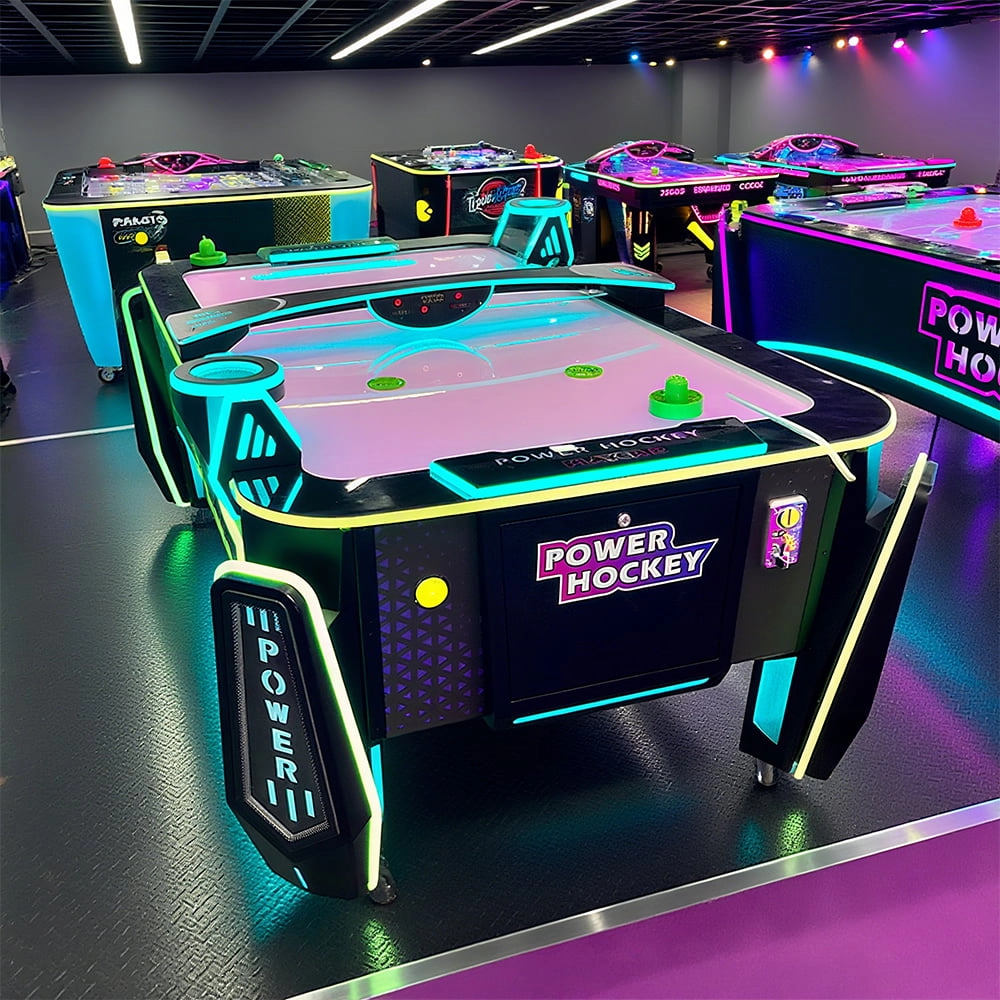
Arcade Hockey
FUNTECH is full of fun and exciting playgrounds! Air hockey, also known as air hockey, is a two-player competitive arcade game comprising a smooth, perforated playing surface, lightweight hockey sticks, a plastic puck, and an electronic scoreboard.
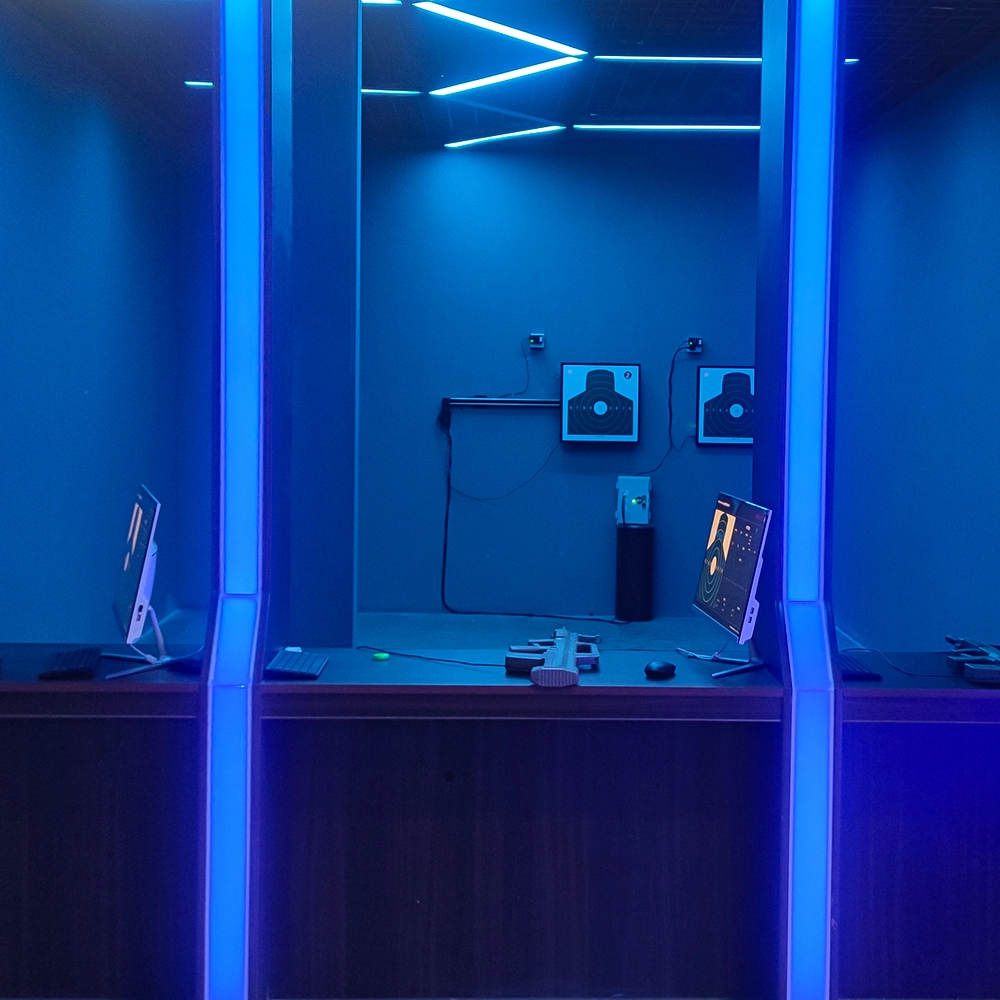
Infrared Shooting
Highly simulated simulation training analysis equipment, with advanced design concepts, fast system development, ease of operation and use, stable technical performance, less consumption of training, site dependence on a small group training is highly interesting, safe, and reliable, and other outstanding features. Product design to solve the basic skills of light weapons precision shooting as a starting point, to improve the safety of shooting training and training efficiency as the fundamental purpose, highlighting the simulation, information technology, and combat training requirements, can be in small indoor and outdoor venues and does not use live ammunition to complete the basic shooting training.
© 2025 FUNTECH ALL RIGHTS RESERVED

Weixia Lei
Fun_Tech-s
fun_tech20