
Troubleshooting Common Electronic Dart Machine Issues
- Troubleshooting Common Electronic Dart Machine Issues
- Why this guide matters for electronic dart machine owners
- Safety first: tools and basic checks before troubleshooting an electronic dart machine
- Power and startup problems: machine won't turn on or reboots
- Scoring errors and incorrect hit detection
- Display and LED issues: dim, flicker, or missing segments
- Connectivity and software: network, USB or betting system problems
- Mechanical damage and physical wear
- Sensors, wiring harnesses and intermittent faults
- Preventive maintenance schedule for commercial dart machines
- Common issues at a glance — quick troubleshooting table
- When to call professional service for your electronic dart machine
- Brand spotlight: why choose Dart Machines Bar Dart Machines (Joy Power) for your venue
- FAQ — Common questions about electronic dart machine troubleshooting
- Contact us / See product
- References
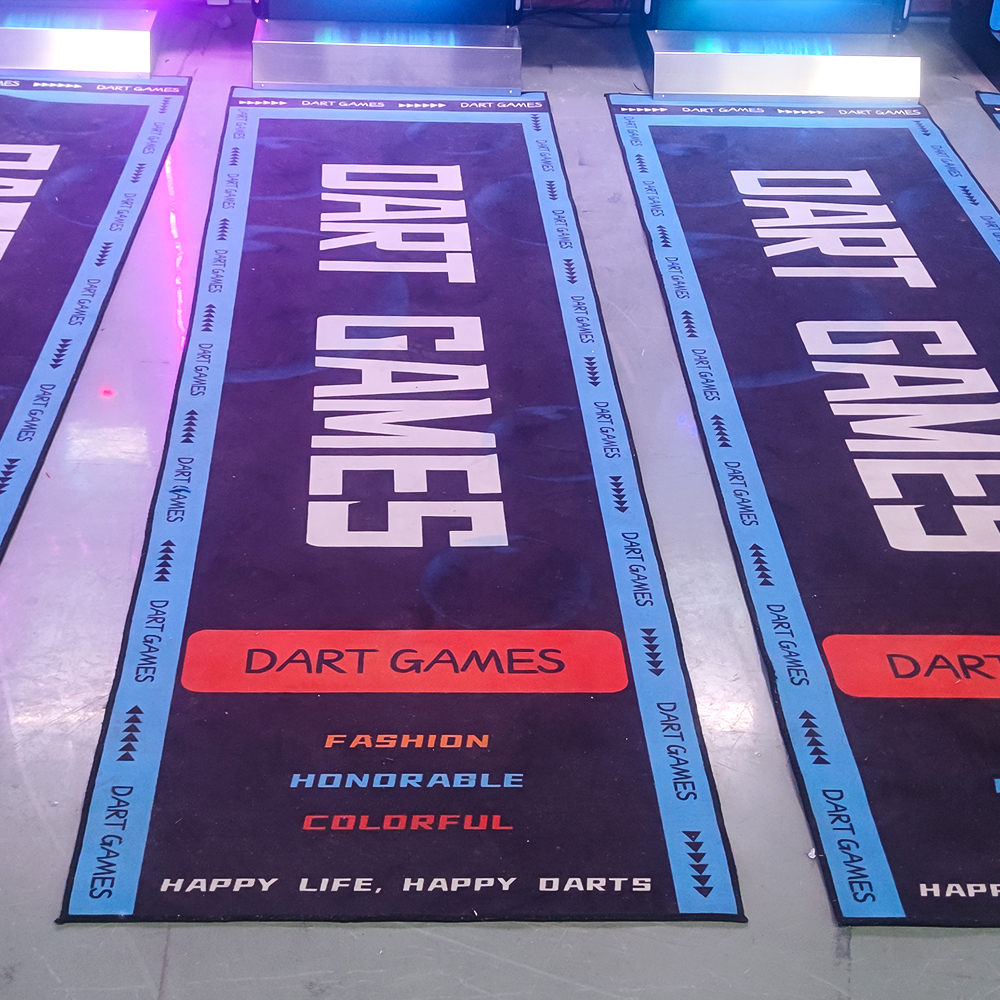
Troubleshooting Common Electronic Dart Machine Issues
Why this guide matters for electronic dart machine owners
Electronic dart machines are a popular revenue driver for bars, restaurants, KTV venues and entertainment centers. But when an electronic dart machine stops scoring correctly, won't boot, or loses connectivity, downtime directly hits customer experience and your bottom line. This guide focuses on practical, field-tested diagnostics and fixes you can perform safely, and on preventive routines to minimize future failures. Keywords: electronic dart machine, Dart Machines Bar Dart Machines.
Safety first: tools and basic checks before troubleshooting an electronic dart machine
Before you start, gather basic tools and take safety precautions — unplug the machine before opening panels, use insulated tools around power components, and protect game data when possible (take photos of wiring or settings). Typical tools: multimeter, Phillips and flat screwdrivers, needle-nose pliers, contact cleaner (electronics grade), canned air, and a soft brush. For network and software troubleshooting also have a laptop or tablet and the machine’s manual or software version notes at hand. Keywords: electronic dart machine maintenance.
Power and startup problems: machine won't turn on or reboots
Symptoms: no lights, the display stays dark, or the machine cycles power. These are the most common reasons an electronic dart machine sees immediate downtime.
Step-by-step checks:
- Confirm outlet and power strip: test the outlet with another device and avoid daisy-chaining multiple power strips. Use a surge protector recommended for arcade equipment.
- Inspect the power cable and connector: look for fraying, bent pins, or loose connections at the machine’s inlet.
- Internal fuse and power supply: many machines have an accessible fuse near the power entry. Replace blown fuses with the exact type listed by the manufacturer. If the fuse blows repeatedly, the power supply or downstream short may be the cause.
- Check for overheating: blocked vents or failed cooling fans can cause thermal shutdowns. Clean vents and test fan operation.
When to call service: if the power supply shows no output when expected, or if you are uncomfortable working inside the cabinet. Keywords: electronic dart machine power issues.
Scoring errors and incorrect hit detection
Symptom: the machine records wrong scores, misses hits, or registers phantom scores. This usually arises from sensor misalignment, software calibration, or damaged board segments.
Diagnosis and fixes:
- Calibration routine: many electronic dart machines include a calibration or sensor test in diagnostics. Run the test per the manual to identify zones that under- or over-register.
- Inspect target segments and sensor ribbon: dirt, residue, or broken sensor film on segments cause missed hits. Clean with electronics-safe cleaner and soft cloth; replace damaged segments per manufacturer instructions.
- Check harnesses and connectors: a partially-seated cable between the sensor board and mainboard can cause intermittent misses. Reseat and secure connectors.
- Software updates: older firmware can contain scoring bugs. Compare your firmware version to the latest from the vendor and update if available (back up settings first).
Keywords: electronic dart machine scoring problems, Dart Machines Bar Dart Machines.
Display and LED issues: dim, flicker, or missing segments
Symptoms: scoreboard dark, certain digits missing, or LEDs flicker. These problems are usually electrical, connection-related, or due to LED matrix/controller faults.
Quick checks:
- Verify voltage rails: measure board supply voltages with a multimeter and compare to service manual specifications.
- Loose ribbon cables: displays commonly use flat flex cables (FFC). Reseat or replace if worn.
- Controller board: if power rails are good but the display misbehaves, the display driver or microcontroller may be failing — consult manufacturer support.
Keywords: electronic dart machine LED display issues.
Connectivity and software: network, USB or betting system problems
Commercial venues often network machines for tournaments, leaderboards, or cashless systems. Connectivity failures manifest as inability to join a tournament, lost remote scoring, or app-data mismatches.
Troubleshooting steps:
- Network reachability: ping the machine's IP (if accessible) or check DHCP assignment. Reboot the network switch or router and test a different Ethernet cable.
- Wireless interference: if using Wi-Fi, ensure a strong signal and reduce interference. Move APs or use a wired connection for reliability.
- Software compatibility: confirm the machine firmware matches the tournament or payment system expectations. Some integrations require specific firmware builds.
- Cloud sync problems: if scores or player profiles fail to sync, check internet access, firewall rules, and API credentials.
Keywords: electronic dart machine connectivity, Dart Machines Bar Dart Machines software.
Mechanical damage and physical wear
Common mechanical issues include broken segment pegs, loose cabinets, damaged mounting brackets and wear to the board surface from darts. Regularly inspect for structural damage and replace parts before they cause secondary electronic problems.
Recommendations:
- Replace worn or cracked segment plates promptly to avoid abrupt failures during play.
- Secure cabinet mounting to prevent vibration that can loosen connectors and solder joints.
- Use appropriate dart tips: soft-tip for electronic boards. Metal tips will damage sensors and void many warranties.
Keywords: electronic dart machine maintenance, Dart Machines Bar Dart Machines durability.
Sensors, wiring harnesses and intermittent faults
Intermittent faults are often the hardest to diagnose. They typically stem from loose connectors, broken wires in a harness, or temperature-dependent solder joint cracks.
Diagnosis tips:
- Wiggle test: with the machine on and in a safe test mode, gently flex wiring harnesses and connectors to recreate the fault.
- Use contact cleaner: apply electronics-grade contact cleaner to connectors and switch assemblies to remove oxidation.
- Thermal inspection: a thermal camera or careful touch (power off for repair) can spot hot components indicating stress.
Keywords: electronic dart machine wiring, Dart Machines Bar Dart Machines service.
Preventive maintenance schedule for commercial dart machines
Regular maintenance reduces emergency repairs. Below is a recommended cadence tailored for busy commercial locations.
- Daily: quick visual check and wipe-down of the cabinet and display.
- Weekly: clean the segment surface, check power and network connections.
- Monthly: run full diagnostic tests, clean internal fans and vents, back up software settings, and inspect cables and mounting hardware.
- Quarterly/Annual: firmware updates, replace consumable panels, and professional calibration if the venue hosts tournaments.
Keywords: electronic dart machine preventive maintenance.
Common issues at a glance — quick troubleshooting table
The table below summarizes frequent problems, likely causes and a fast first-response action you can take before calling service.
| Issue | Likely Cause | Quick Fix | Estimated Time |
|---|---|---|---|
| Machine won't power on | Faulty outlet, blown fuse, bad power supply | Test outlet, replace fuse, inspect power cable | 10–60 minutes |
| Missed or wrong scores | Dirty sensors, misaligned segments, firmware bug | Clean target, run calibration, update firmware | 15–45 minutes |
| Flickering or dark display | Loose ribbon, bad LED driver, weak PSU rail | Reseat cable, check voltages, contact vendor | 20–90 minutes |
| Network pairing / cloud sync failure | IP conflict, firewall block, outdated software | Restart router, verify IP, update software | 15–60 minutes |
Sources for typical fault types and repair approaches: manufacturer manuals and general electronics troubleshooting guides (listed at the end). Keywords: electronic dart machine quick fixes.
When to call professional service for your electronic dart machine
Call professional service if you encounter:
- Power supply failure beyond replacing a fuse.
- Intermittent faults you cannot reproduce with a wiggle test.
- Firmware corruption or failed updates where the machine won’t boot.
- Major mechanical damage to the target or cabinet.
Professional technicians have access to OEM replacement parts, schematics, and bench-testing tools to diagnose complex faults safely.
Brand spotlight: why choose Dart Machines Bar Dart Machines (Joy Power) for your venue
Joy Power’s Dart Machines Bar Dart Machines are designed for versatility and commercial durability — ideal for bars, restaurants, KTVs, sports shops, clubs, and family leisure spaces. The product adapts to high-traffic environments and supports tournaments to drive customer engagement and revenue. In commercial venues, holding individual and team darts tournaments from time to time can attract more customers and increase the popularity and revenue of the venue, supplemented by various preferential activities, which can directly promote consumption and form a cycle of consumption of all the goods in the shop.
Key advantages:
- Commercial-grade construction to withstand heavy play and reduce downtime.
- Modular segment design simplifies replacements and lowers maintenance costs.
- Network-ready options for tournaments and cloud leaderboards to boost repeat visits.
- Local support and spare parts availability reduce mean time to repair.
Keywords: Dart Machines Bar Dart Machines, electronic dart machine for bars.
FAQ — Common questions about electronic dart machine troubleshooting
Q: My machine reboots randomly during play. What should I check first?
A: Start with power stability: verify outlet, power strip, and inspect the internal cooling fan. Check for error codes in diagnostics and review recent firmware updates. If intermittent, perform a wiggle test on internal connectors.
Q: How often should I run a calibration or diagnostic check?
A: For commercial locations, run a quick diagnostic weekly and a full calibration monthly or before tournaments.
Q: Can I update firmware myself?
A: Yes, if the vendor provides user-level firmware tools. Always back up settings, follow the vendor’s step-by-step instructions, and avoid interrupting power during the update.
Q: Are there preventative measures to extend component life?
A: Yes — use surge protection, keep vents clean, avoid metal-tipped darts, perform regular cleaning of target surfaces, and schedule periodic inspections of wiring and connectors.
Q: Will DIY repairs void my warranty?
A: It depends on vendor terms. Replacing user-serviceable items like fuses or external cables usually is fine; opening sealed control boxes or replacing boards may void warranty unless performed by authorized technicians.
Contact us / See product
If you need professional maintenance, spare parts, or want to equip your venue with reliable commercial-grade machines, contact our support team or view Dart Machines Bar Dart Machines. Our technicians can provide scheduled maintenance plans, spare-part kits, and on-site service to keep your electronic dart machine operational and profitable.
References
- Arachnid Electronics — support and manuals for electronic dartboard servicing: https://www.arachnid.com/ (manufacturer maintenance practices)
- Electronics Tutorials — power supply and troubleshooting fundamentals: https://www.electronics-tutorials.ws/ (basic electronics diagnostics)
- HowStuffWorks — overview of electronic scoring and sensor basics: https://www.howstuffworks.com/ (conceptual background on electronic game sensors)
- DartConnect — networked scoring and tournament integration best practices: https://www.dartconnect.com/ (cloud/tournament considerations)
Keywords: electronic dart machine, Dart Machines Bar Dart Machines.
Best Golf Simulator for Small Apartments 2026
How Arcade Dart Machines Boost Social Gaming Experiences
Top 10 dart machine Manufacturers and Supplier Brands in US
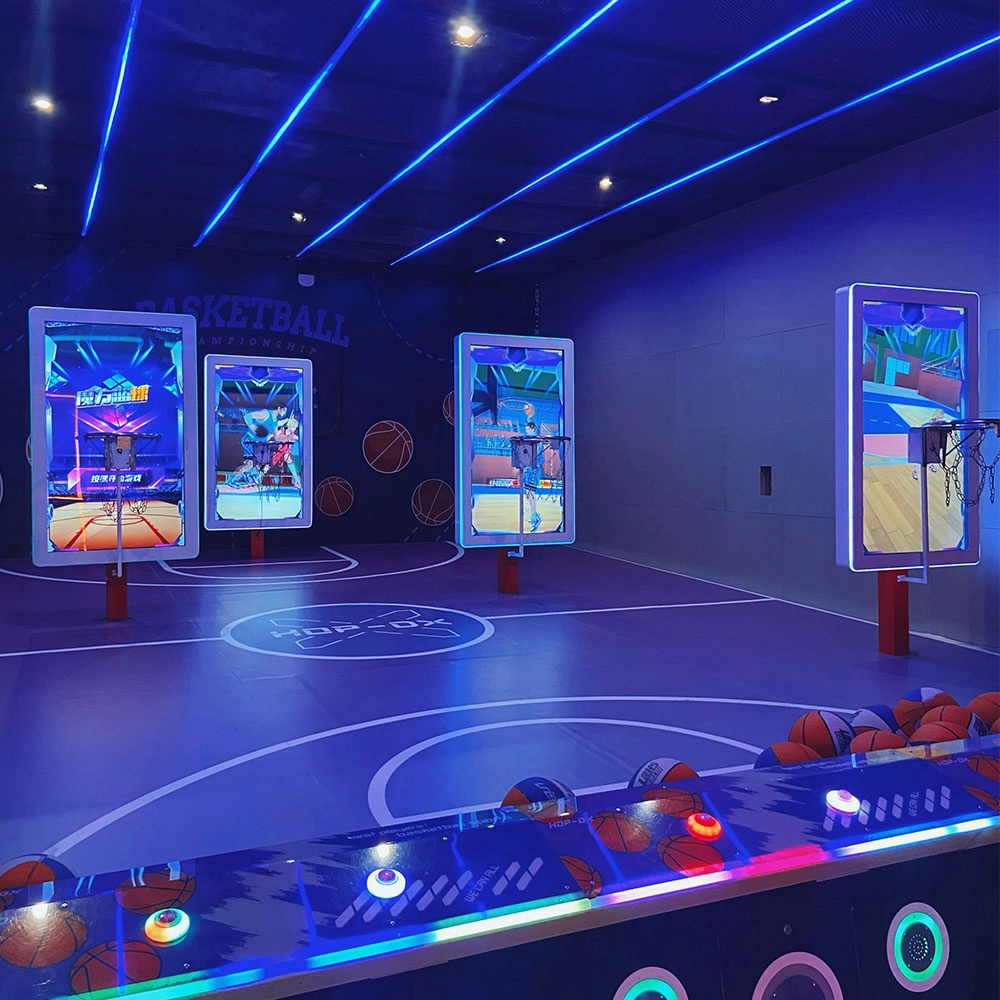
Customizing Game Modes on a Multi-Player Interactive Shooting Machine
Dart Machines Bar Dart Machines
What is the difference between purchasing equipment for commercial operations and personal training?
Commercial operations should consider the durability, ease of operation, and attractiveness of the equipment, and it is preferable to choose cool-looking equipment that can withstand high-frequency use.
FAQ
What problems does the Digital Sports Center solve?
The Digital Sports Trendy Pavilion provides people with an innovative experience place that combines technology and sports, solving some problems existing in traditional sports activities and amusement facilities, while also meeting modern people's needs for digital technology and dynamic experience.
What is to be considered for setting up a digital sports & amusement hall?
The design requirements of digital sports & amusement hall are different from other entertainment venues, and they need to focus on innovation, interactivity and experience.
Products
What is the most reasonable pricing for a mobile target archery program in a commercial setting?
If it is in shopping malls, scenic spots, and other places with high traffic flow, you can refer to the prices of similar entertainment programs in the surrounding area and combine them with your own costs, charging from $30 - $80 for a single session for a single person. If it is in a professional sports arena, for members or long-term training customers, packages can be introduced, such as monthly card 300 - 500 yuan, seasonal card 800 - 1200 yuan, according to different length and service content reasonable pricing.
Holographic Light and Shadow Restaurant
What is holographic projection?
Holographic projection is a technique that utilizes the principles of interference and diffraction to record and reproduce the true three-dimensional image of an object. It records the light information of an object on a hologram, and then uses a specific light source to illuminate the hologram, so that the three-dimensional image of the object can be presented in the air, and the audience can see the realistic stereoscopic image without wearing special glasses.
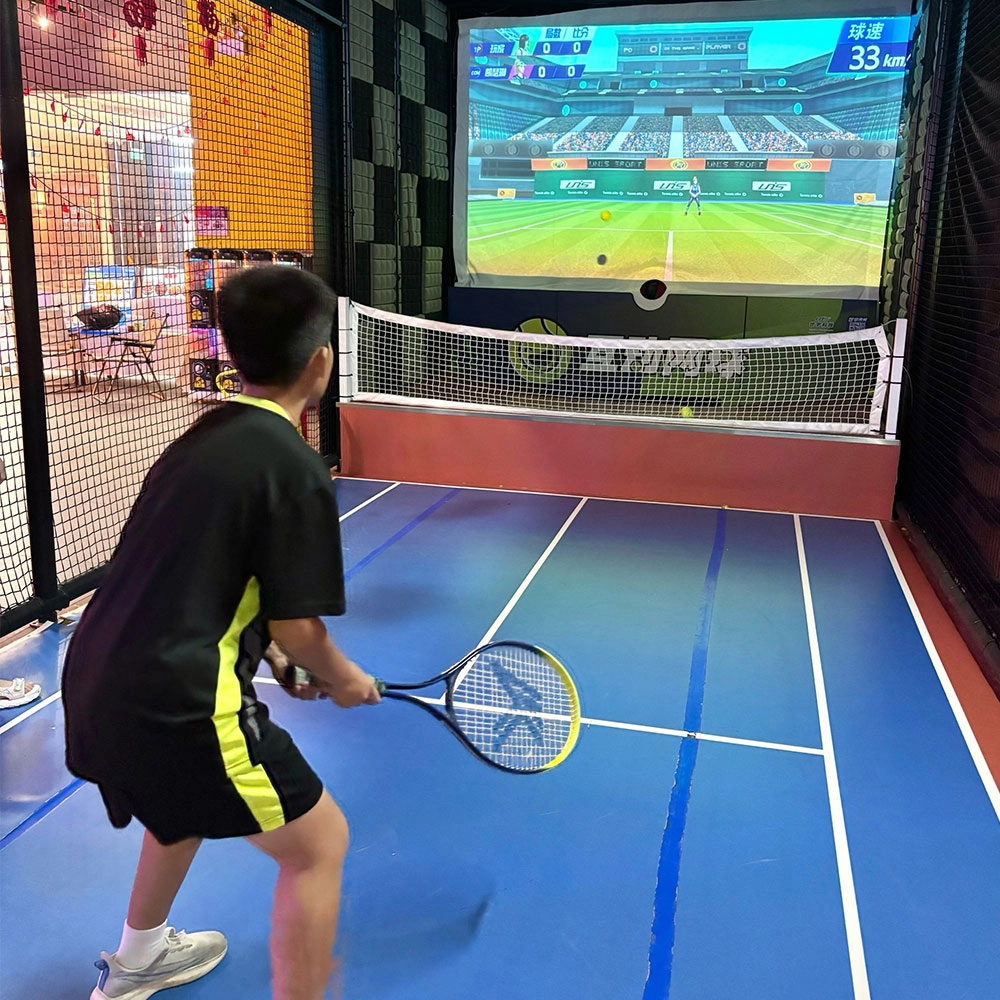
Indoor Tide Play Simulation Tennis Equipment
FUNTECH is full of fun and exciting playgrounds! With high-definition scene projection, force feedback racket, and intelligent scoring system, the simulated tennis equipment in the indoor arcade realizes immersive sports experiences and diversified interactive play, combining the advantages of safety and ease of use with high operational efficiency.
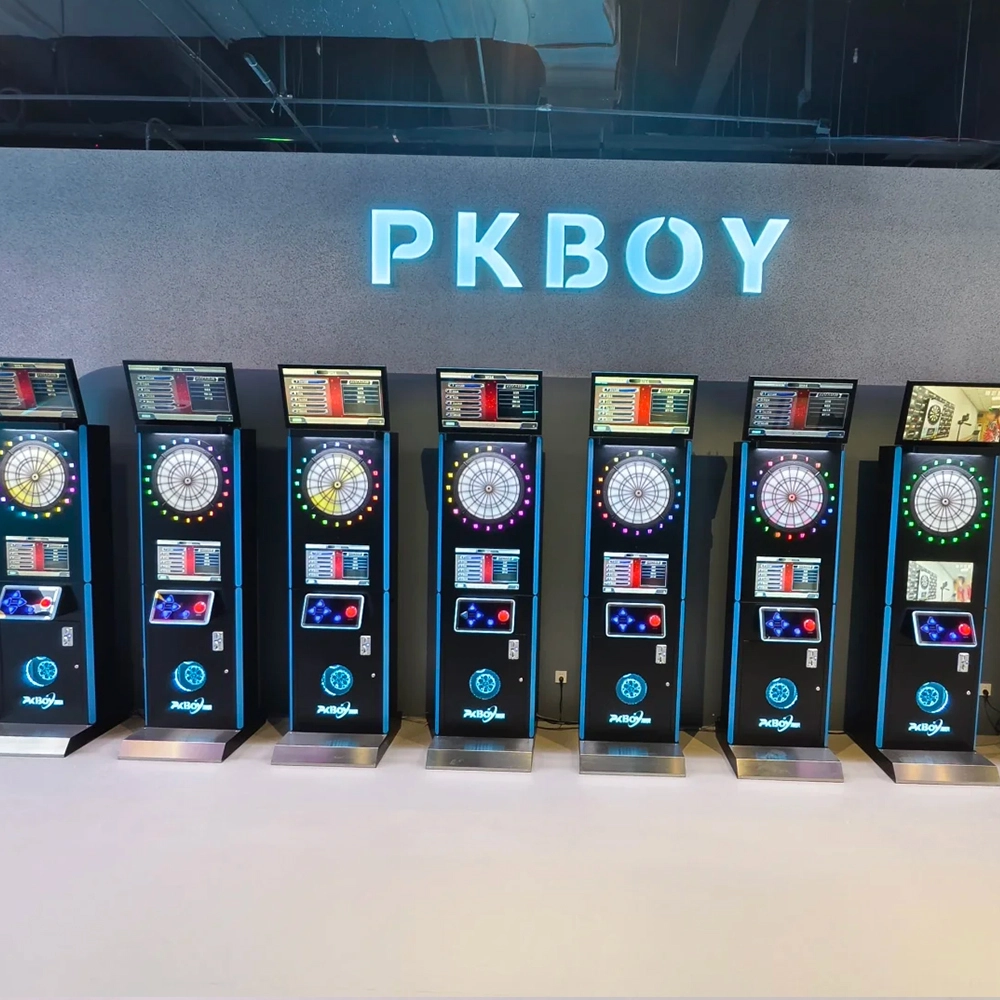
Dart Machines Bar Dart Machines
Joy Power is full of fun and excitement in the playground! The dart machine is suitable for all kinds of places, whether it is a bar, restaurant, KTV, or other entertainment venue, or a sports shop, club, or family leisure space, and can be perfectly adapted. In commercial venues, holding individual and team darts tournaments from time to time can attract more customers and increase the popularity and revenue of the venue, supplemented by various preferential activities, which can directly promote consumption and form a cycle of consumption of all the goods in the shop.
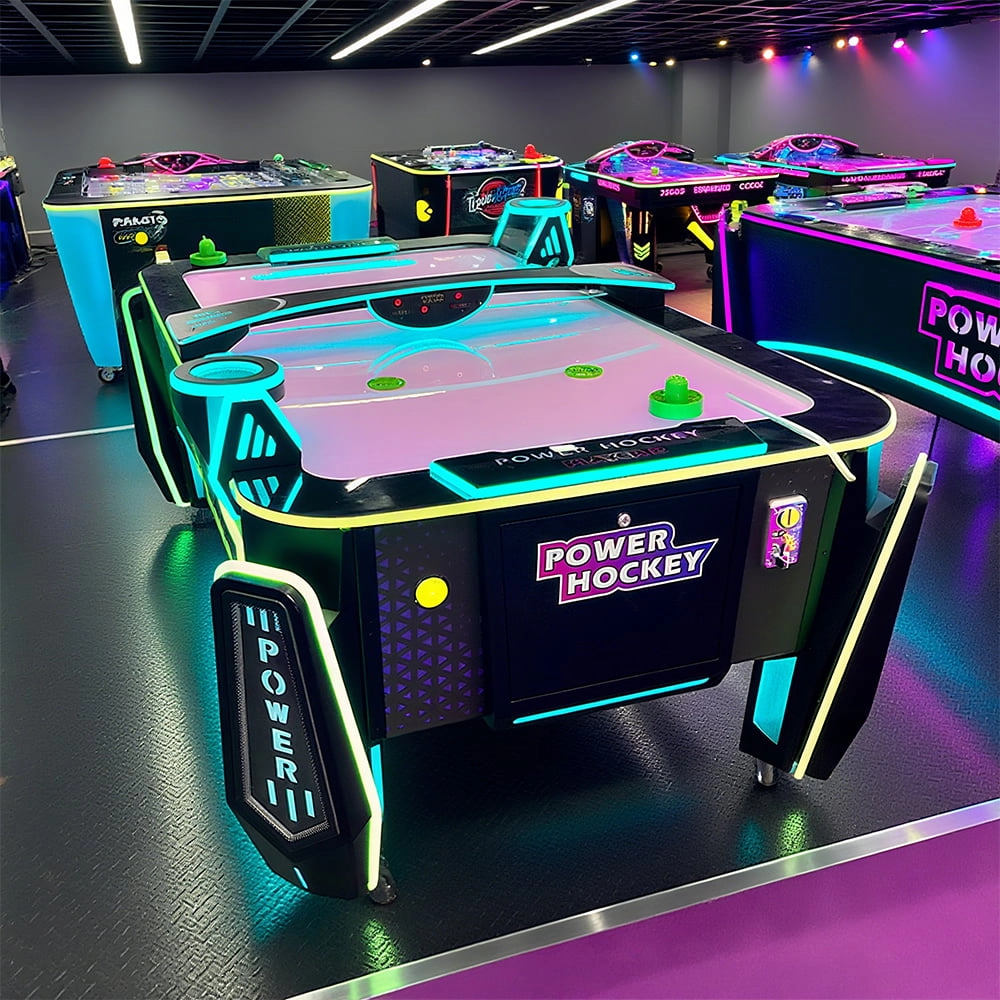
Arcade Hockey
FUNTECH is full of fun and exciting playgrounds! Air hockey, also known as air hockey, is a two-player competitive arcade game comprising a smooth, perforated playing surface, lightweight hockey sticks, a plastic puck, and an electronic scoreboard.
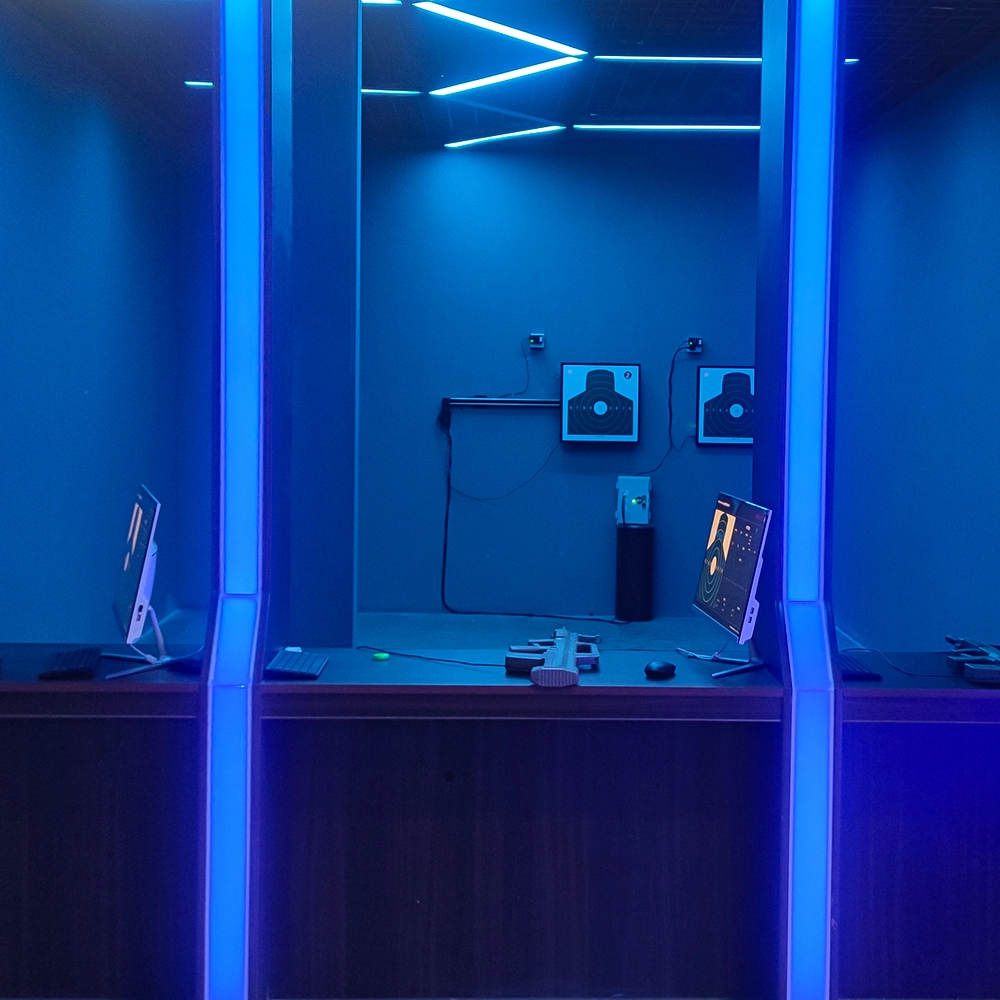
Infrared Shooting
Highly simulated simulation training analysis equipment, with advanced design concepts, fast system development, ease of operation and use, stable technical performance, less consumption of training, site dependence on a small group training is highly interesting, safe, and reliable, and other outstanding features. Product design to solve the basic skills of light weapons precision shooting as a starting point, to improve the safety of shooting training and training efficiency as the fundamental purpose, highlighting the simulation, information technology, and combat training requirements, can be in small indoor and outdoor venues and does not use live ammunition to complete the basic shooting training.
© 2025 FUNTECH ALL RIGHTS RESERVED

Weixia Lei
Fun_Tech-s
fun_tech20