
Which golf simulators are best for beginners?
- Top Golf Simulators for Beginners: A Comprehensive Guide
- 1. What Are the Best Golf Simulators for Beginners?
- 2. How Do Golf Simulators Enhance My Game?
- 3. What Are the Space Requirements for Setting Up a Golf Simulator?
- 4. Are There Affordable Options for Beginners?
- 5. How Do I Choose the Right Simulator for My Needs?
- 6. What Are the Benefits of Using a Golf Simulator?
- 7. How Do I Set Up a Golf Simulator at Home?
- 8. What Are the Limitations of Golf Simulators?
- Conclusion: Why Choose FUNTECH for Your Golf Simulation Needs?
Top Golf Simulators for Beginners: A Comprehensive Guide
As the popularity of indoor golf continues to rise, selecting the right golf simulator becomes crucial for beginners aiming to improve their game. This guide addresses common questions and provides expert insights to assist in making an informed decision.
1. What Are the Best Golf Simulators for Beginners?
For those new to golf simulators, affordability, ease of use, and essential features are paramount. Here are some top recommendations:
Garmin Approach R10: A portable launch monitor offering 15 data points, including ball and club metrics. It features a 10-inch touchscreen and provides access to 43,000 courses.
Phigolf 2 Portable Golf Simulator: An affordable option that uses a sensor attached to a swing stick or real club, integrating with E6 CONNECT for a variety of courses and game modes.
OptiShot 2 Golf Simulator: A budget-friendly simulator that connects to a TV or computer, offering 15 virtual golf courses and practice ranges.
2. How Do Golf Simulators Enhance My Game?
Golf simulators provide instant feedback on various aspects of your swing, including club speed, ball speed, launch angle, and spin rate. This data allows for targeted practice, helping to identify and correct flaws in your technique. Additionally, simulators offer the convenience of practicing in any weather condition and the opportunity to play on virtual versions of renowned courses worldwide.
3. What Are the Space Requirements for Setting Up a Golf Simulator?
Space requirements vary depending on the simulator type:
Radar-Based Launch Monitors: Typically require a minimum of 8 feet of space behind the hitting zone and sufficient room for ball flight in front.
Camera-Based Launch Monitors: Often need only a few feet in front of the golfer or about 9-10 feet overhead.
Ensure your practice area accommodates these dimensions to set up your simulator effectively.
4. Are There Affordable Options for Beginners?
Yes, several affordable simulators cater to beginners:
Phigolf 2: An economical choice that offers a compact and portable setup, suitable for both indoor and outdoor use.
OptiShot 2: A cost-effective simulator that provides access to multiple virtual courses and practice ranges.
These options allow beginners to experience the benefits of golf simulation without a significant financial commitment.
5. How Do I Choose the Right Simulator for My Needs?
Consider the following factors when selecting a simulator:
Budget: Determine how much you're willing to invest.
Space Availability: Measure your practice area to ensure it meets the simulator's space requirements.
Features: Identify which features are most important to you, such as data tracking, course variety, or multiplayer capabilities.
Software Compatibility: Ensure the simulator is compatible with your devices and offers the software features you desire.
By evaluating these aspects, you can select a simulator that aligns with your goals and enhances your golfing experience.
6. What Are the Benefits of Using a Golf Simulator?
Golf simulators offer numerous advantages:
Convenience: Practice at any time, regardless of weather conditions.
Comprehensive Feedback: Receive detailed insights into your swing mechanics and ball flight.
Variety: Access to a wide range of courses and game modes to keep practice sessions engaging.
Cost-Effective Practice: Reduce the expenses associated with traditional course play.
7. How Do I Set Up a Golf Simulator at Home?
Setting up a golf simulator involves:
Selecting the Simulator: Choose one that fits your budget and space.
Preparing the Space: Ensure the area meets the simulator's space requirements.
Installing the Equipment: Follow the manufacturer's instructions for setup.
Connecting Devices: Link the simulator to your computer or mobile device.
Calibration: Calibrate the system to ensure accurate readings.
Detailed guides are available from manufacturers and online communities to assist with the setup process.
8. What Are the Limitations of Golf Simulators?
While golf simulators offer many benefits, they have some limitations:
Initial Cost: High-end simulators can be expensive.
Space Requirements: Adequate space is necessary for setup.
Realism: Some simulators may not perfectly replicate the feel of playing on an actual course.
Understanding these limitations can help set realistic expectations and guide your purchasing decision.
Conclusion: Why Choose FUNTECH for Your Golf Simulation Needs?
FUNTECH offers a range of high-quality golf simulators designed to enhance your practice sessions. With a focus on accuracy, user-friendly interfaces, and comprehensive features, FUNTECH ensures a realistic and enjoyable golfing experience. Their commitment to customer satisfaction and continuous product innovation makes them a top choice for golfers seeking to improve their game through simulation technology.
References:
Garmin Approach R10:
Phigolf 2 Portable Golf Simulator:
OptiShot 2 Golf Simulator:
Space Requirements for Golf Simulators:
Affordable Home Golf Simulators for Beginners:
The BEST Home Golf Simulators for ANY Budget:
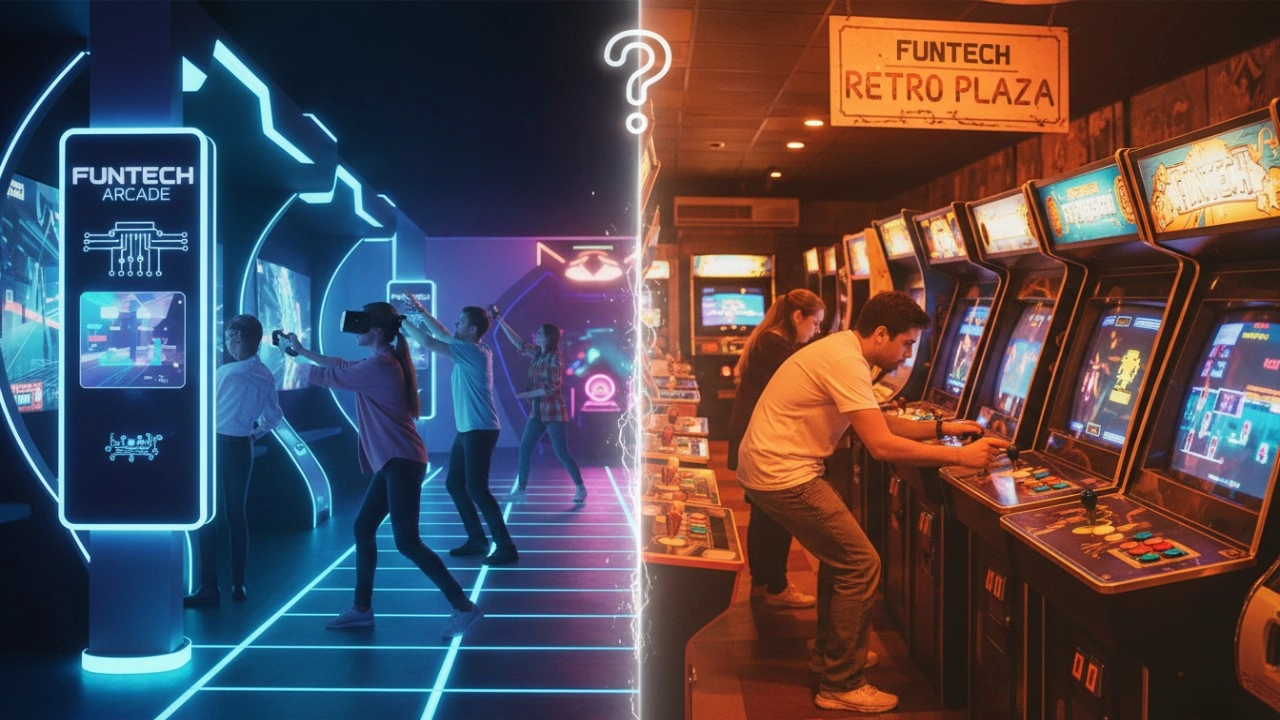
Interactive Sports Arcade vs Traditional Arcade Machines: Key Differences (2026 Guide)
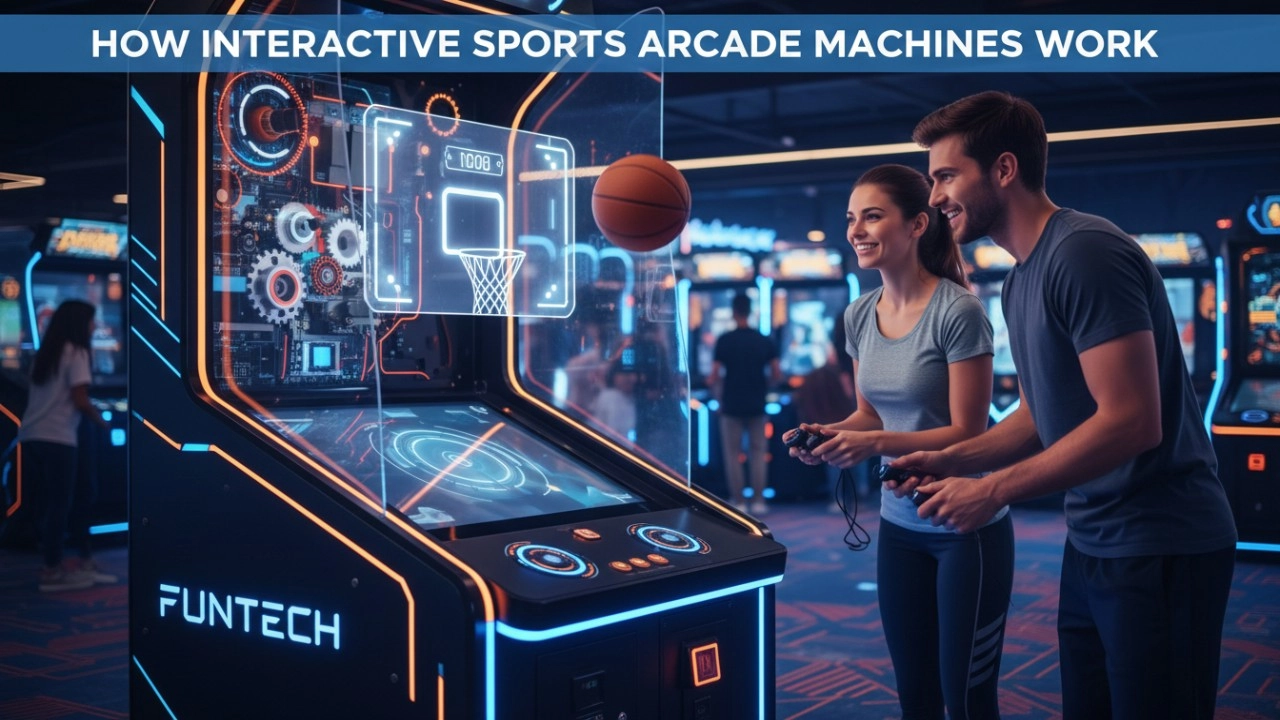
How Interactive Sports Arcade Machines Work (Sensors, Projection & AI) - 2026 Guide
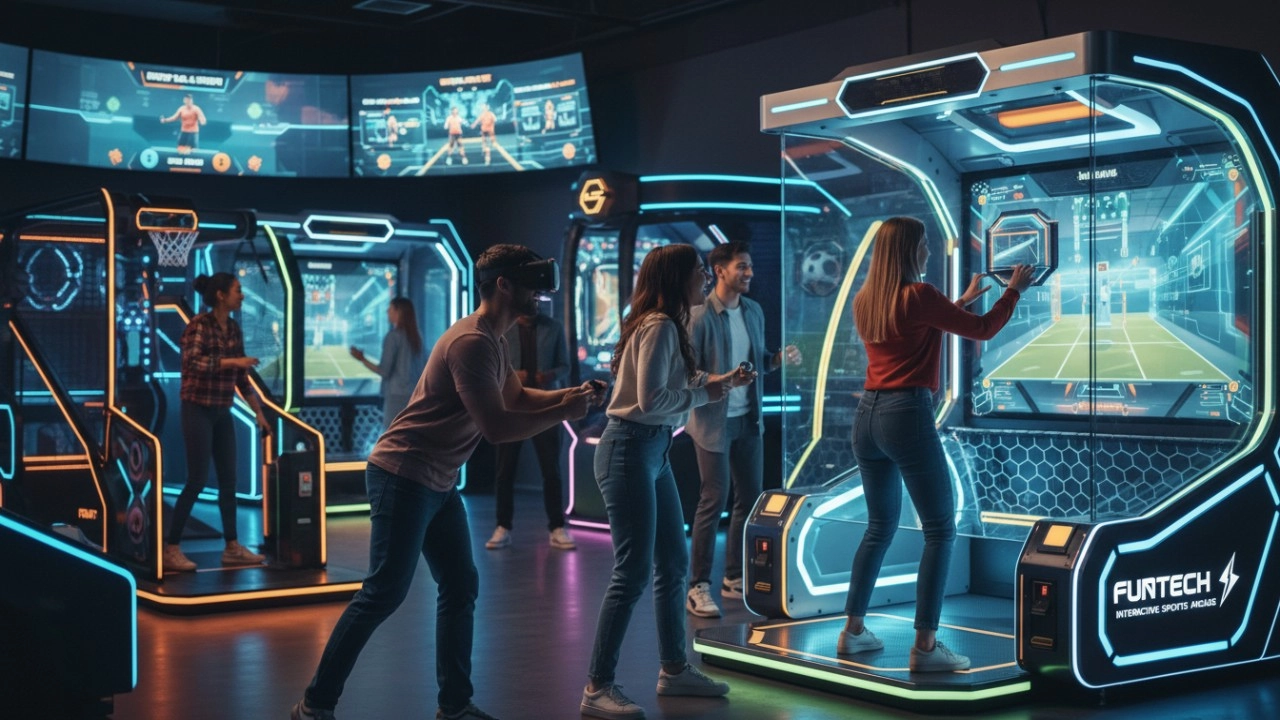
What Defines Interactive Sports Arcade Equipment in 2026?
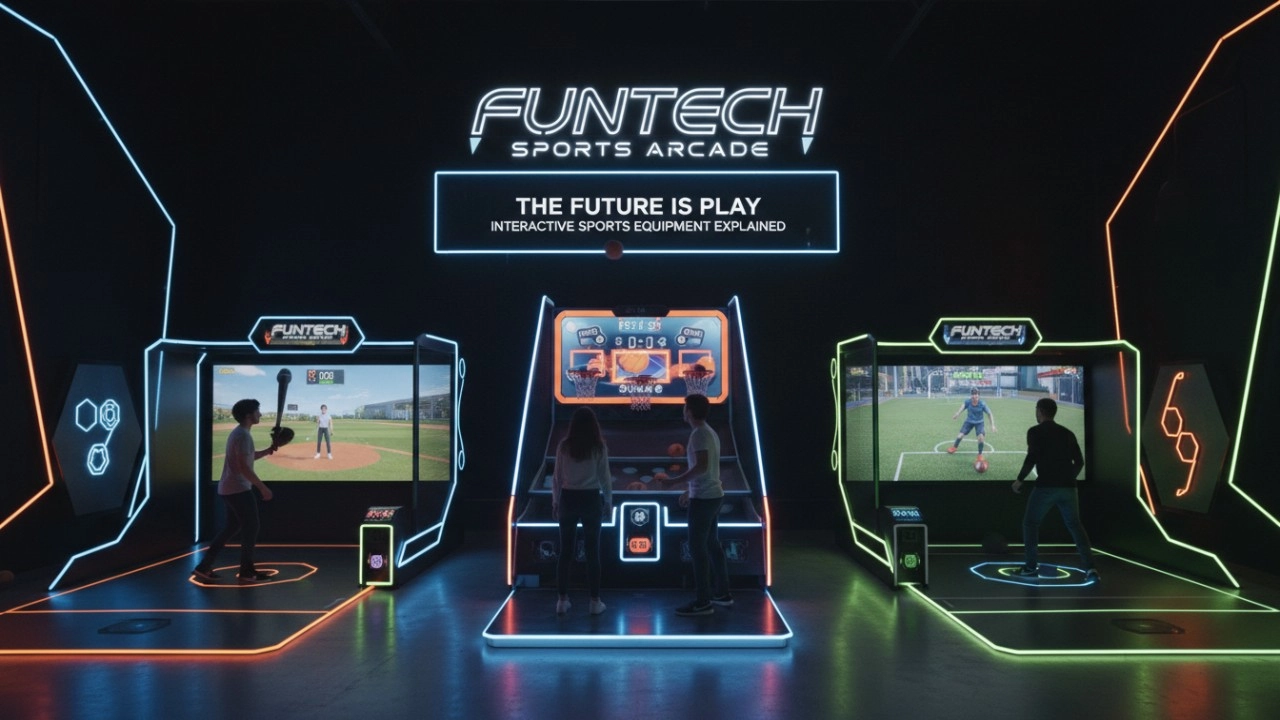
What Is Interactive Sports Arcade Equipment? Complete Beginner Guide (2026)
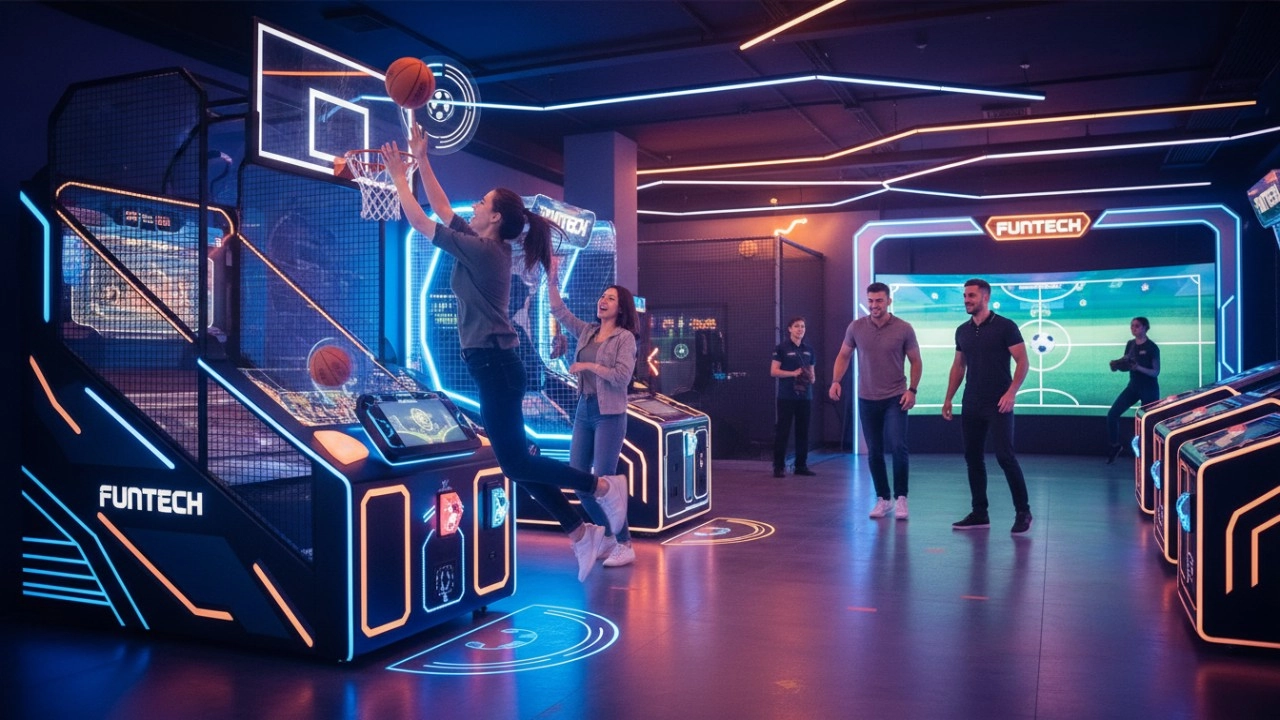
The Ultimate Guide to Interactive Sports Arcade Equipment for Commercial Entertainment (2026 Edition)
Dart Machines Bar Dart Machines
How often does the equipment require maintenance?
For daily use, simple monthly maintenance, such as simple cosmetic cleaning and function checking after use, is sufficient. A more comprehensive quarterly maintenance is sufficient.
Holographic Light and Shadow Restaurant
What are the application scenarios of holographic projection?
Holographic projection has a wide range of applications in multiple fields. In the commercial field, it can be used for product display, advertising promotion, stage performances, etc., such as three-dimensional product display in shopping malls and virtual singer performances at concerts. In the field of education, it can be used for teaching demonstrations to help students understand complex scientific knowledge more intuitively. In the field of exhibition display, it can create an immersive exhibition experience and attract the attention of the audience.
FAQ
What problems does the Digital Sports Center solve?
The Digital Sports Trendy Pavilion provides people with an innovative experience place that combines technology and sports, solving some problems existing in traditional sports activities and amusement facilities, while also meeting modern people's needs for digital technology and dynamic experience.
Golf Simulator
What is the difference between purchasing equipment for commercial operations and personal training?
Commercial operations should consider the durability, ease of operation, and attractiveness of the equipment, and it is preferable to choose cool-looking equipment that can withstand high-frequency use.
Infrared Shooting
How to reduce operating costs?
Starting with equipment procurement, choose cost-effective, durable and easy-to-maintain products, which can save money for subsequent maintenance. Reasonable arrangement of staff, reduce the number of staff on duty during off-peak hours, train staff to have multi-skills, such as being able to operate the equipment and guide customers part-time, so as to improve the efficiency of manpower and reduce the cost of manpower.
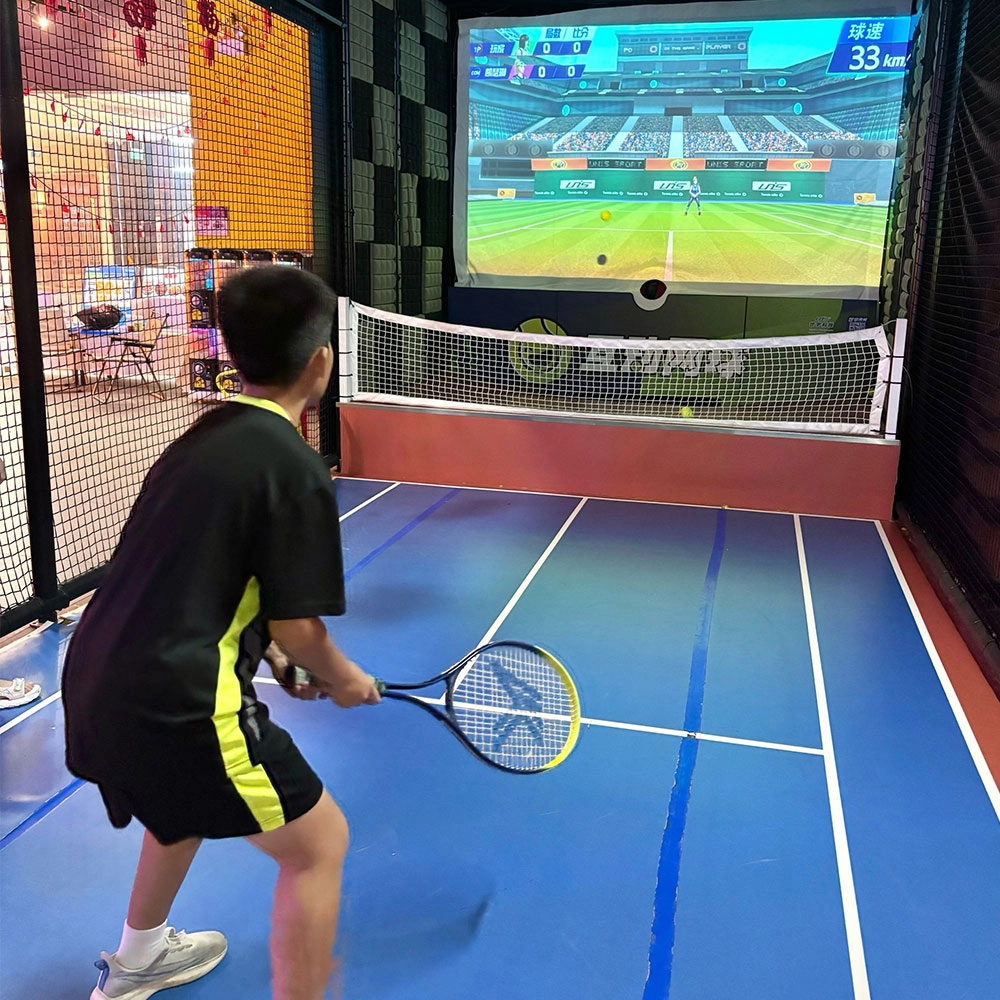
Indoor Tide Play Simulation Tennis Equipment
FUNTECH is full of fun and exciting playgrounds! With high-definition scene projection, force feedback racket, and intelligent scoring system, the simulated tennis equipment in the indoor arcade realizes immersive sports experiences and diversified interactive play, combining the advantages of safety and ease of use with high operational efficiency.
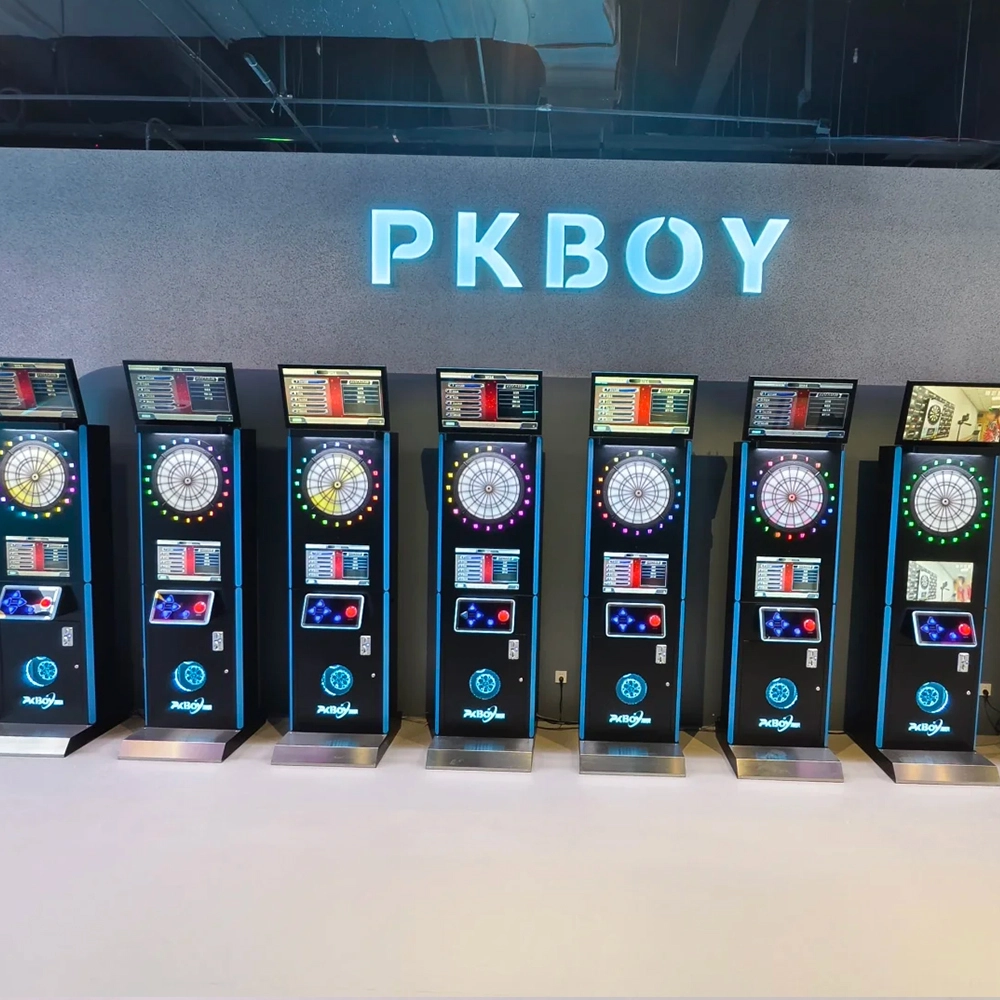
Dart Machines Bar Dart Machines
Joy Power is full of fun and excitement in the playground! The dart machine is suitable for all kinds of places, whether it is a bar, restaurant, KTV, or other entertainment venue, or a sports shop, club, or family leisure space, and can be perfectly adapted. In commercial venues, holding individual and team darts tournaments from time to time can attract more customers and increase the popularity and revenue of the venue, supplemented by various preferential activities, which can directly promote consumption and form a cycle of consumption of all the goods in the shop.
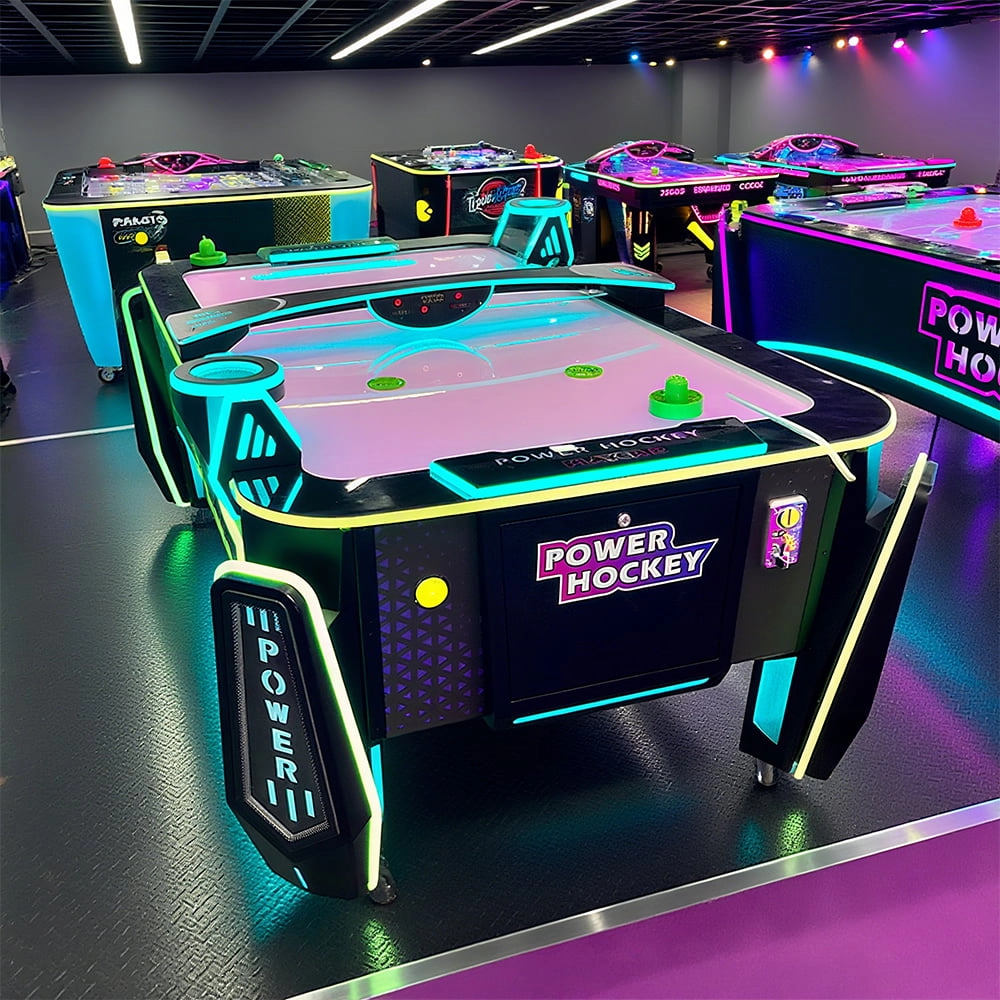
Arcade Hockey
FUNTECH is full of fun and exciting playgrounds! Air hockey, also known as air hockey, is a two-player competitive arcade game comprising a smooth, perforated playing surface, lightweight hockey sticks, a plastic puck, and an electronic scoreboard.
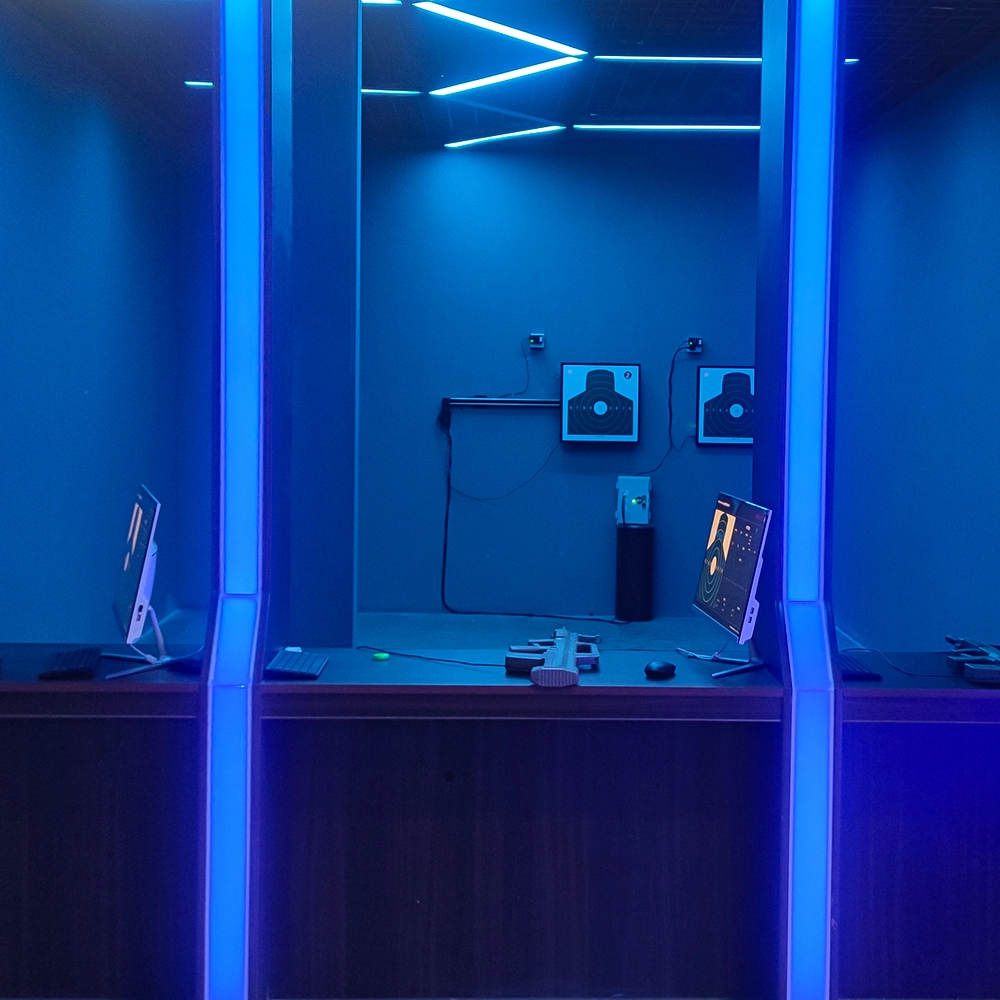
Infrared Shooting
Highly simulated simulation training analysis equipment, with advanced design concepts, fast system development, ease of operation and use, stable technical performance, less consumption of training, site dependence on a small group training is highly interesting, safe, and reliable, and other outstanding features. Product design to solve the basic skills of light weapons precision shooting as a starting point, to improve the safety of shooting training and training efficiency as the fundamental purpose, highlighting the simulation, information technology, and combat training requirements, can be in small indoor and outdoor venues and does not use live ammunition to complete the basic shooting training.
Ready to take your venue to the next level?
Leave us a message here, and our team will get back to you promptly.
Whether you're interested in custom orders, technical specifications, or partnership opportunities, we're here to assist you.
© 2025 FUNTECH ALL RIGHTS RESERVED

Weixia Lei
Fun_Tech-s
fun_tech20