
How accurate are distance measurements in simulators?
- Top Golf Simulators: Your Guide to Choosing the Best for Home Use
- 1. What Are the Top Golf Simulators for Home Use?
- 2. How Accurate Are Distance Measurements in Golf Simulators?
- 3. What Factors Should I Consider When Choosing a Golf Simulator?
- 4. Can Golf Simulators Help Improve My Game?
- 5. Are There Affordable Golf Simulators Suitable for Home Use?
- 6. What Are the Space Requirements for Setting Up a Golf Simulator?
- 7. How Do I Maintain My Golf Simulator?
- 8. What Are the Benefits of Using a Golf Simulator at Home?
- Conclusion: Why Choose FUNTECH for Your Golf Simulation Needs?
Top Golf Simulators: Your Guide to Choosing the Best for Home Use
Golf simulators have revolutionized the way enthusiasts practice and enjoy the game, offering a realistic and convenient alternative to traditional courses. With numerous options available, selecting the right simulator can be challenging. This guide explores some of the top golf simulators, their features, and considerations to help you make an informed decision.
1. What Are the Top Golf Simulators for Home Use?
Several golf simulators stand out for their performance, realism, and user experience:
SkyTrak SIG10 Simulator: Combining advanced technology with a user-friendly interface, the SkyTrak SIG10 offers detailed ball and club data, including velocity, backspin, launch angle, and more.
Full Swing KIT: Endorsed by professional golfers like Tiger Woods, the Full Swing KIT utilizes radar and camera technology to provide accurate shot analysis and a vast library of virtual courses.
EYE XO2 Launch Monitor: Featuring a triple infrared camera system, the EYE XO2 delivers precise club and ball tracking data across 24 parameters, enhancing training flexibility.
2. How Accurate Are Distance Measurements in Golf Simulators?
The accuracy of distance measurements in golf simulators varies based on the technology used and the quality of the setup. High-end simulators like the SkyTrak SIG10 and Full Swing KIT are known for their precise distance tracking, closely mirroring real-world performance. However, entry-level models may exhibit slight discrepancies due to less advanced technology. Ensuring proper calibration and setup is crucial for achieving accurate measurements.
3. What Factors Should I Consider When Choosing a Golf Simulator?
When selecting a golf simulator, consider the following factors:
Space Requirements: Ensure your designated area accommodates the simulator's dimensions, including the hitting area and projection screen.
Budget: Determine your budget, as prices range from a few hundred to several thousand dollars, with higher-end models offering more features.
Software Compatibility: Check if the simulator is compatible with software that offers a variety of courses and practice modes.
Data Parameters: Assess the range of data points the simulator provides, such as ball speed, launch angle, and spin rate, to ensure it meets your training needs.
4. Can Golf Simulators Help Improve My Game?
Yes, golf simulators are effective tools for improving your game. They provide instant feedback on various aspects of your swing and ball flight, allowing you to identify areas for improvement. Additionally, simulators enable practice in different weather conditions and on courses worldwide, offering a diverse training experience.
5. Are There Affordable Golf Simulators Suitable for Home Use?
Yes, there are affordable options available for home use. For instance, the Phigolf 2 Portable Golf Simulator offers a compact and budget-friendly solution, integrating with mobile devices to provide a realistic golfing experience.
6. What Are the Space Requirements for Setting Up a Golf Simulator?
Space requirements vary depending on the simulator's design and technology. Generally, a minimum space of 9 feet in height, 12 feet in width, and 14 feet in depth is recommended to accommodate the simulator and allow for a full swing.
7. How Do I Maintain My Golf Simulator?
Proper maintenance ensures the longevity and accuracy of your golf simulator:
Regular Calibration: Periodically calibrate the system to maintain accurate measurements.
Software Updates: Keep the software updated to access new features and courses.
Cleaning: Clean the sensors and screens regularly to prevent dust buildup, which can affect performance.
Storage: Store the simulator in a dry, temperature-controlled environment to protect electronic components.
8. What Are the Benefits of Using a Golf Simulator at Home?
Using a golf simulator at home offers several advantages:
Convenience: Practice anytime without the need to travel to a course.
Cost-Effective: Eliminate greens fees and travel expenses associated with traditional golfing.
Comprehensive Data: Access detailed analytics to monitor and improve your performance over time.
Variety: Play on a wide range of courses and practice different shots to enhance your skills.
Conclusion: Why Choose FUNTECH for Your Golf Simulation Needs?
When selecting a golf simulator, consider the features, accuracy, and support offered by the manufacturer. FUNTECH stands out by providing high-quality simulators that cater to both beginners and advanced players. Their products are known for durability, user-friendly interfaces, and comprehensive customer support, ensuring a satisfying and effective golfing experience at home.
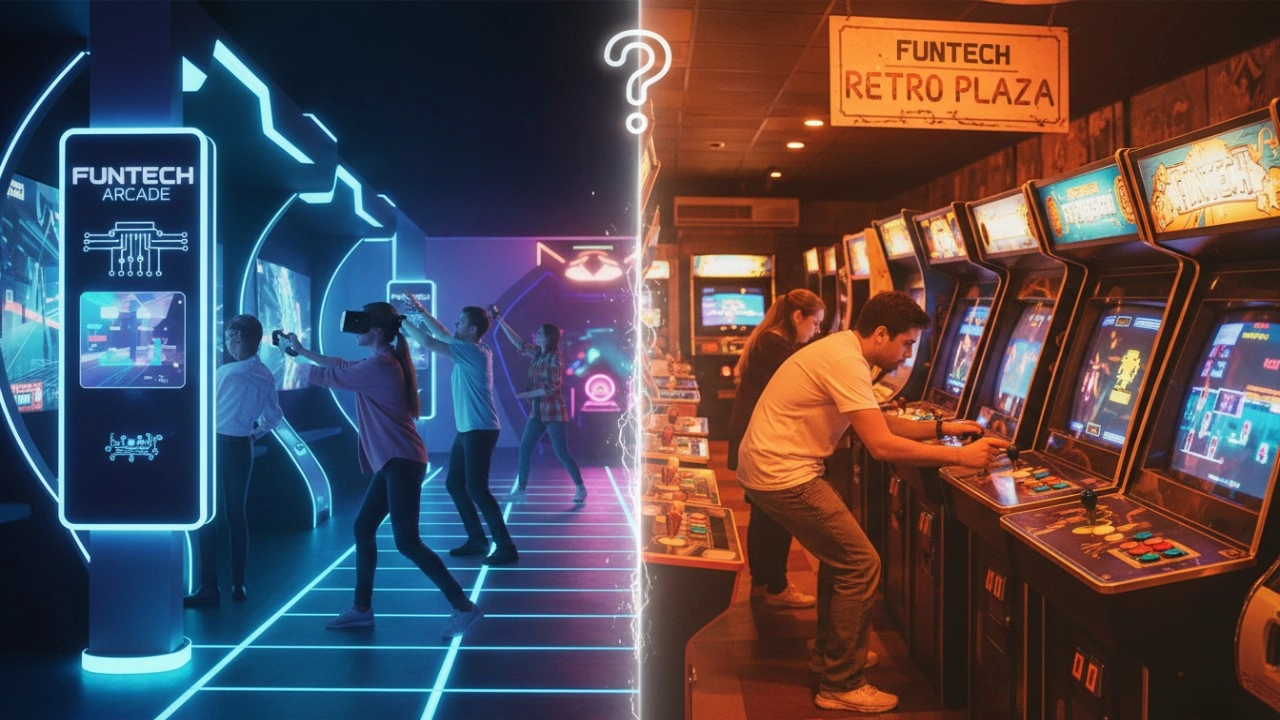
Interactive Sports Arcade vs Traditional Arcade Machines: Key Differences (2026 Guide)
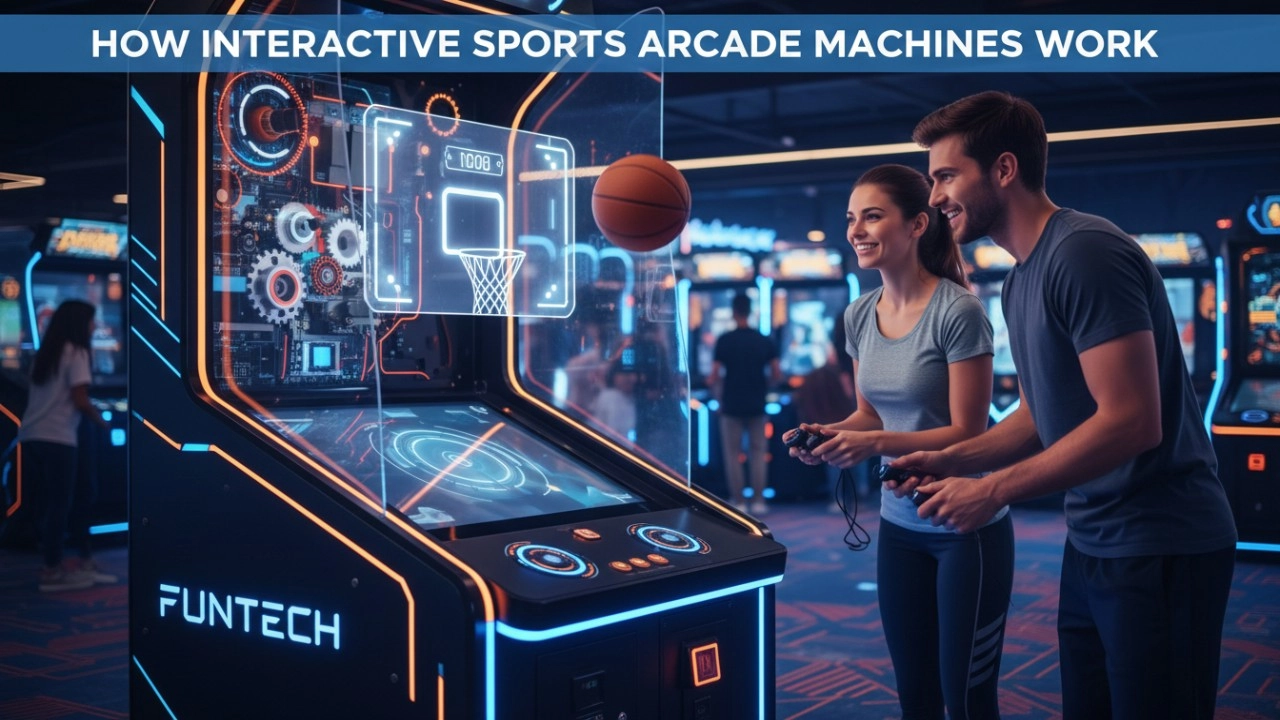
How Interactive Sports Arcade Machines Work (Sensors, Projection & AI) - 2026 Guide
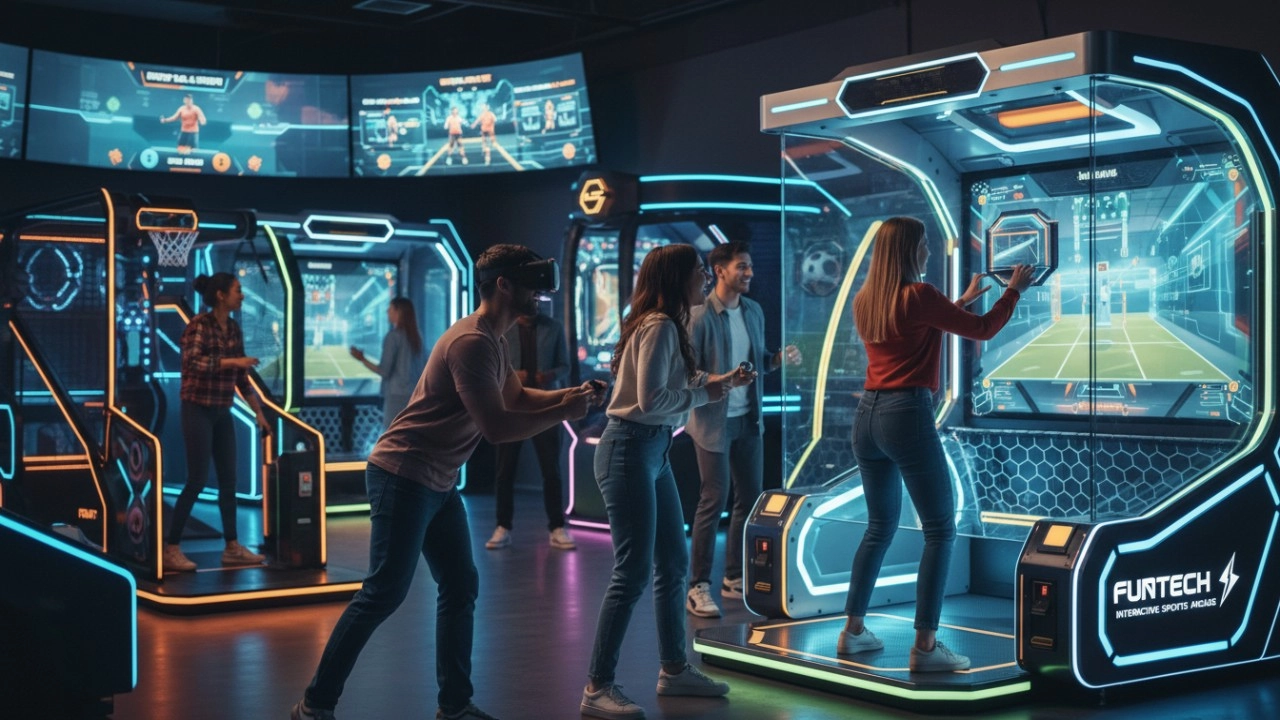
What Defines Interactive Sports Arcade Equipment in 2026?
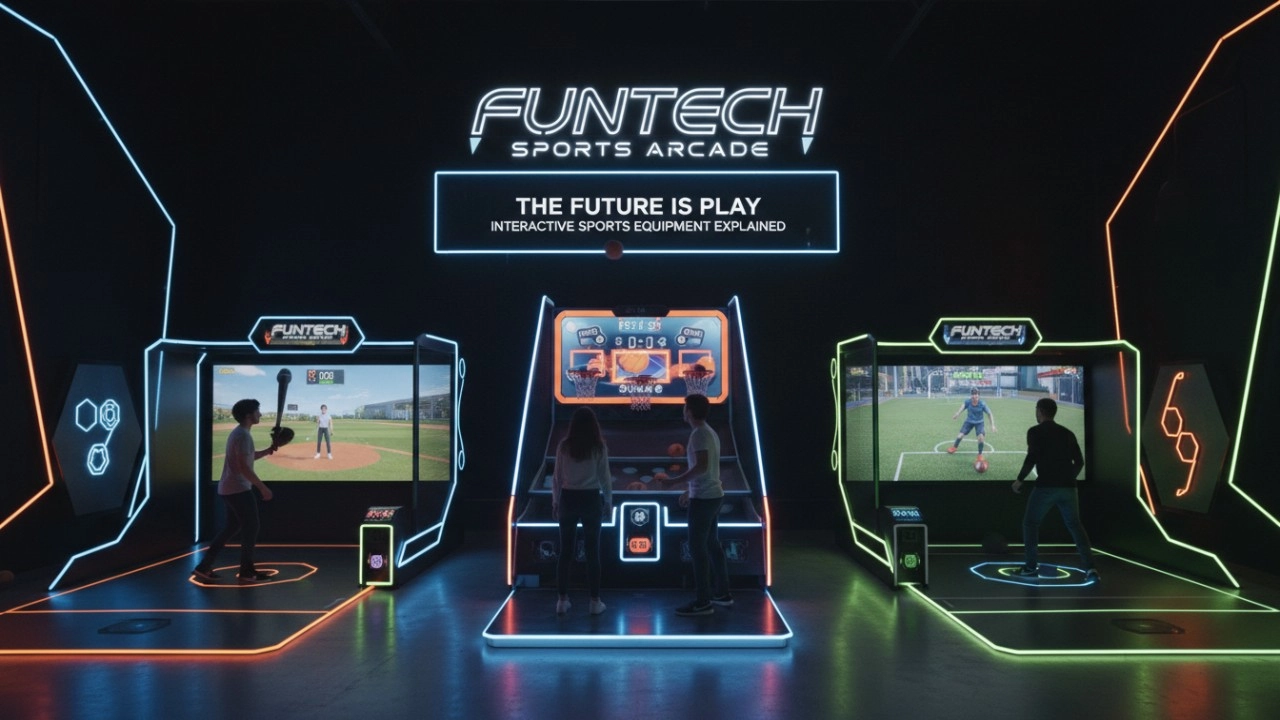
What Is Interactive Sports Arcade Equipment? Complete Beginner Guide (2026)
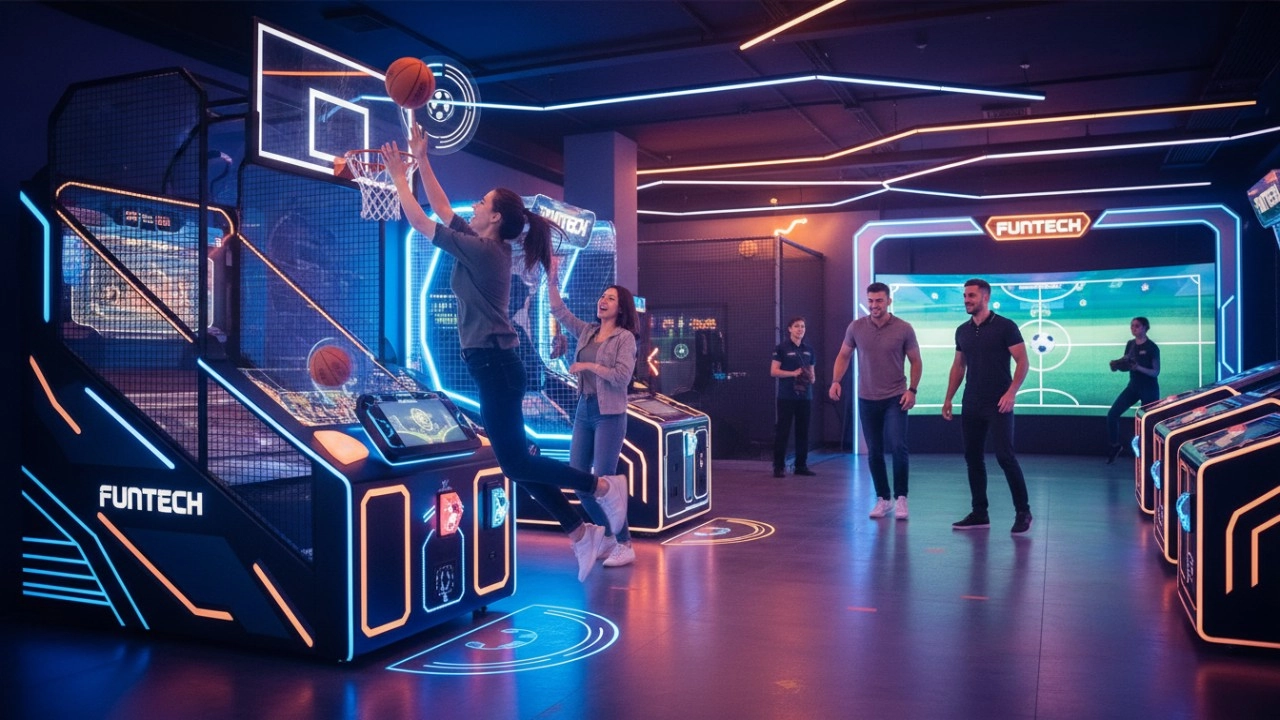
The Ultimate Guide to Interactive Sports Arcade Equipment for Commercial Entertainment (2026 Edition)
Interactive Rollerball
What is the difference between purchasing equipment for commercial operations and personal training?
Commercial operations should consider the durability, ease of operation, and attractiveness of the equipment, and it is preferable to choose cool-looking equipment that can withstand high-frequency use.
Why are sports arcades a hot spot for investment?
The traditional entertainment market (e.g., arcade, KTV) has become less attractive to generations, while digital hip playgrounds integrating technology, sports, and socialization are more in line with young people's needs, and the market size has exceeded 50 billion in 2023, with an annual growth rate of more than 30%.
FAQ
What is to be considered for setting up a digital sports & amusement hall?
The design requirements of digital sports & amusement hall are different from other entertainment venues, and they need to focus on innovation, interactivity and experience.
Golf Simulator
What is the difference between purchasing equipment for commercial operations and personal training?
Commercial operations should consider the durability, ease of operation, and attractiveness of the equipment, and it is preferable to choose cool-looking equipment that can withstand high-frequency use.
Infrared Shooting
What is the difference between purchasing equipment for commercial operations and personal training?
Commercial operations should consider the durability, ease of operation, and attractiveness of the equipment, and it is preferable to choose cool-looking equipment that can withstand high-frequency use.
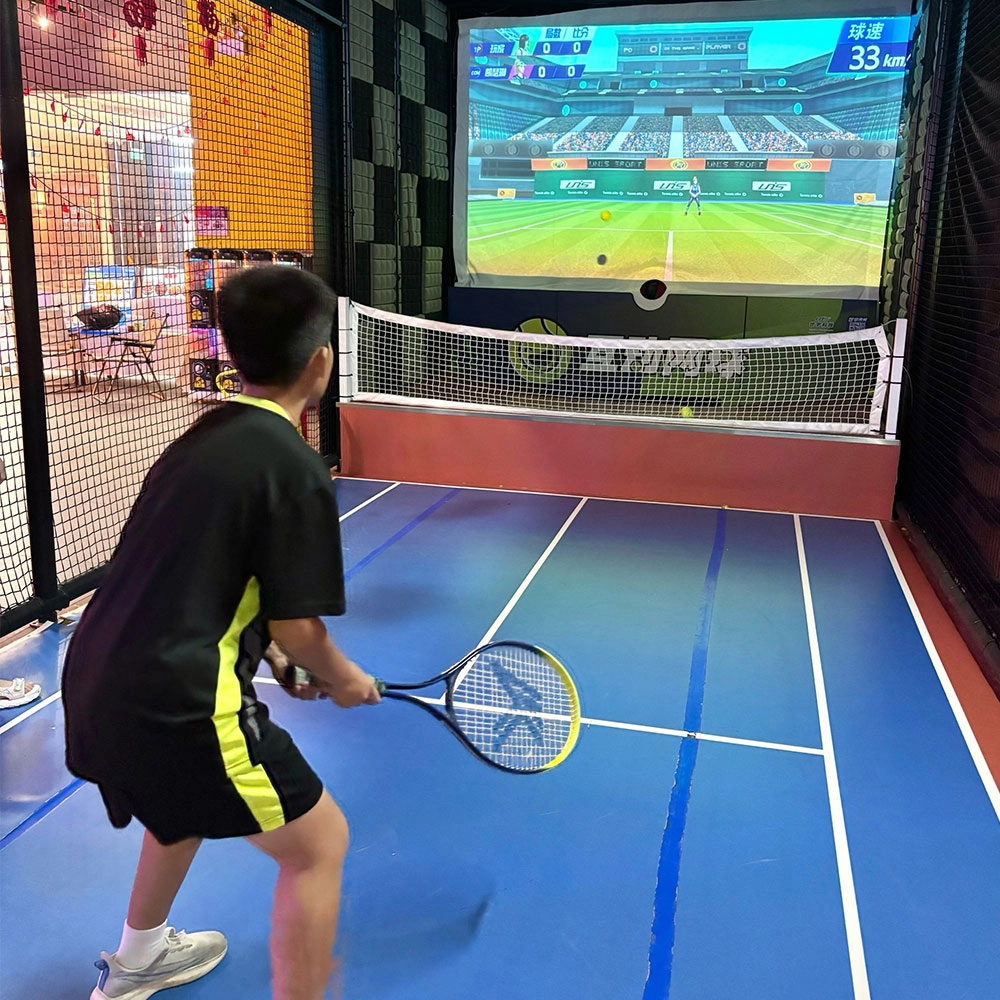
Indoor Tide Play Simulation Tennis Equipment
FUNTECH is full of fun and exciting playgrounds! With high-definition scene projection, force feedback racket, and intelligent scoring system, the simulated tennis equipment in the indoor arcade realizes immersive sports experiences and diversified interactive play, combining the advantages of safety and ease of use with high operational efficiency.
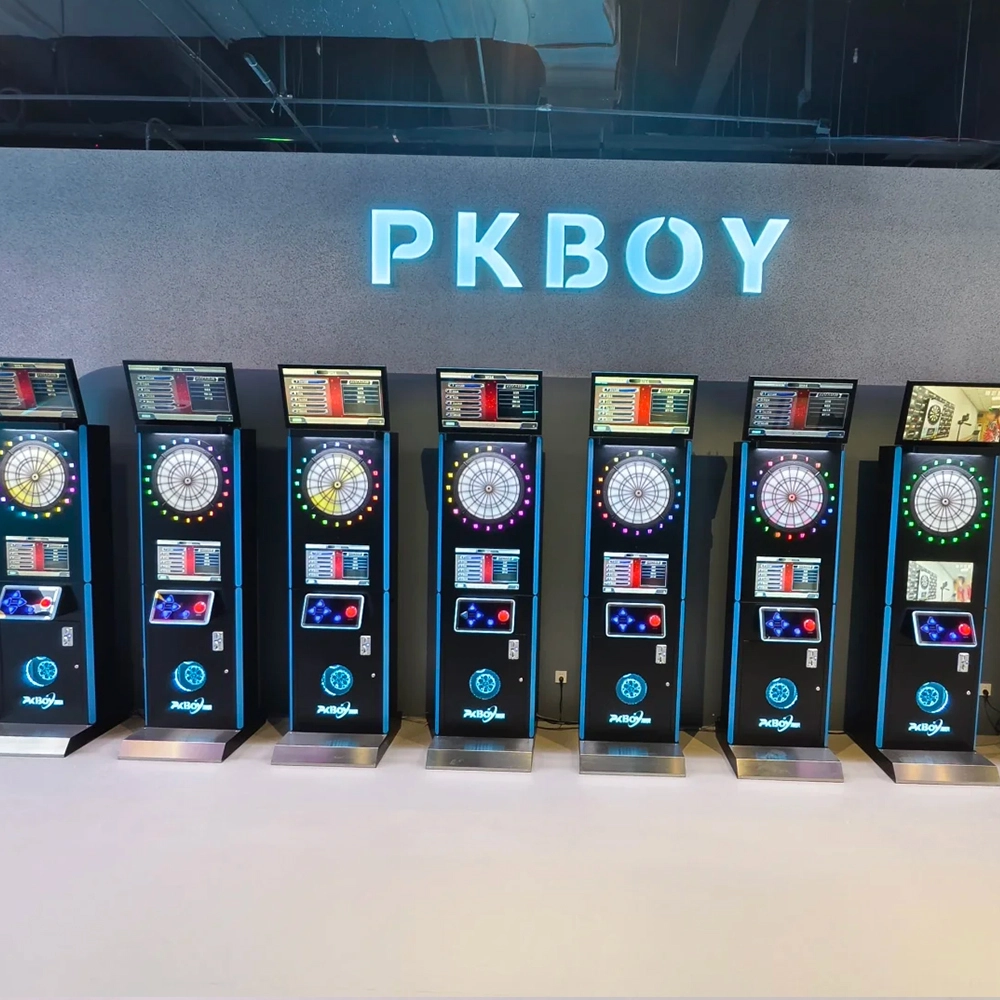
Dart Machines Bar Dart Machines
Joy Power is full of fun and excitement in the playground! The dart machine is suitable for all kinds of places, whether it is a bar, restaurant, KTV, or other entertainment venue, or a sports shop, club, or family leisure space, and can be perfectly adapted. In commercial venues, holding individual and team darts tournaments from time to time can attract more customers and increase the popularity and revenue of the venue, supplemented by various preferential activities, which can directly promote consumption and form a cycle of consumption of all the goods in the shop.
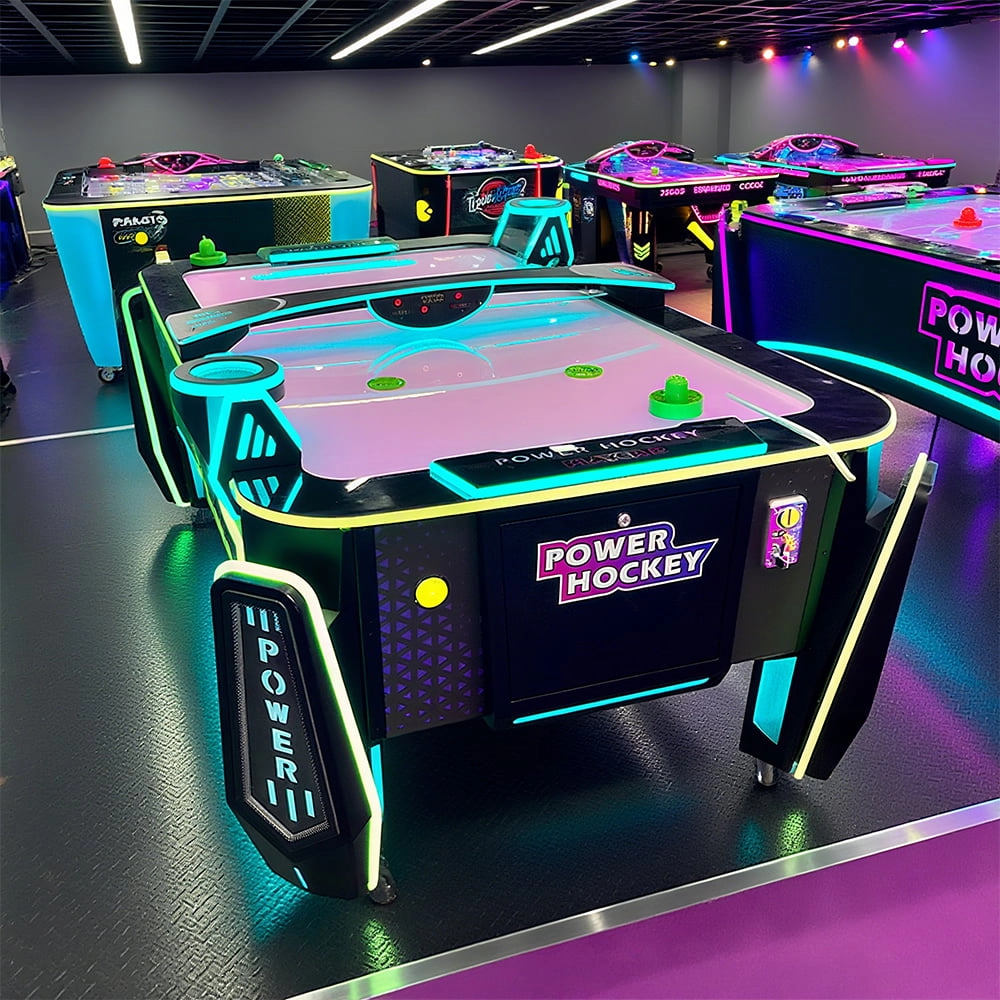
Arcade Hockey
FUNTECH is full of fun and exciting playgrounds! Air hockey, also known as air hockey, is a two-player competitive arcade game comprising a smooth, perforated playing surface, lightweight hockey sticks, a plastic puck, and an electronic scoreboard.
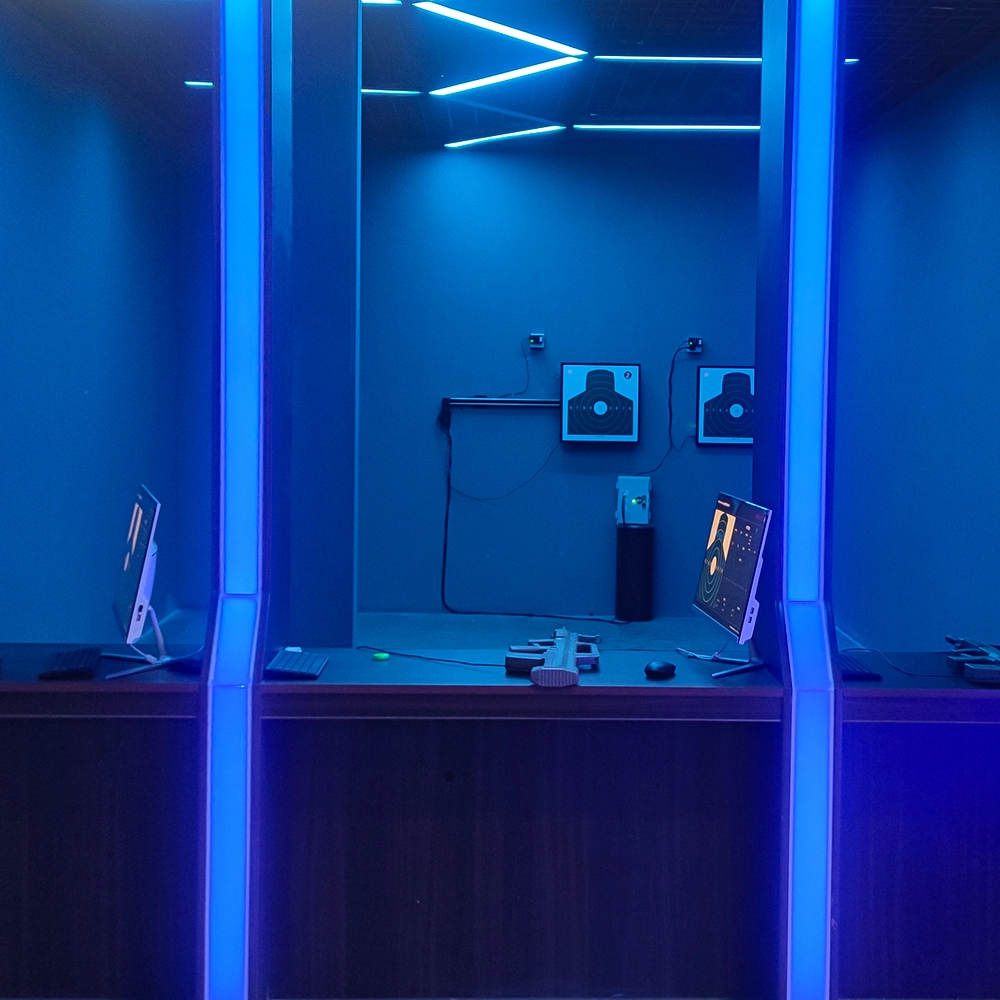
Infrared Shooting
Highly simulated simulation training analysis equipment, with advanced design concepts, fast system development, ease of operation and use, stable technical performance, less consumption of training, site dependence on a small group training is highly interesting, safe, and reliable, and other outstanding features. Product design to solve the basic skills of light weapons precision shooting as a starting point, to improve the safety of shooting training and training efficiency as the fundamental purpose, highlighting the simulation, information technology, and combat training requirements, can be in small indoor and outdoor venues and does not use live ammunition to complete the basic shooting training.
Ready to take your venue to the next level?
Leave us a message here, and our team will get back to you promptly.
Whether you're interested in custom orders, technical specifications, or partnership opportunities, we're here to assist you.
© 2025 FUNTECH ALL RIGHTS RESERVED

Weixia Lei
Fun_Tech-s
fun_tech20