
How do simulators perform with low ceiling heights?
- Comprehensive Guide to Selecting Top Golf Simulators for Low Ceiling Spaces
- 1. What is the Minimum Ceiling Height Required for a Golf Simulator?
- 2. Which Golf Simulators Are Best Suited for Low Ceiling Environments?
- 3. How Can I Maximize Swing Space in a Low Ceiling Room?
- 4. What Are the Space Requirements for a Golf Simulator?
- 5. How Do Simulators Perform in Low Ceiling Environments?
- 6. What Are the Costs Associated with Setting Up a Golf Simulator in a Low Ceiling Room?
- 7. Are There Any Brands Specializing in Golf Simulators for Low Ceiling Spaces?
Comprehensive Guide to Selecting Top Golf Simulators for Low Ceiling Spaces
Setting up a golf simulator in a room with low ceilings presents unique challenges, but with careful planning and the right equipment, you can create an effective and enjoyable indoor golfing experience. This guide addresses common questions and provides expert insights to assist you in making informed decisions.
1. What is the Minimum Ceiling Height Required for a Golf Simulator?
The minimum recommended ceiling height for a golf simulator is typically around 8.5 to 9 feet. However, this can vary based on the golfer's height and swing style. Taller individuals or those with a more upright swing may require additional clearance. It's crucial to measure your available space and consider your swing dynamics to ensure comfort and safety during use.
2. Which Golf Simulators Are Best Suited for Low Ceiling Environments?
For rooms with limited vertical space, floor-based launch monitors are ideal. These devices do not require ceiling installation, making them perfect for low-ceiling areas. Notable models include:
- Foresight GC3: A compact and accurate launch monitor that sits beside the hitting area, suitable for tight spaces.
- Uneekor EYE MINI: A floor-based system offering comprehensive data tracking without the need for overhead mounting.
- Garmin Approach R50: A user-friendly option that can be placed adjacent to the hitting area, ideal for low-ceiling setups.
3. How Can I Maximize Swing Space in a Low Ceiling Room?
To optimize your swing space in a low-ceiling room, consider the following strategies:
- Use Shorter Clubs: Limiting your practice to shorter clubs like wedges and irons can reduce the need for vertical clearance.
- Adjust Swing Plane: Focus on a more upright swing path to minimize the risk of hitting the ceiling.
- Install Retractable Screens: These screens can be stowed away when not in use, freeing up space and reducing the risk of obstruction.
4. What Are the Space Requirements for a Golf Simulator?
Beyond ceiling height, adequate room dimensions are essential for a comfortable simulator setup. Recommended space requirements include:
- Width: At least 10 feet to accommodate the hitting area and allow for a full swing.
- Depth: A minimum of 10 feet to ensure sufficient distance between the hitting area and the impact screen.
- Height: While 8.5 to 9 feet is the minimum, 10 feet is ideal for optimal performance.
5. How Do Simulators Perform in Low Ceiling Environments?
Simulators can function effectively in low-ceiling environments if the setup is appropriately configured. Key considerations include:
- Launch Monitor Placement: Floor-based monitors are preferable as they do not require ceiling installation, reducing the risk of obstruction.
- Club Selection: Limiting practice to shorter clubs can mitigate the impact of limited vertical space.
- Swing Adjustments: Adapting your swing to a more upright path can help avoid contact with the ceiling.
6. What Are the Costs Associated with Setting Up a Golf Simulator in a Low Ceiling Room?
Costs can vary widely based on equipment choices and room modifications. Floor-based launch monitors are generally more affordable and suitable for low-ceiling spaces. Additional expenses may include:
- Room Modifications: Installing retractable screens or adjusting the swing plane may require professional assistance.
- Additional Equipment: Purchasing shorter clubs or training aids to accommodate the space limitations.
7. Are There Any Brands Specializing in Golf Simulators for Low Ceiling Spaces?
Yes, several brands offer solutions tailored for low-ceiling environments. Notable options include:
- Foresight Sports: Offers compact launch monitors suitable for tight spaces.
- Uneekor: Provides floor-based systems that do not require ceiling installation.
- Garmin: Offers user-friendly launch monitors that can be placed adjacent to the hitting area.
By carefully considering these factors and selecting the appropriate equipment, you can create an effective and enjoyable golf simulator setup in a low-ceiling space.
About FUNTECH
FUNTECH specializes in providing innovative and customizable golf simulator solutions tailored to various space constraints. Our products are designed to deliver an immersive golfing experience, regardless of room size or ceiling height. With a focus on quality, user-friendliness, and adaptability, FUNTECH ensures that every golfer can enjoy a professional-grade simulator setup in the comfort of their own home.
References:
- My Golf Simulator: Minimum Ceiling Height for Golf Simulator
- Indoor Golf Outlet: Minimum Ceiling Height for Golf Simulator
- Complete Golf Store: The 10 Best Golf Simulators for Low Ceiling Height
- Golf Simulator Advisor: How Tall Of A Room Do You Need For A Golf Simulator?
- Rapsodo: Recommended Ceiling Height for Golf Simulators
- PlayBetter: Ceiling Height for a Garage Golf Simulator
- Virtual Tee: Low Ceiling? You Can Still Have a Home Golf Simulator
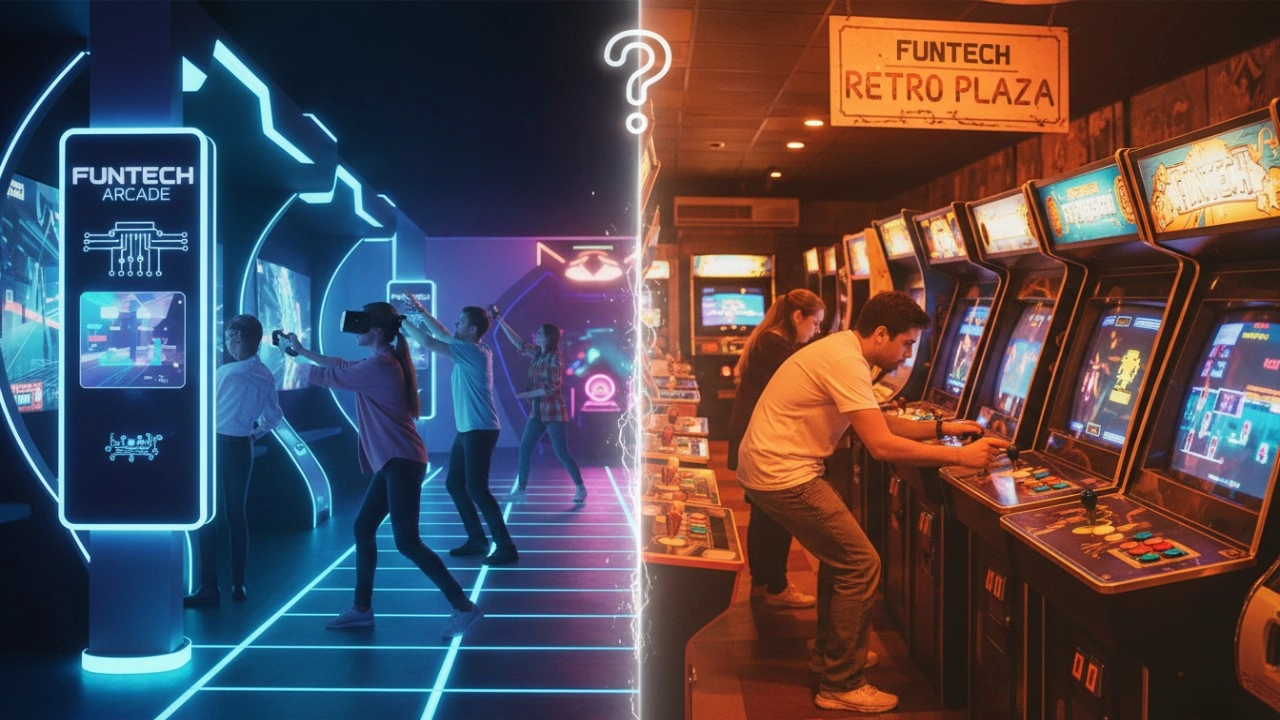
Interactive Sports Arcade vs Traditional Arcade Machines: Key Differences (2026 Guide)
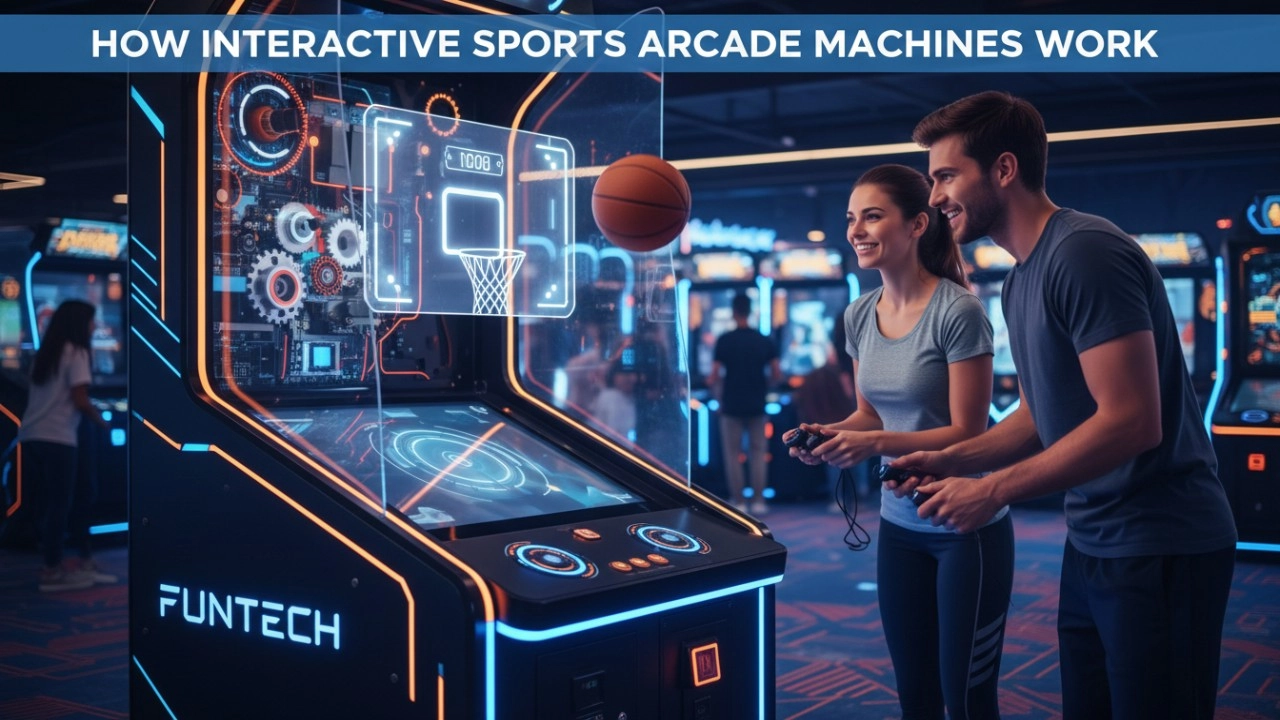
How Interactive Sports Arcade Machines Work (Sensors, Projection & AI) - 2026 Guide
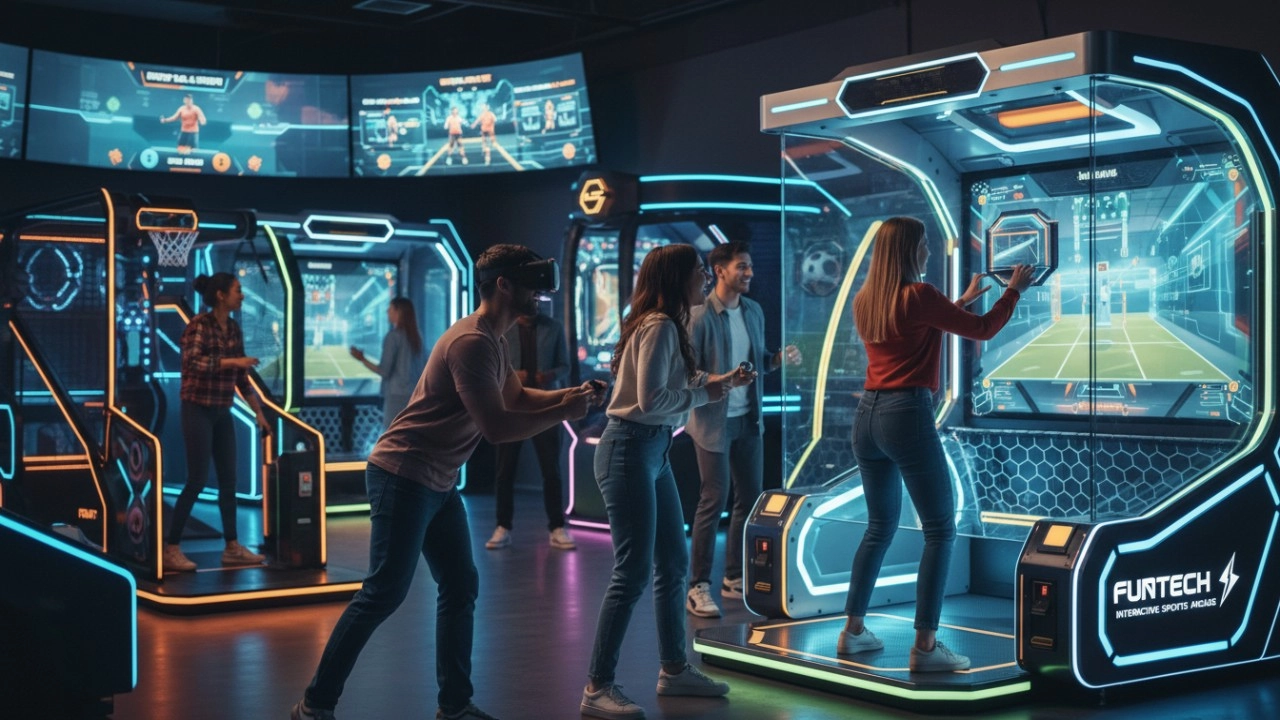
What Defines Interactive Sports Arcade Equipment in 2026?
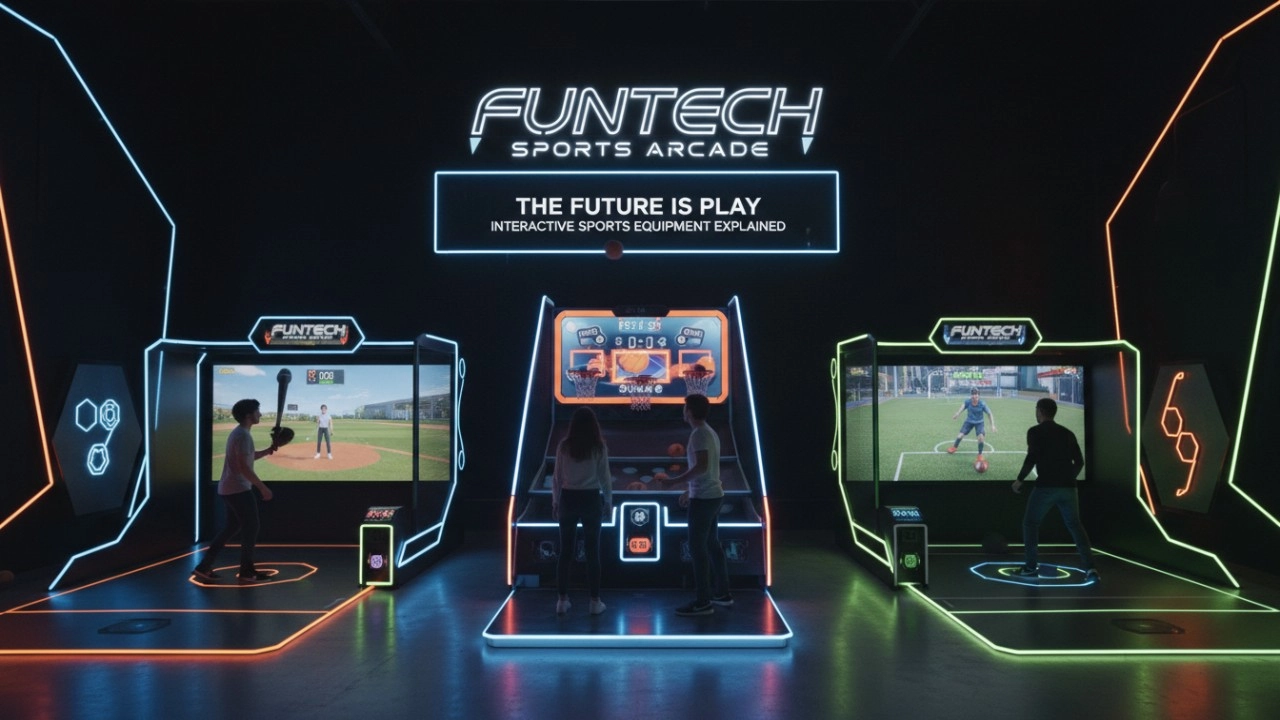
What Is Interactive Sports Arcade Equipment? Complete Beginner Guide (2026)
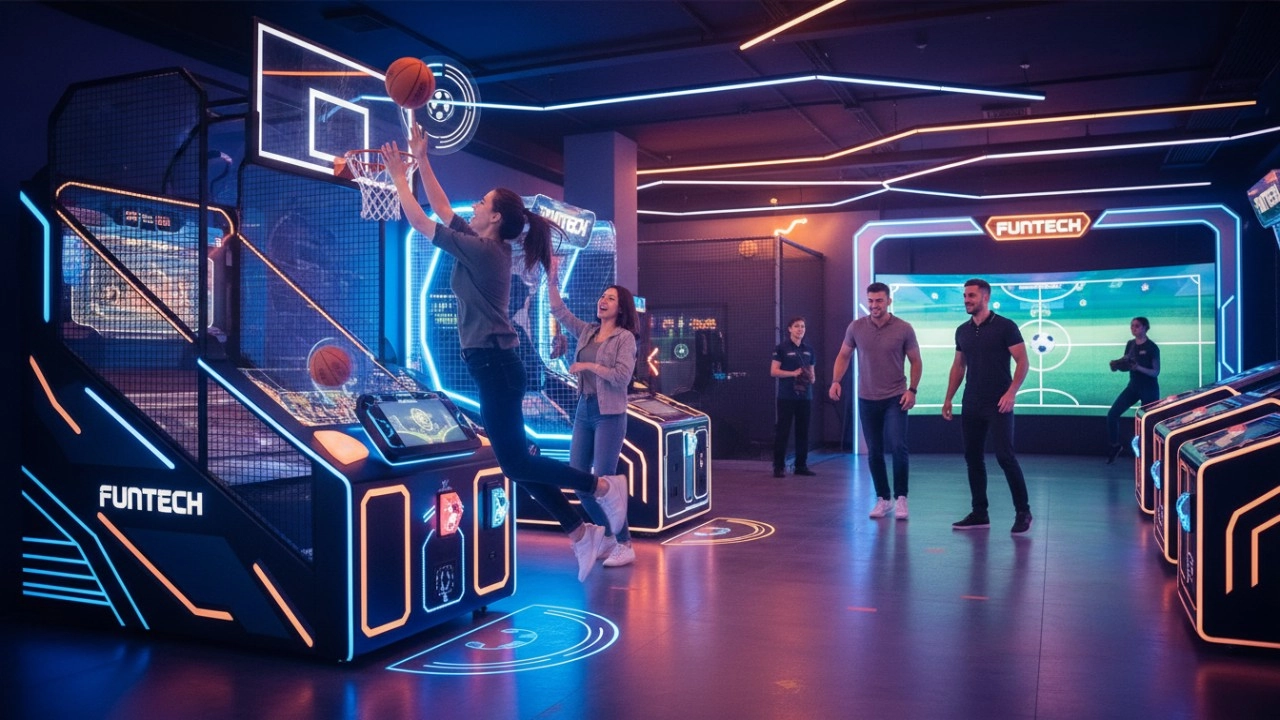
The Ultimate Guide to Interactive Sports Arcade Equipment for Commercial Entertainment (2026 Edition)
Golf Simulator
What is the difference between purchasing equipment for commercial operations and personal training?
Commercial operations should consider the durability, ease of operation, and attractiveness of the equipment, and it is preferable to choose cool-looking equipment that can withstand high-frequency use.
How to attract customers when operating the program in shopping malls?
Create a cool venue decoration style, incorporating trendy elements, such as fluorescent light strips and anime-themed murals. o Launch diversified marketing models such as parent-child packages and couple packages, combined with time-limited promotional activities, such as half-price experience in the first three days of opening, to attract families, couples and other groups to stop and participate in the program. o How to reduce operating costs?
Products
What is the difference between purchasing equipment for commercial operations and personal training?
Commercial operations should consider the durability, ease of operation and attractiveness of the equipment, it is appropriate to choose cool appearance, can withstand high-frequency use, such as the target car running hundreds of times a day, high-intensity models, and easy to operate, easy for customers to get started. Personal training is more focused on cost-effective, according to their own training needs to choose the right tension of the bow, the right speed of movement of the target car.
FAQ
What is to be considered for setting up a digital sports & amusement hall?
The design requirements of digital sports & amusement hall are different from other entertainment venues, and they need to focus on innovation, interactivity and experience.
Infrared Shooting
How to reduce operating costs?
Starting with equipment procurement, choose cost-effective, durable and easy-to-maintain products, which can save money for subsequent maintenance. Reasonable arrangement of staff, reduce the number of staff on duty during off-peak hours, train staff to have multi-skills, such as being able to operate the equipment and guide customers part-time, so as to improve the efficiency of manpower and reduce the cost of manpower.
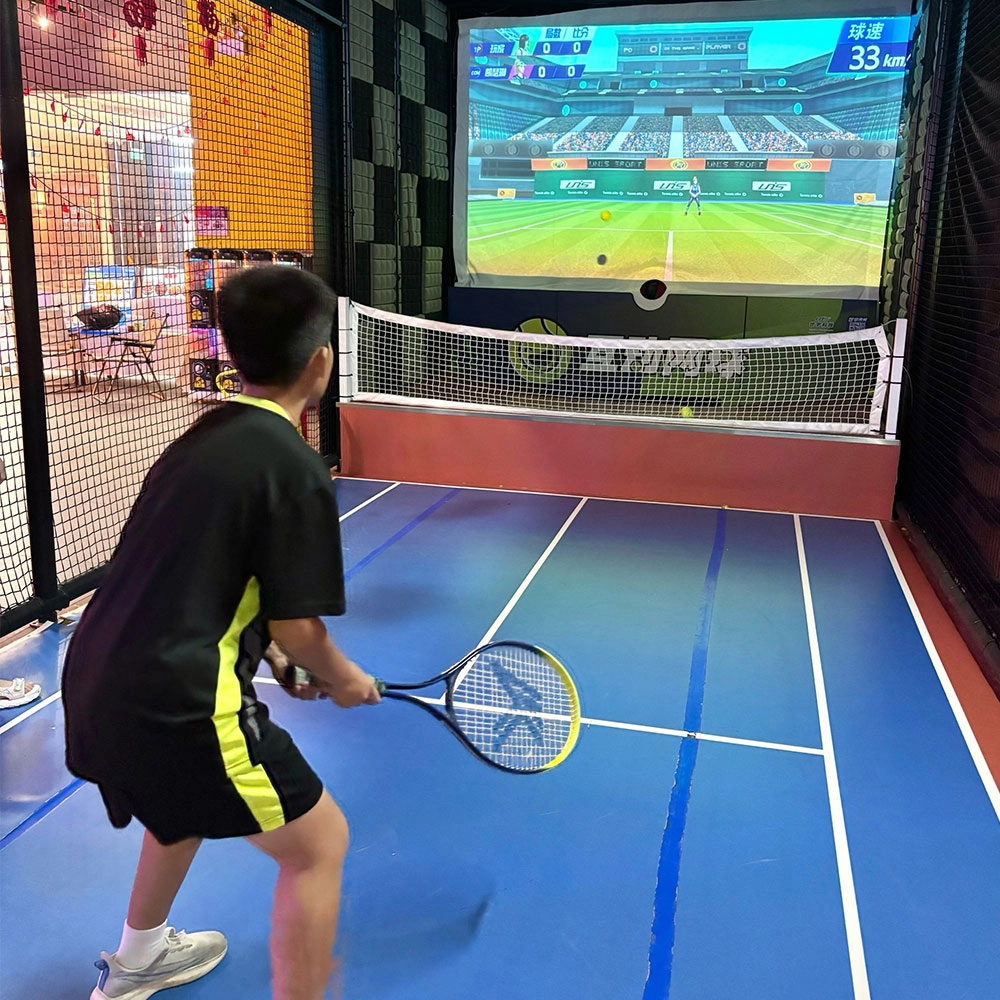
Indoor Tide Play Simulation Tennis Equipment
FUNTECH is full of fun and exciting playgrounds! With high-definition scene projection, force feedback racket, and intelligent scoring system, the simulated tennis equipment in the indoor arcade realizes immersive sports experiences and diversified interactive play, combining the advantages of safety and ease of use with high operational efficiency.
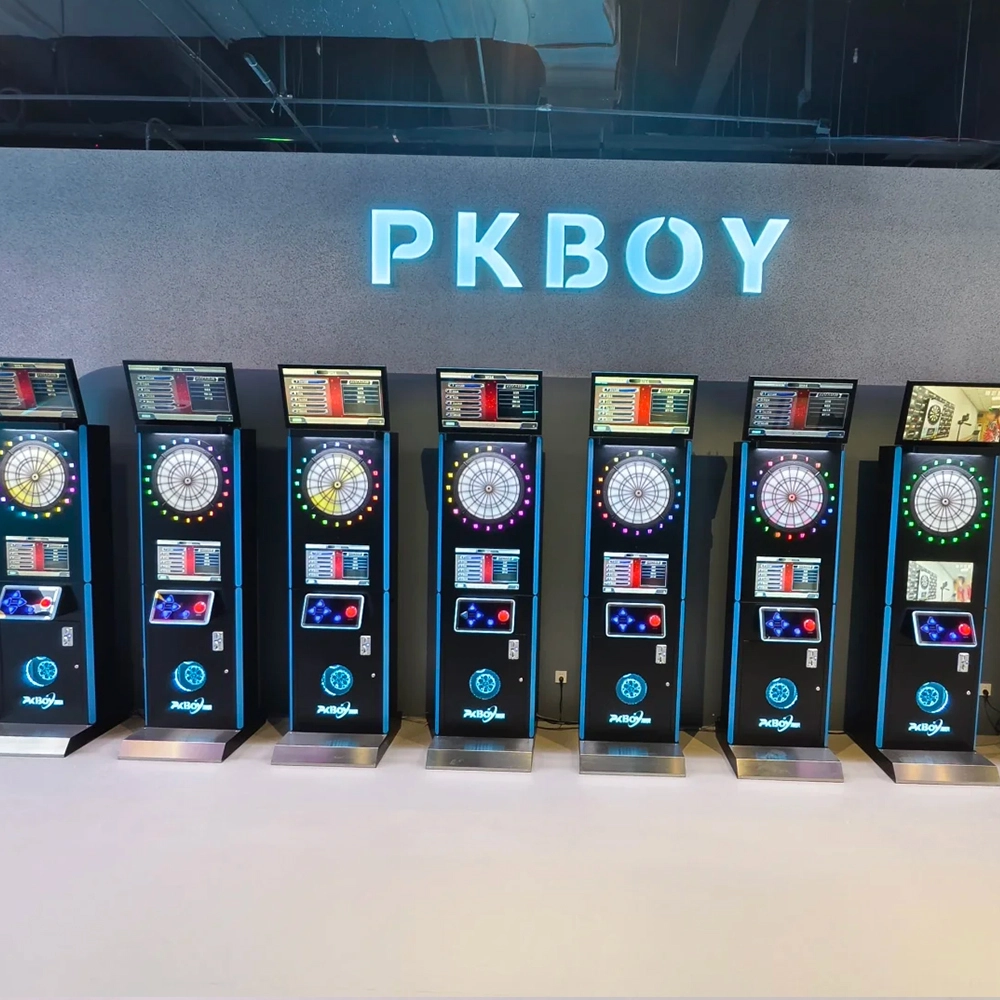
Dart Machines Bar Dart Machines
Joy Power is full of fun and excitement in the playground! The dart machine is suitable for all kinds of places, whether it is a bar, restaurant, KTV, or other entertainment venue, or a sports shop, club, or family leisure space, and can be perfectly adapted. In commercial venues, holding individual and team darts tournaments from time to time can attract more customers and increase the popularity and revenue of the venue, supplemented by various preferential activities, which can directly promote consumption and form a cycle of consumption of all the goods in the shop.
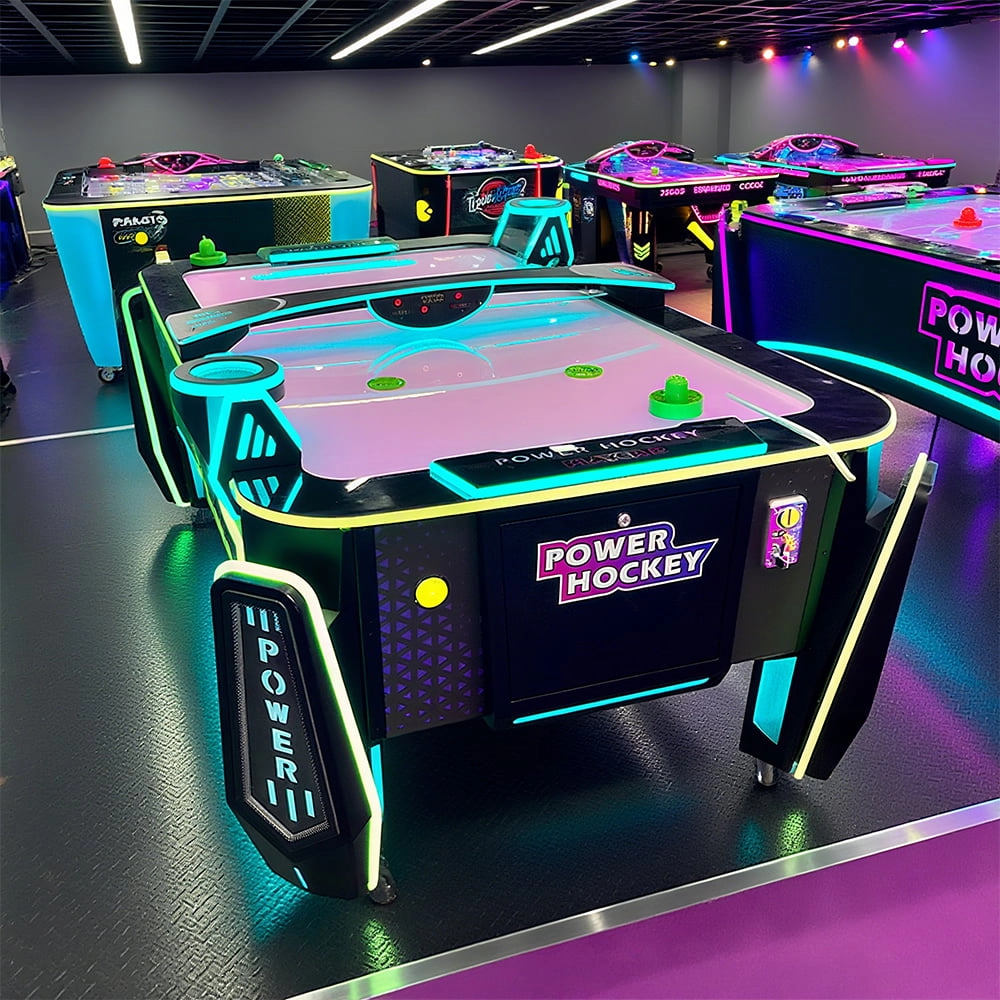
Arcade Hockey
FUNTECH is full of fun and exciting playgrounds! Air hockey, also known as air hockey, is a two-player competitive arcade game comprising a smooth, perforated playing surface, lightweight hockey sticks, a plastic puck, and an electronic scoreboard.
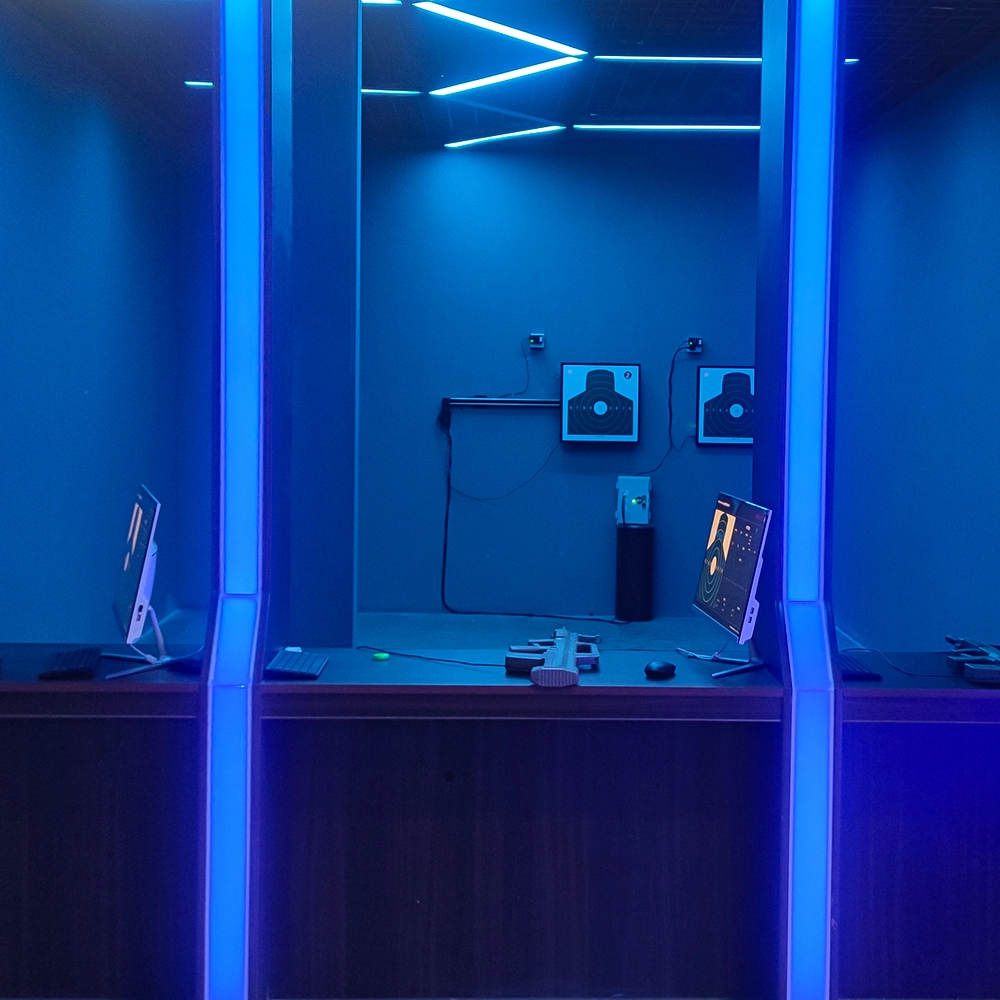
Infrared Shooting
Highly simulated simulation training analysis equipment, with advanced design concepts, fast system development, ease of operation and use, stable technical performance, less consumption of training, site dependence on a small group training is highly interesting, safe, and reliable, and other outstanding features. Product design to solve the basic skills of light weapons precision shooting as a starting point, to improve the safety of shooting training and training efficiency as the fundamental purpose, highlighting the simulation, information technology, and combat training requirements, can be in small indoor and outdoor venues and does not use live ammunition to complete the basic shooting training.
Ready to take your venue to the next level?
Leave us a message here, and our team will get back to you promptly.
Whether you're interested in custom orders, technical specifications, or partnership opportunities, we're here to assist you.
© 2025 FUNTECH ALL RIGHTS RESERVED

Weixia Lei
Fun_Tech-s
fun_tech20