
How much space do I need to set up an entertainment laser room at home? | Insights by FUNTECH
How Much Space Do I Need to Set Up an Entertainment Laser Room at Home?
Creating a home entertainment laser room offers an immersive experience, but understanding the space requirements is crucial for optimal performance. Here's what you need to know:
1. Minimum Space Requirements
For a standard home laser entertainment setup, a minimum of 2,000 square feet is recommended. This space allows for comfortable movement and equipment placement. However, if you have a larger area, such as 2,500 to 4,000 square feet, you can accommodate more players and equipment, enhancing the overall experience.
2. Room Dimensions and Layout
The shape and dimensions of the room significantly impact the setup:
Ceiling Height: A ceiling height of at least 16 feet is ideal for multi-level setups, providing a premium experience. If this isn't feasible, a ceiling height of 12 feet can accommodate smaller raised areas, creating a 3D effect without extensive structural changes.
Room Shape: Rectangular rooms with minimal windows are preferred, as they allow for better sound distribution and easier light control.
3. Equipment Placement and Design
Proper placement of equipment ensures functionality and safety:
Briefing and Vesting Areas: Allocate approximately 160 square feet for a briefing area and 270 square feet for a vesting area. These spaces are essential for player preparation and equipment storage.
Arena Design: Incorporate multi-level elements to enhance the gaming experience. If a full walk-under raised area isn't feasible due to ceiling heights or regulatory constraints, consider partially raised areas with smaller ramps and landings.
4. Lighting and Acoustics
Creating the right ambiance involves:
Lighting: Use dimmable lights to control ambient light and reduce glare on screens. Incorporating LED bias lighting behind screens can enhance contrast and reduce eye strain.
Acoustics: Add acoustic panels, rugs, and curtains to minimize sound reverberation and external noise, ensuring clear audio during gameplay.
5. Safety and Accessibility
Ensure the space is safe and accessible for all users:
Clear Pathways: Maintain unobstructed pathways for easy movement.
Emergency Exits: Ensure multiple exits are available in case of emergencies.
ADA Compliance: Design the space to be accessible to individuals with disabilities.
6. Budget Considerations
Setting up a home entertainment laser room involves various costs:
Equipment: Invest in quality laser equipment, projectors, and sound systems.
Renovations: Budget for any necessary structural changes, such as raising areas or installing acoustic treatments.
Maintenance: Plan for ongoing maintenance to keep equipment in optimal condition.
Conclusion
Setting up a home entertainment laser room requires careful planning of space, equipment, and design elements. By considering these factors, you can create an immersive and enjoyable experience in your own home. For a comprehensive guide on designing a home theater, refer to resources like (https://www.nationalassemblers.com/post/ultimate-home-theatre-guide).
About FUNTECH
FUNTECH specializes in providing innovative solutions for home entertainment setups. With a focus on quality and customer satisfaction, FUNTECH offers a range of products and services to help you create the ultimate entertainment experience in your home. Explore our offerings at (https://www.funtech.com).
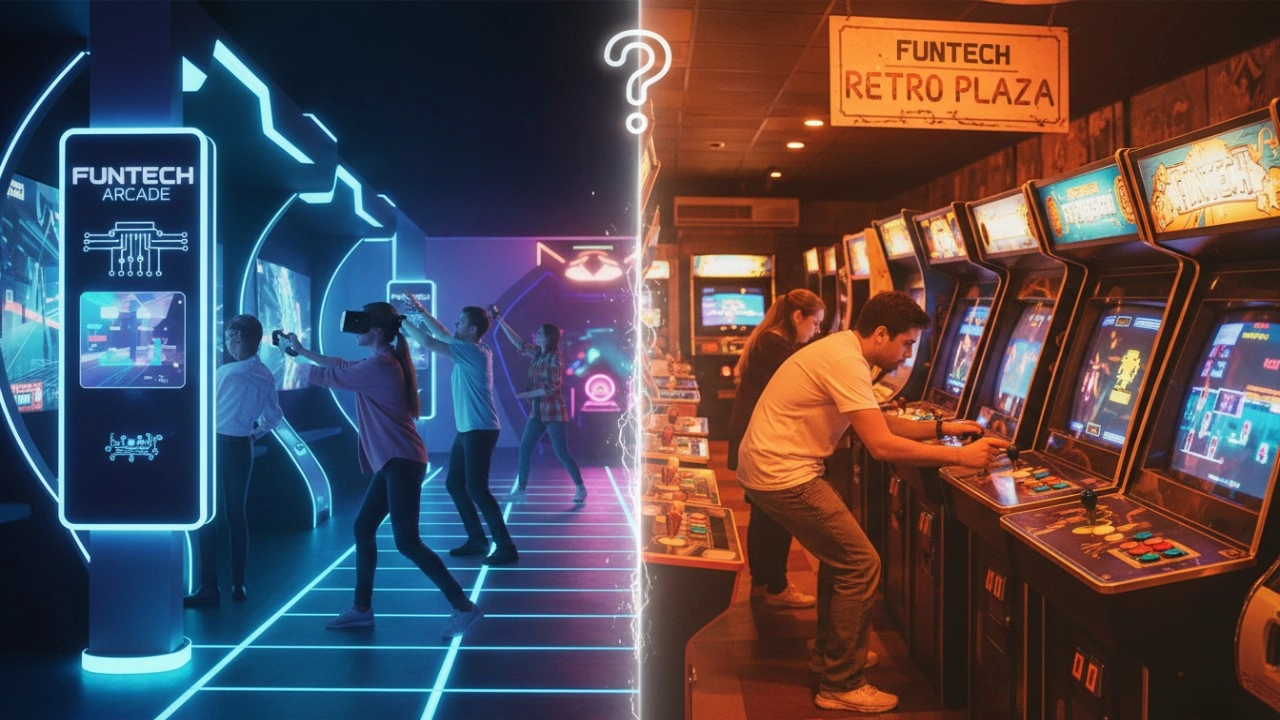
Interactive Sports Arcade vs Traditional Arcade Machines: Key Differences (2026 Guide)
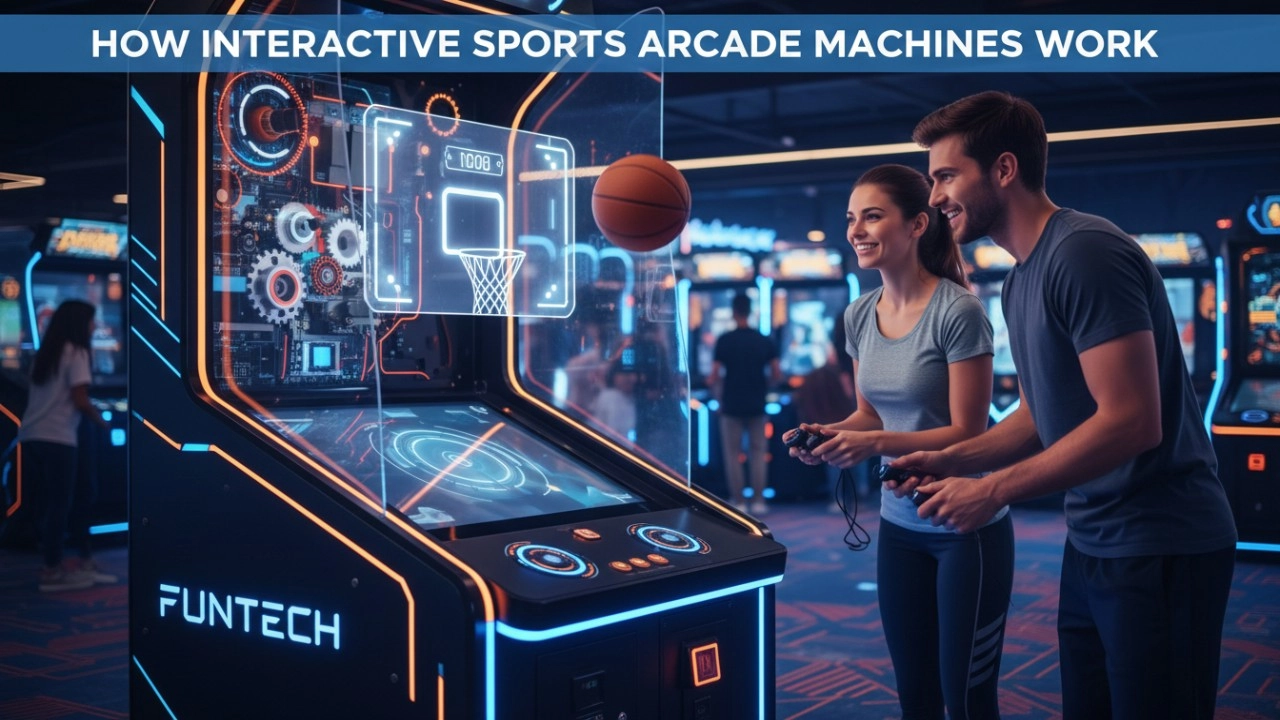
How Interactive Sports Arcade Machines Work (Sensors, Projection & AI) - 2026 Guide
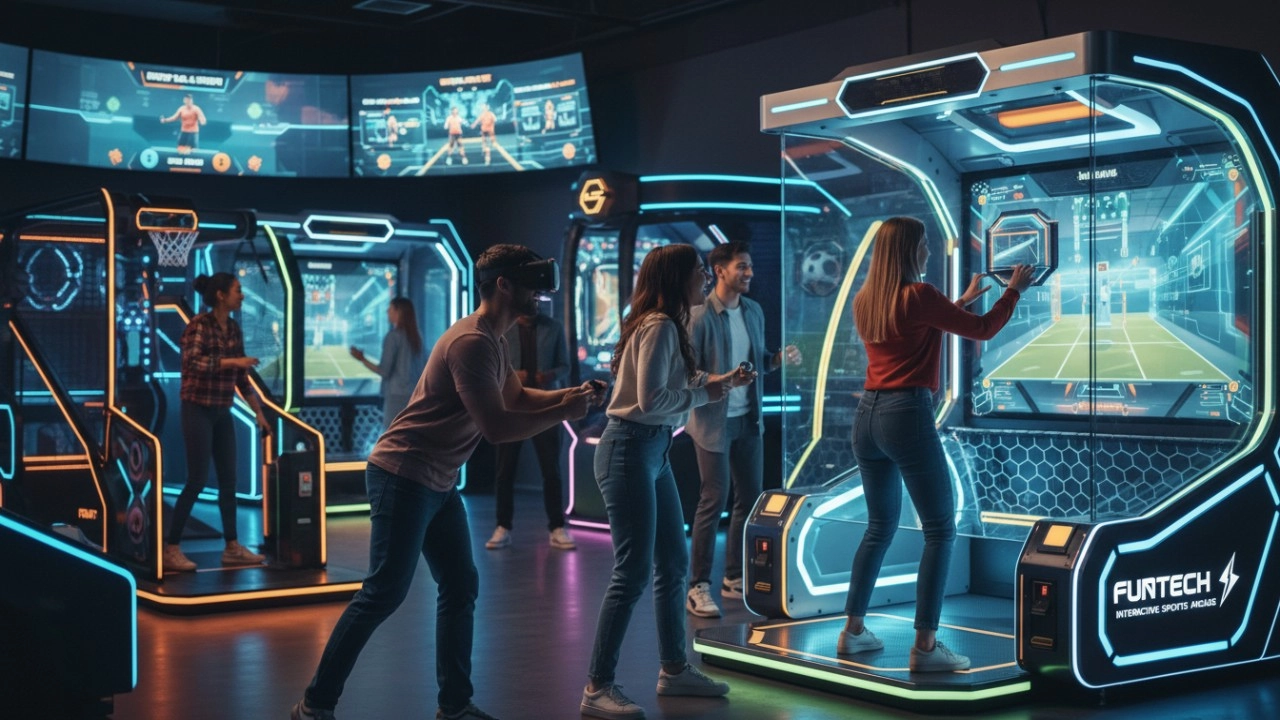
What Defines Interactive Sports Arcade Equipment in 2026?
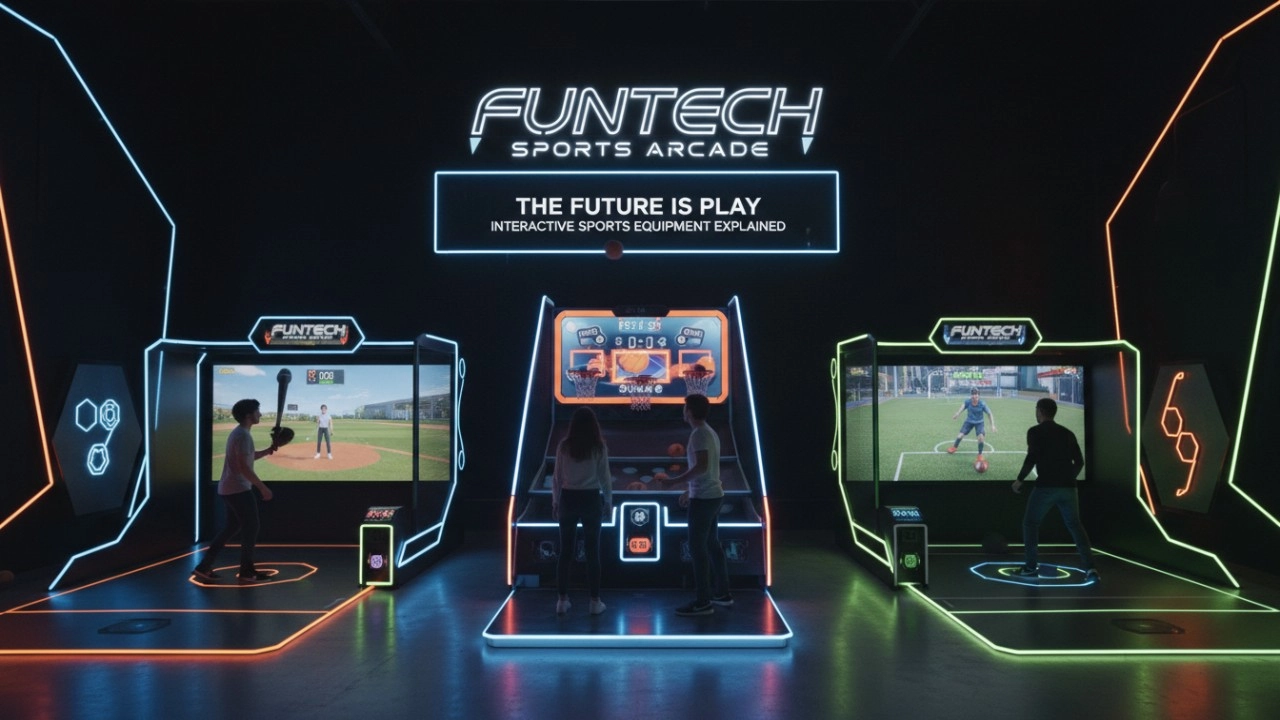
What Is Interactive Sports Arcade Equipment? Complete Beginner Guide (2026)
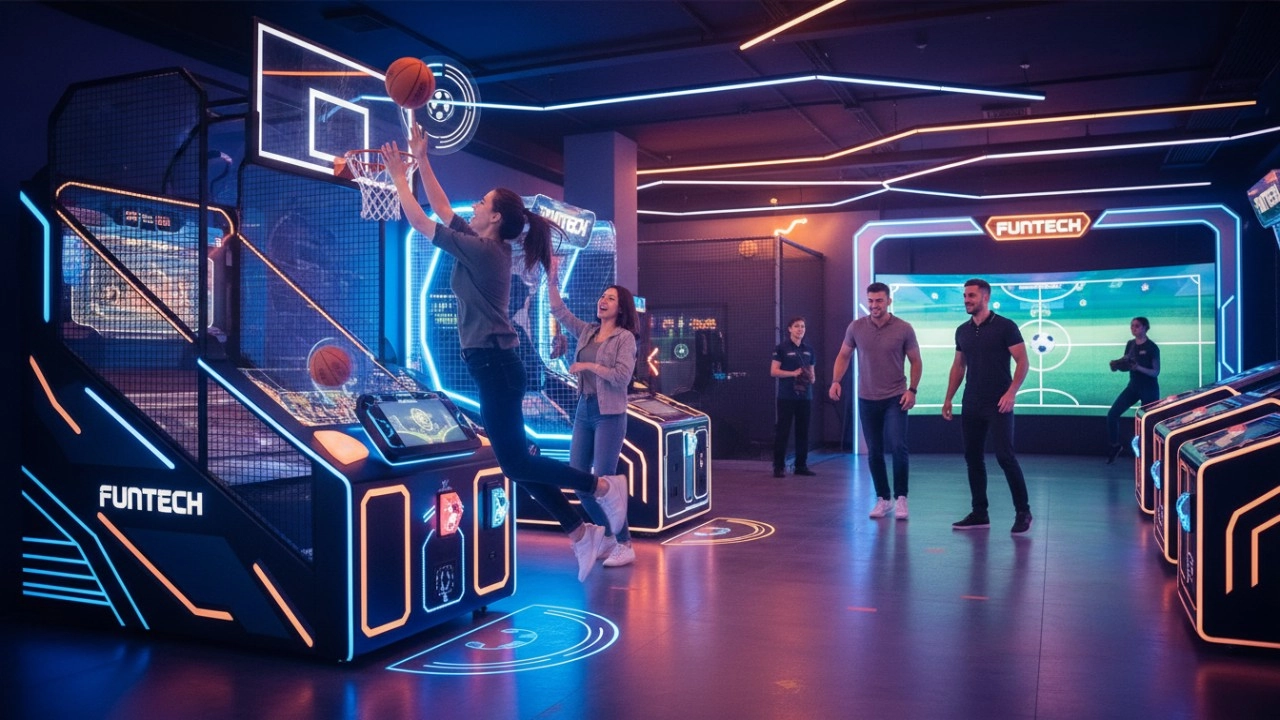
The Ultimate Guide to Interactive Sports Arcade Equipment for Commercial Entertainment (2026 Edition)
Interactive Rollerball
What are the after-sales services after purchasing the equipment?
Generally, a 1-year warranty is provided. During the warranty period, parts damaged due to quality problems, such as motor failure, display problems, etc., will be repaired or replaced free of charge. There will also be technical support, including equipment installation and debugging guidance, operation training, to ensure the smooth use of the user, after-sales response time is usually within 24 - 48 hours.
Why are sports arcades a hot spot for investment?
The traditional entertainment market (e.g., arcade, KTV) has become less attractive to generations, while digital hip playgrounds integrating technology, sports, and socialization are more in line with young people's needs, and the market size has exceeded 50 billion in 2023, with an annual growth rate of more than 30%.
Infrared Shooting
How to attract customers when operating the program in shopping malls?
Create a cool venue decoration style and incorporate trendy elements, such as fluorescent light strips and anime-themed murals. o Launch diversified marketing models such as parent-child packages and couple packages, combined with time-limited promotional activities, such as half-price experience in the first three days of opening, to attract different groups of people such as families and couples to stop by and participate.
How often does the equipment require maintenance?
For daily use, simple monthly maintenance, such as simple cosmetic cleaning and function checking after use, is sufficient. A more comprehensive quarterly maintenance is sufficient.
Golf Simulator
What are the after-sales services after purchasing the equipment?
Generally, a 1-year warranty is provided. During the warranty period, parts damaged due to quality problems, such as motor failure, display problems, etc., will be repaired or replaced free of charge. There will also be technical support, including equipment installation and debugging guidance, operation training, to ensure the smooth use of the user, after-sales response time is usually within 24 - 48 hours.
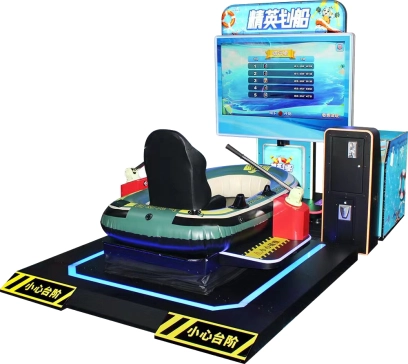
FUNTECH Interactive Indoor Rowing Simulator - Commercial Digital Sports Machine with AI Competition
A brand-new rowing simulation competitive game, operating on a single machine station, supports player interaction and competition with 3 AI opponents. The station is equipped with the latest rowing equipment, enabling players to experience realistic rowing operation. The competition process is relaxed and fun, while also providing fitness exercise benefits.
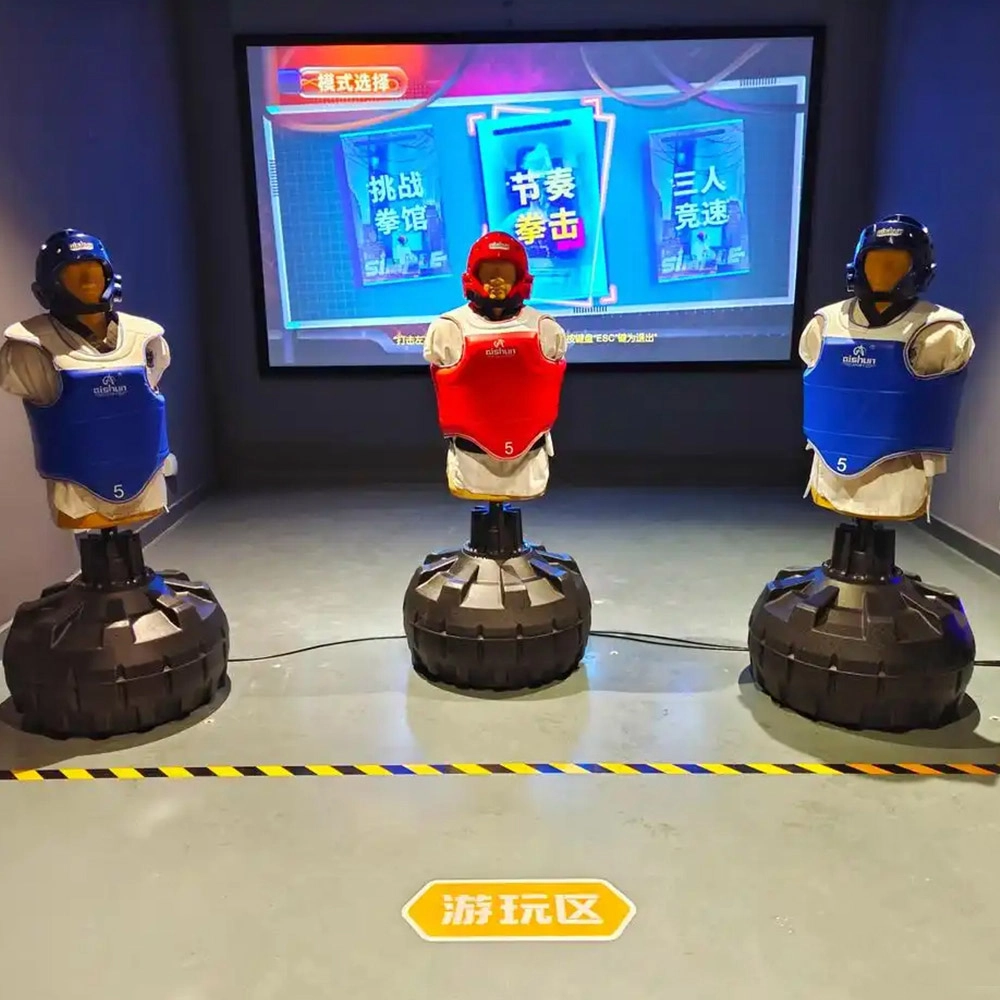
Indoor Boxing Equipment
FUNTECH is full of fun and exciting playgrounds! The indoor boxing simulation equipment combines pressure-sensitive boxing gloves with dynamic projection scenes, combining sports and fitness with entertainment and competitive attributes, supporting single-player training and two-player sparring modes, and accurately recording hitting data and generating sports reports, making it suitable for all-age experiences and safe and low-loss.
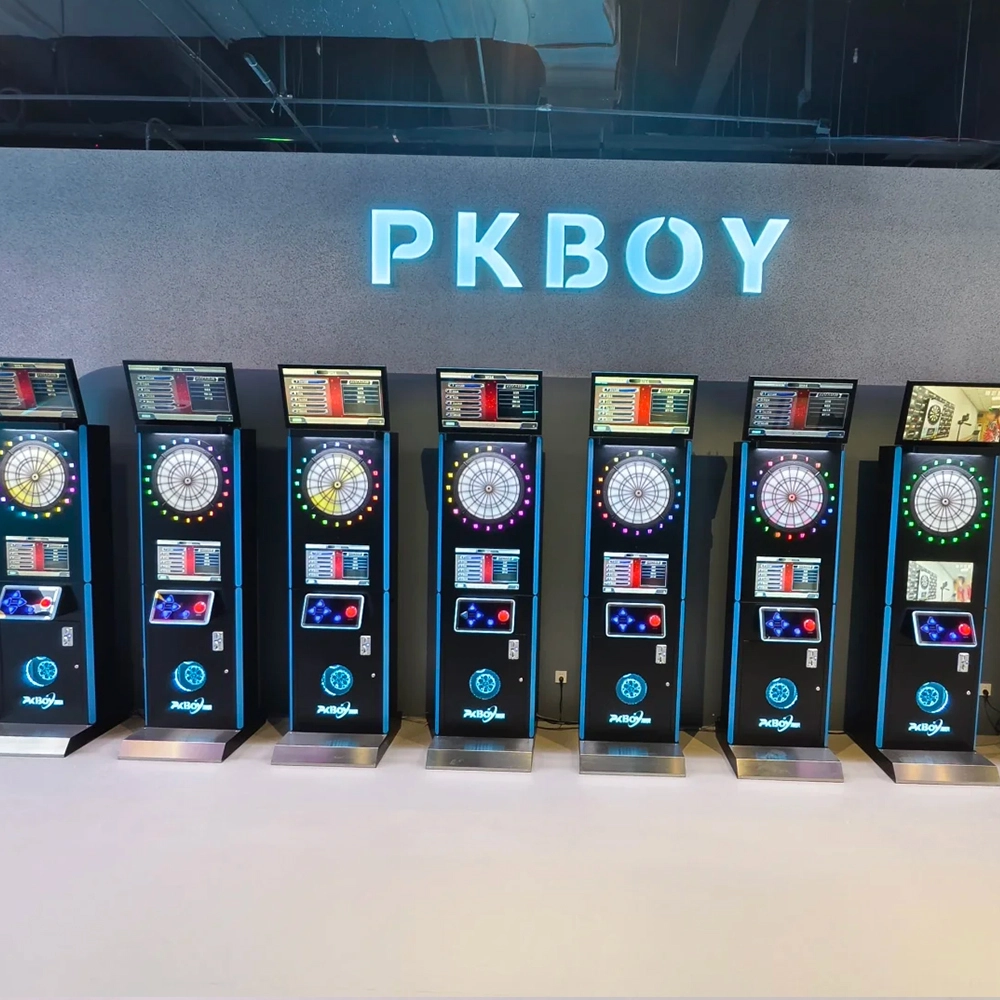
Dart Machines Bar Dart Machines
Joy Power is full of fun and excitement in the playground! The dart machine is suitable for all kinds of places, whether it is a bar, restaurant, KTV, or other entertainment venue, or a sports shop, club, or family leisure space, and can be perfectly adapted. In commercial venues, holding individual and team darts tournaments from time to time can attract more customers and increase the popularity and revenue of the venue, supplemented by various preferential activities, which can directly promote consumption and form a cycle of consumption of all the goods in the shop.
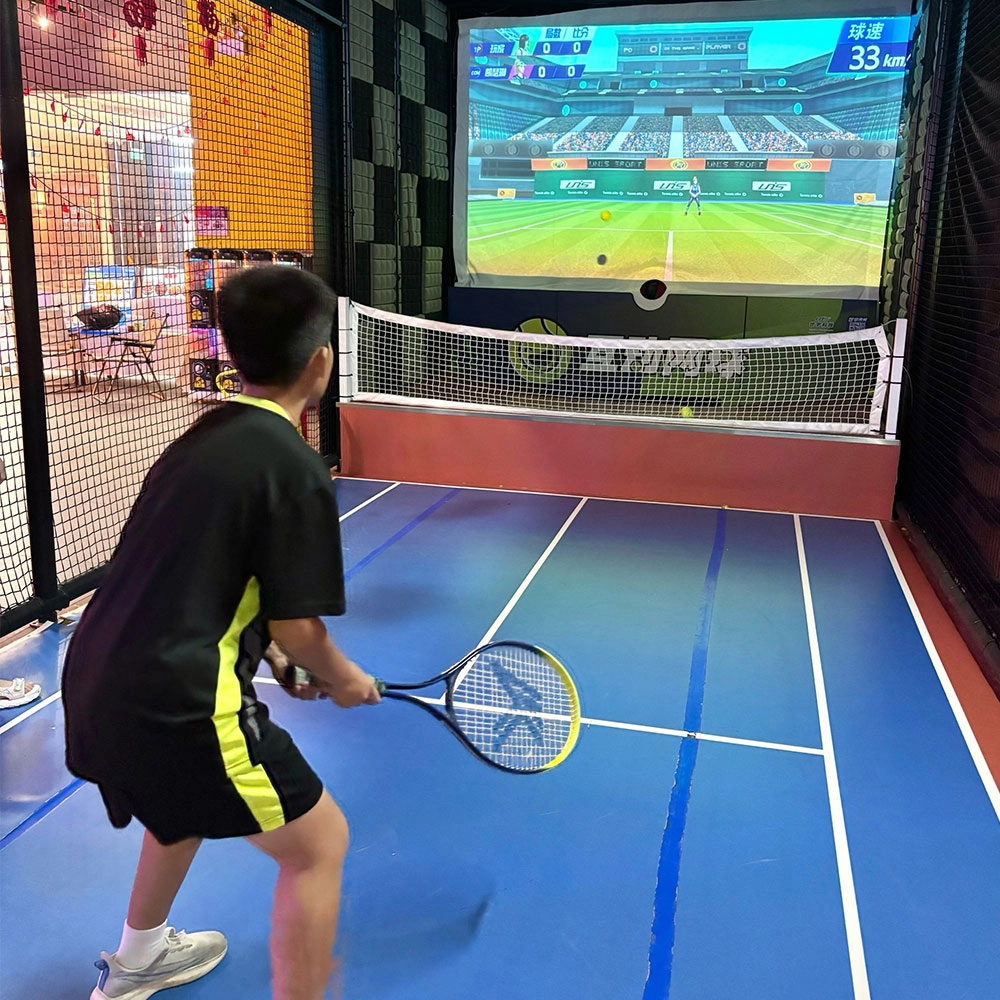
Indoor Tide Play Simulation Tennis Equipment
FUNTECH is full of fun and exciting playgrounds! With high-definition scene projection, force feedback racket, and intelligent scoring system, the simulated tennis equipment in the indoor arcade realizes immersive sports experiences and diversified interactive play, combining the advantages of safety and ease of use with high operational efficiency.
Ready to take your venue to the next level?
Leave us a message here, and our team will get back to you promptly.
Whether you're interested in custom orders, technical specifications, or partnership opportunities, we're here to assist you.
© 2025 FUNTECH ALL RIGHTS RESERVED

Weixia Lei
Fun_Tech-s
fun_tech20