
Which spinning bike is best for home interactive workouts?
- 1) Which spinning bike configuration reliably delivers accurate power metrics for structured indoor training without forcing a subscription?
- 2) How can I ensure a spinning bike fits my body geometry and reduces knee or lower-back pain during high-intensity interactive classes?
- 3) What connectivity and latency issues should I test before buying a smart spinning bike intended for live group rides and leaderboards?
- 4) Are magnetic or electromagnetic resistance smart bikes quiet enough for apartment living, and what features reduce neighbor disturbance?
- 5) How do subscription services, closed ecosystems, and app ecosystems affect the long-term cost and flexibility of a smart spinning bike?
- 6) What maintenance, firmware support, and vendor service guarantees should I demand to ensure the bike’s interactive features stay reliable over time?
As a professional content writer with SEO and experience and deep domain knowledge in Digital Sports Entertainment, this guide answers six specific, often-missed questions beginners and facility buyers ask when choosing a spinning bike for home interactive workouts. It integrates indoor cycling, smart bike, and interactive workout concepts and references real technical standards (Bluetooth FTMS, ANT+ FE-C) and product-class behaviors to help you buy with confidence.
1) Which spinning bike configuration reliably delivers accurate power metrics for structured indoor training without forcing a subscription?
Pain point: buyers want trustworthy wattage and cadence for training (FTP tests, power-based workouts) without being locked into a single vendor subscription.
What to look for:
- Power source and measurement: Prefer bikes with a factory-calibrated power meter (direct-drive or integrated dual-sided PM) rather than estimated power derived from belt tension or cadence alone. High Quality direct-drive smart bikes and bikes with integrated power meters typically advertise power accuracy in the ±1–3% range—accuracies that matter for FTP and interval workouts.
- Standards compatibility: Ensure the bike supports Bluetooth FTMS and/or ANT+ FE-C. These are the transport protocols used by major trainer apps (Zwift, TrainerRoad, RGT) to read power, cadence, and to control resistance (ERG mode). FTMS/FE-C compatibility lets you pair third-party apps and avoid mandatory proprietary subscriptions.
- ERG and slope control: For structured workouts, confirm the bike supports ERG mode (apps set target watts and the bike automatically adjusts resistance) and slope or simulated grade control for road-feel rides. ERG responsiveness and smoothness are as important as raw watt accuracy.
- Calibration procedures: Check whether the bike includes documented calibration (zero-offset or factory calibration) and whether that calibration requires tools or a technician. Bikes that allow simple on-device recalibration or software-led tweaks reduce long-term drift.
- Pair the bike to a reputable training app that displays both power and cadence; perform a short ramp test and compare recorded watts against an external device (a trusted power meter or smart trainer if available) or repeatable lab-style steps to check consistency.
- Ask the vendor for a published power accuracy figure and firmware update policy. If they claim ±1% accuracy, request technical documentation or third-party test reference.
- Seat and handlebar adjustability: Look for bikes with both vertical and horizontal saddle adjustment and multi-position handlebars (height and reach). This lets you replicate your road-bike stack and reach more closely, which reduces strain.
- Crank length and Q-factor: Confirm the bike’s crank length options or choose a bike with a commonly used crank length range (many commercial bikes use 165–175 mm). A wide Q-factor can alter knee tracking—test pedaling to see if knees move laterally.
- Saddle type and support: Swap saddles if necessary; many smart bikes use standard rails so you can fit your preferred saddle. A properly chosen saddle and correct setback reduces pressure on soft tissues and promotes neutral spine position.
- Pedal system: Look for dual-option pedals (flat + SPD clipless). If you plan to use cycling shoes, correct cleat positioning and professional bike-fit advice for cleat bounds can prevent knee pain.
- Reach and posture: During a trial ride, measure comfort in seated and standing positions. Your torso angle and lower-back feel during minutes-long climbs is a practical test of fit. If the handlebars force an overreaching posture, back pain will follow.
- Perform a 20–30 minute mixed-interval ride (sit/stand) to test sustained comfort.
- Check knee alignment visually—knees should track near the midline of the pedal spindle.
- If pain appears within short sessions, ask for a saddle swap or handlebar spacers; many pain issues are resolved with small stack/reach adjustments.
- Wireless protocols: Confirm support for Bluetooth LE (FTMS) and ANT+ FE-C for trainer control and sensor pairing. Some bikes also include Wi‑Fi (2.4GHz and 5GHz) for streaming high-quality video and firmware downloads—dual-band Wi‑Fi is preferable for stable streams.
- Latency tolerance: Latency matters especially for live resistance changes and leaderboards. Test by pairing to a training app and performing rapid simulated grade changes: is the bike’s resistance updated instantly or with a perceptible lag? Ask vendors for firmware update cadence, as responsiveness can improve via firmware.
- Multi-device behavior: If you plan to run music or teammate video on a tablet while the bike uses a phone app, test simultaneous Bluetooth connections. Some bikes or consoles have limited concurrent pairings.
- Local network dependencies: Confirm whether the bike’s console requires a constant cloud connection for basic resistance control. Open-platform bikes often work offline with paired apps; closed systems sometimes need an active connection or subscription to run group features.
- Pair the bike to at least two popular apps (e.g., Zwift and a native app) and run a 20-minute session to verify stability and latency.
- Simulate network instability: briefly disconnect Wi‑Fi and see if the bike maintains control via Bluetooth and whether the app gracefully retries.
- Drive system: Belt-driven systems are generally quieter than chain drives. A belt drive combined with magnetic or electromagnetic resistance yields the lowest mechanical noise.
- Resistance type: Electromagnetic (motor-controlled) resistance is typically the most silent because it lacks physical contact. Magnetic resistance that uses proximity between magnets and a flywheel is also quiet; friction pads are loud and obsolete for quiet homes.
- Flywheel and internal damping: Heavier or well-damped flywheels can produce smoother pedaling and less per-stroke vibration transmitted through the frame. However, some modern smart bikes simulate mass with software, so a heavy flywheel isn't the only path to smoothness.
- Frame isolation: Rubber feet, anti-vibration mats, and dedicated isolation platforms reduce transfer of vibration into floors and adjacent rooms. Small investments here often yield the biggest neighbor-benefit.
- Request a live-demo or a short video sample made in a similar apartment environment. Note that manufacturer-run videos may not show worst-case noise; a third-party review is ideal.
- During a trial, run a range of intensities: seated flat, sprint intervals, and seated climbs. If possible, measure perceived disturbance from an adjacent room; a quick smartphone recording in the hallway can reveal transmitted vibration that your ears in the room might miss.
- Subscription fees: Many app ecosystems charge monthly fees for live classes, on-demand libraries, or multiplayer rides. Typical consumer trainer/class platforms range broadly; budget 10–30 USD per month depending on the service and features you need. Factor this into your total cost of ownership (TCO).
- Closed vs open platforms: Closed ecosystems tightly integrate hardware and content; they can deliver polished UX, but may limit third-party integrations and force reliance on a single subscription. Open-platform bikes that support FTMS/FE‑C provide flexibility to use free or alternative third-party apps, often lowering long-term costs.
- Free options and pay-per-feature: Consider whether the bike supports basic workouts without subscription (manual resistance control, local workouts, or apps that accept the bike as a trainer). If you want multiplayer rides or studio-led live classes, you will often need a subscription—decide which content you value most.
- Resale and transferability: Buying into a closed system sometimes reduces resale value if buyers are unwilling to pay the ongoing subscription or if the platform restricts features to paying members. An open-compatible bike tends to have broader second-hand demand.
- Calculate five-year TCO: upfront bike cost + (subscription monthly × 60) + expected maintenance (parts, labor) + potential service plan/warranty extension.
- Ask whether the vendor permits pairing with third-party apps out of the box (without extra hardware) and whether the console degrades features if a subscription lapses.
- Warranty and coverage: Ask for clear warranty terms (frame, electronics, power meter). Compare lengths and what is covered (labor, shipping). A 2–5 year coverage window for electronics and mechanical parts is common among reputable vendors.
- Firmware update transparency: Good vendors publish a changelog and provide clear update mechanisms (over-the-air updates via Wi‑Fi). Ask how frequently they release firmware for bug fixes, security patches, and feature improvements.
- Remote diagnostics: Some vendors offer remote diagnostics (cloud-based telemetry) that can identify sensor drift or electronic faults and minimize downtime. This is especially valuable for users relying on live classes.
- Spare parts and local service: Confirm spare-parts availability (saddles, pedals, drive belts, power meters) and whether the vendor works with regional service centers or authorized technicians—important for out-of-warranty repairs and shorter service windows.
- Data privacy and regional app access: For buyers in different geographies, confirm whether the bike’s app and cloud services operate in your country (some platforms restrict content regionally). Request the vendor’s privacy policy addressing data retention and compliance (GDPR/CCPA where applicable).
- Follow the vendor’s preventative maintenance schedule—belt tension checks, pedal torque, and periodic software checks reduce failures.
- Keep firmware current to benefit from responsiveness and security improvements; always review the changelog for behavioral changes that might affect workouts.
How to validate before purchase or during trial:
Bottom line: If you need structured training without a subscription lock-in, buy a smart bike or indoor trainer that advertises factory-calibrated power, supports Bluetooth FTMS / ANT+ FE-C, and documents calibration and firmware support. This combination ensures usable, repeatable power data across apps.
2) How can I ensure a spinning bike fits my body geometry and reduces knee or lower-back pain during high-intensity interactive classes?
Pain point: many beginners struggle with discomfort or injury caused by poor fit during long live classes.
Key fit factors to check:
Fit validation checklist (trial steps):
Bottom line: Prioritize mechanical adjustability (saddle fore/aft, saddle height, handlebar reach/height) and the ability to change saddles/cleats. If you have chronic knee or back issues, consult a certified bike fitter before committing.
3) What connectivity and latency issues should I test before buying a smart spinning bike intended for live group rides and leaderboards?
Pain point: live classes and group rides are ruined if cadence/power updates lag or the bike drops out mid-session.
Connectivity elements to inspect:
Pre-purchase test steps:
Bottom line: Buy a bike that explicitly lists BT FTMS and ANT+ FE‑C compatibility, supports dual-band Wi‑Fi if you need high-quality live streaming, and demonstrates low latency in resistance changes during app-driven rides.
4) Are magnetic or electromagnetic resistance smart bikes quiet enough for apartment living, and what features reduce neighbor disturbance?
Pain point: noise and vibration disturb neighbors in apartments or multi-family buildings during early-morning or late-night classes.
Noise-reduction features to prioritize:
How to validate noise before purchase:
Bottom line: For apartments, favor belt-driven bikes with magnetic or electromagnetic resistance, and plan for vibration isolation (mat or platform). This combination keeps live interactive classes neighbor-friendly.
5) How do subscription services, closed ecosystems, and app ecosystems affect the long-term cost and flexibility of a smart spinning bike?
Pain point: buyers focus on upfront price but underestimate recurring platform fees and ecosystem lock-in.
Costs and ecosystem trade-offs:
How to estimate TCO:
Bottom line: If long-term flexibility and cost containment matter, prioritize open-protocol compatibility (FTMS/FE‑C) and only opt for a closed ecosystem if you value a specific content library enough to justify recurring fees.
6) What maintenance, firmware support, and vendor service guarantees should I demand to ensure the bike’s interactive features stay reliable over time?
Pain point: interactive features rely on firmware and cloud services; poor vendor support can make a smart bike brittle over time.
Vendor support and maintenance checklist:
Maintenance best practices:
Bottom line: Demand explicit warranty terms, frequent firmware support, and a clear pathway to local repairs or spare parts. This reduces the risk that interactive features degrade or become unsupported after a few years.
Concluding summary of advantages: Choosing the right interactive spinning bike for home use delivers measurable fitness gains, a more engaging indoor cycling experience, and data-driven training (power, cadence, erg modes) when you select a bike with accurate power measurement, FTMS/ANT+ compatibility, robust adjustability for fit, quiet hardware for apartment living, an open or well-justified content ecosystem, and dependable vendor support. These combined advantages make smart bikes excellent tools for Digital Sports Entertainment at home—enabling structured training, live studio experiences, and social rides while maintaining long-term flexibility and lower total cost of ownership.
If you’d like a tailored recommendation or a formal quote based on your location, budget, and required app ecosystem, contact us for a quote at www.funtechgame.com or email vicky@funtechgame.com.
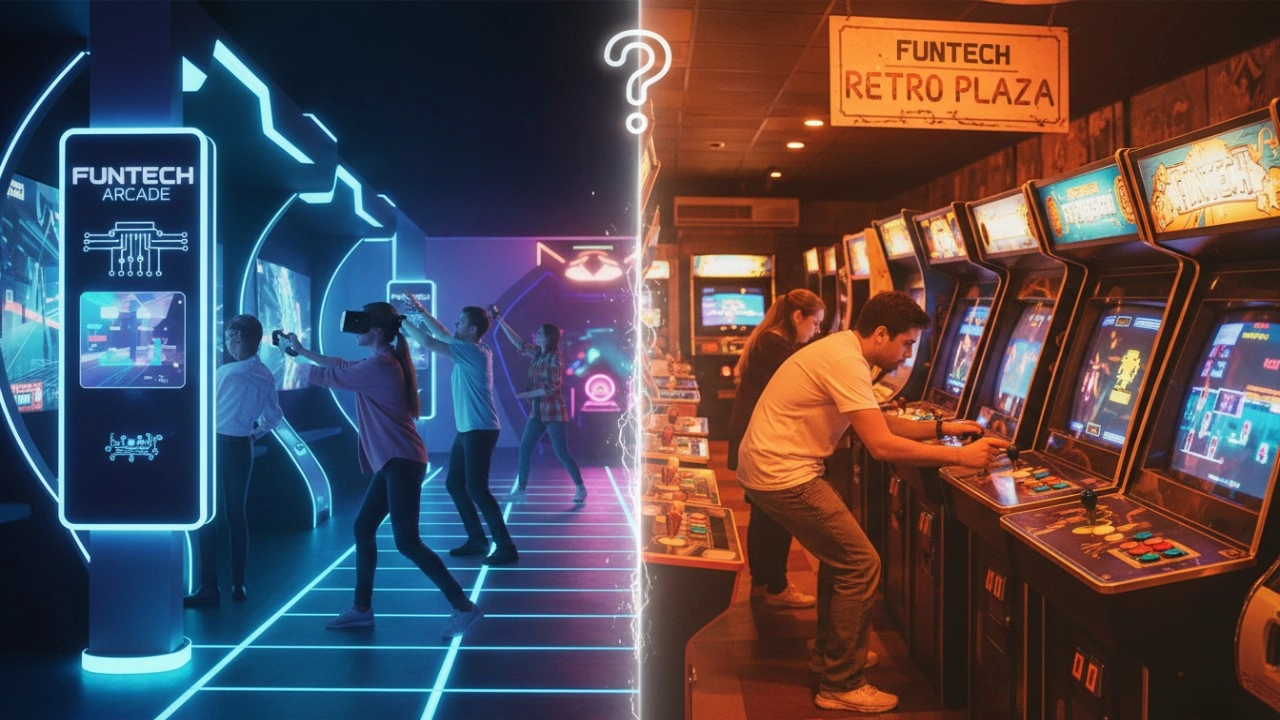
Interactive Sports Arcade vs Traditional Arcade Machines: Key Differences (2026 Guide)
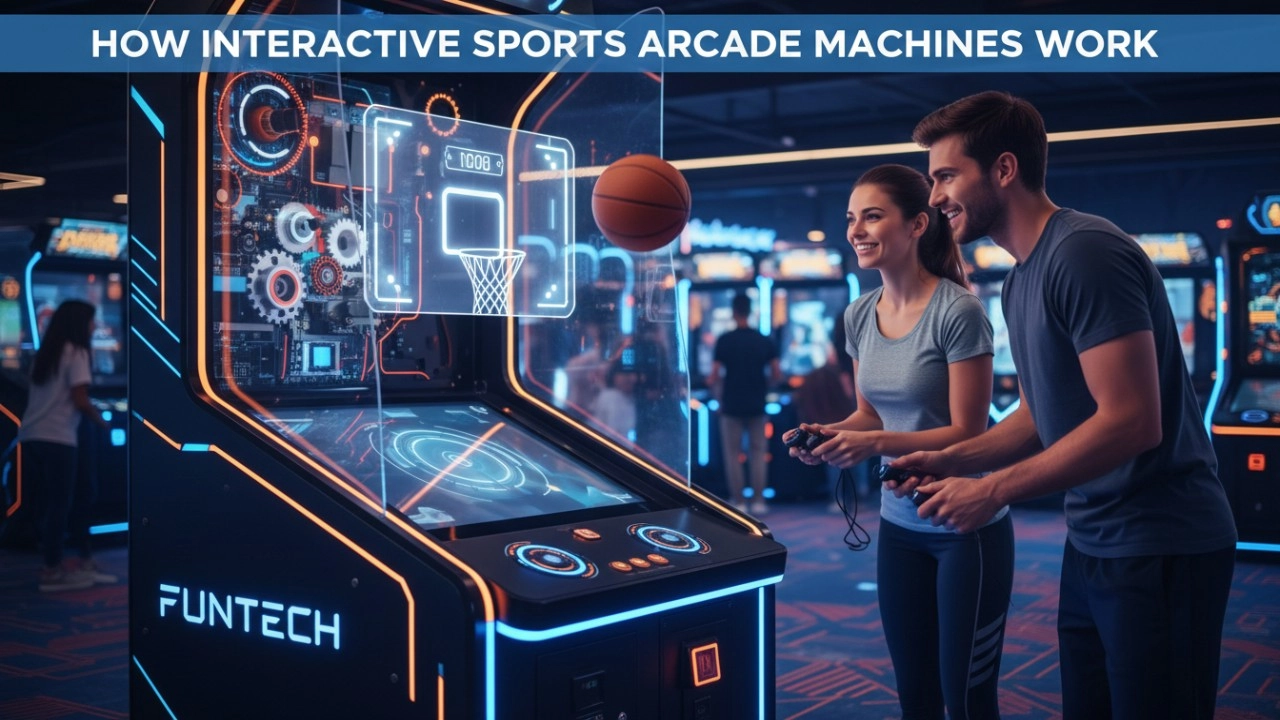
How Interactive Sports Arcade Machines Work (Sensors, Projection & AI) - 2026 Guide
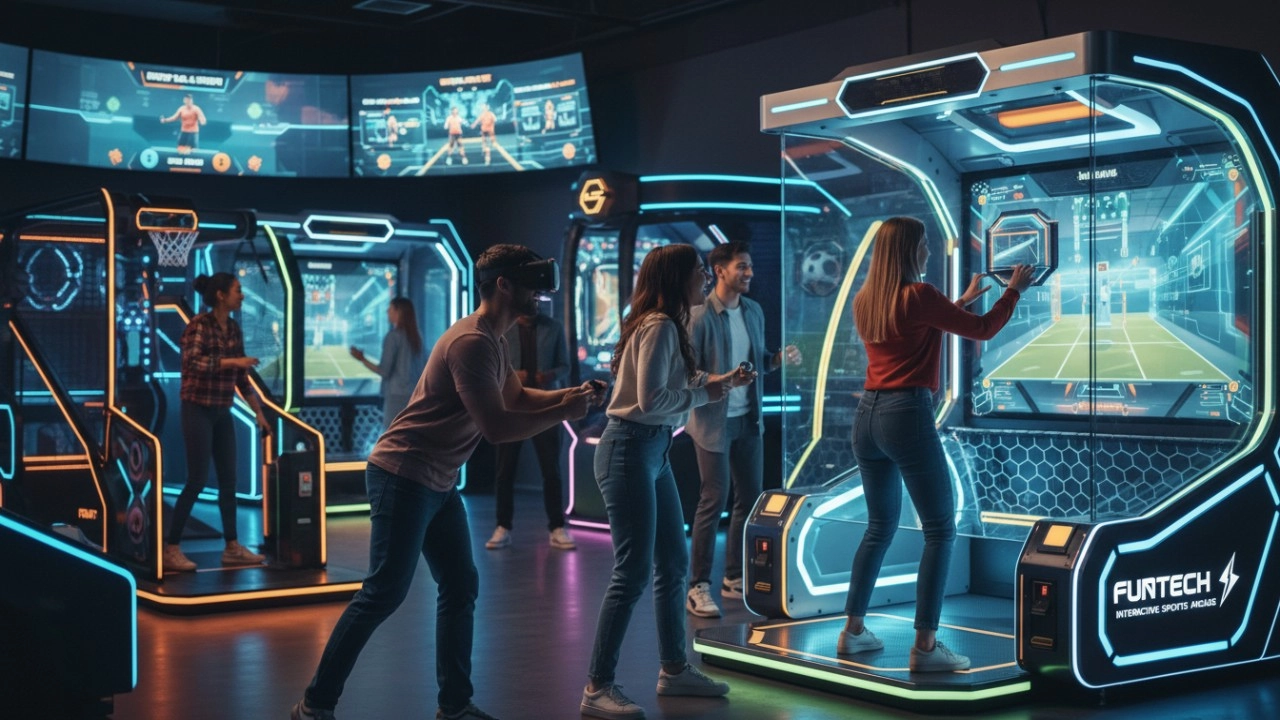
What Defines Interactive Sports Arcade Equipment in 2026?
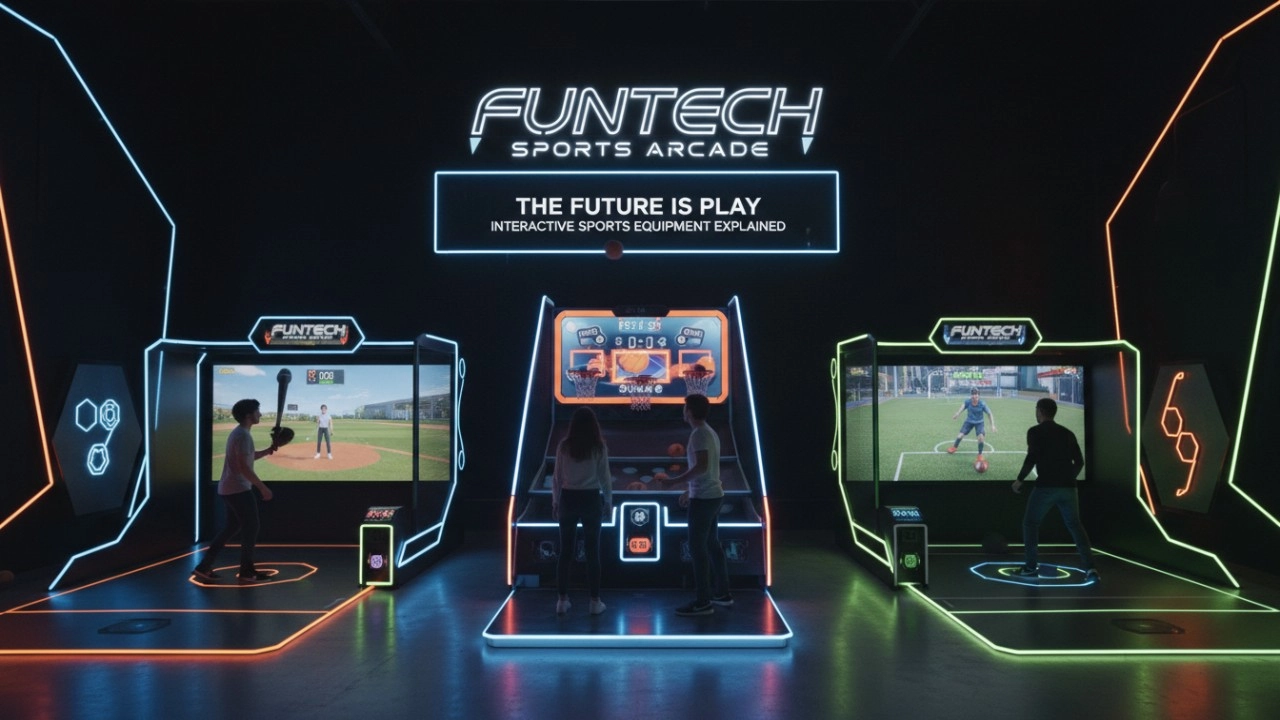
What Is Interactive Sports Arcade Equipment? Complete Beginner Guide (2026)
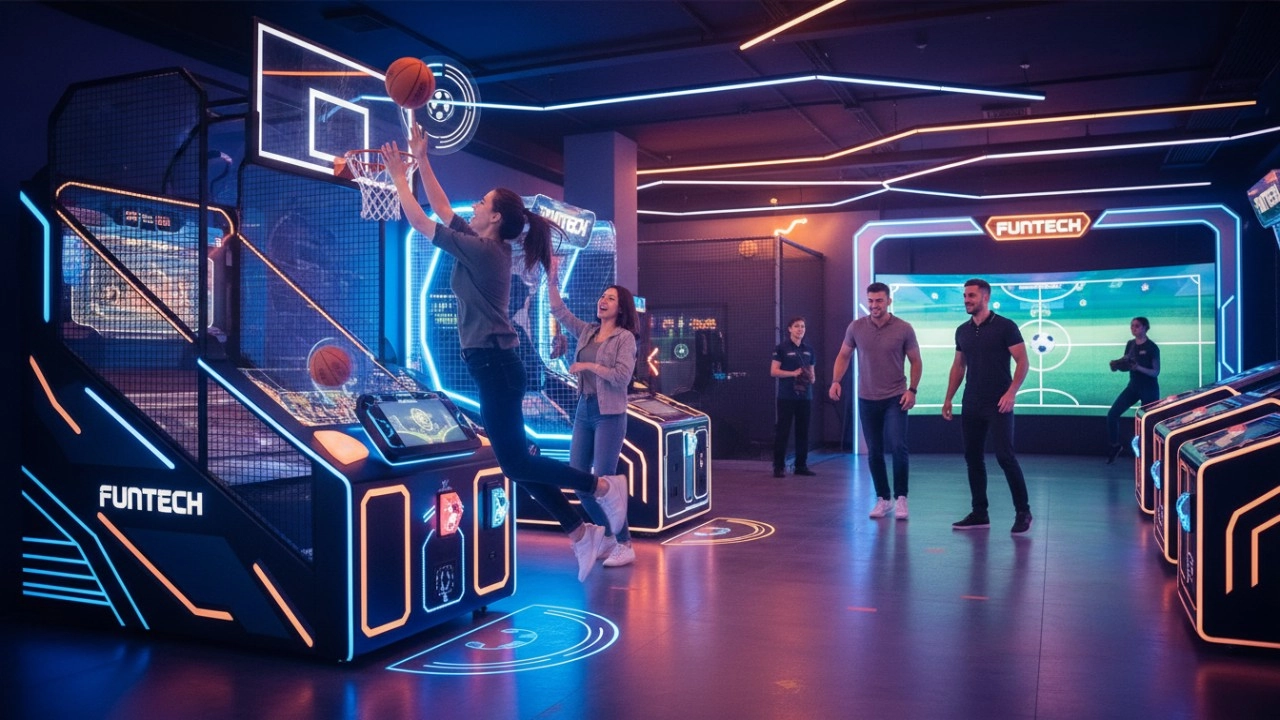
The Ultimate Guide to Interactive Sports Arcade Equipment for Commercial Entertainment (2026 Edition)
Golf Simulator
How to attract customers when operating the program in shopping malls?
Create a cool venue decoration style, incorporating trendy elements, such as fluorescent light strips and anime-themed murals. o Launch diversified marketing models such as parent-child packages and couple packages, combined with time-limited promotional activities, such as half-price experience in the first three days of opening, to attract families, couples and other groups to stop and participate in the program. o How to reduce operating costs?
How often does simulated golf equipment require maintenance?
For daily use, simple monthly maintenance is sufficient, such as a simple cosmetic cleaning and function check after use. Quarterly maintenance can be more comprehensive.
Products
What are the after-sales services after purchasing the equipment?
Generally, a 1-year warranty is provided. During the warranty period, parts damaged due to quality problems, such as motor failure, display problems, etc., will be repaired or replaced free of charge. There will also be technical support, including equipment installation and debugging guidance, operation training, to ensure the smooth use of the user, after-sales response time is usually within 24 - 48 hours.
Infrared Shooting
How to reduce operating costs?
Starting with equipment procurement, choose cost-effective, durable and easy-to-maintain products, which can save money for subsequent maintenance. Reasonable arrangement of staff, reduce the number of staff on duty during off-peak hours, train staff to have multi-skills, such as being able to operate the equipment and guide customers part-time, so as to improve the efficiency of manpower and reduce the cost of manpower.
Interactive Rollerball
How to attract customers when operating the program in shopping malls?
Create a cool venue decoration style and incorporate trendy elements, such as fluorescent light strips and anime-themed murals. o Launch diversified marketing models such as parent-child packages and couple packages, combined with time-limited promotional activities, such as half-price experience in the first three days of opening, to attract different groups of people such as families and couples to stop by and participate.
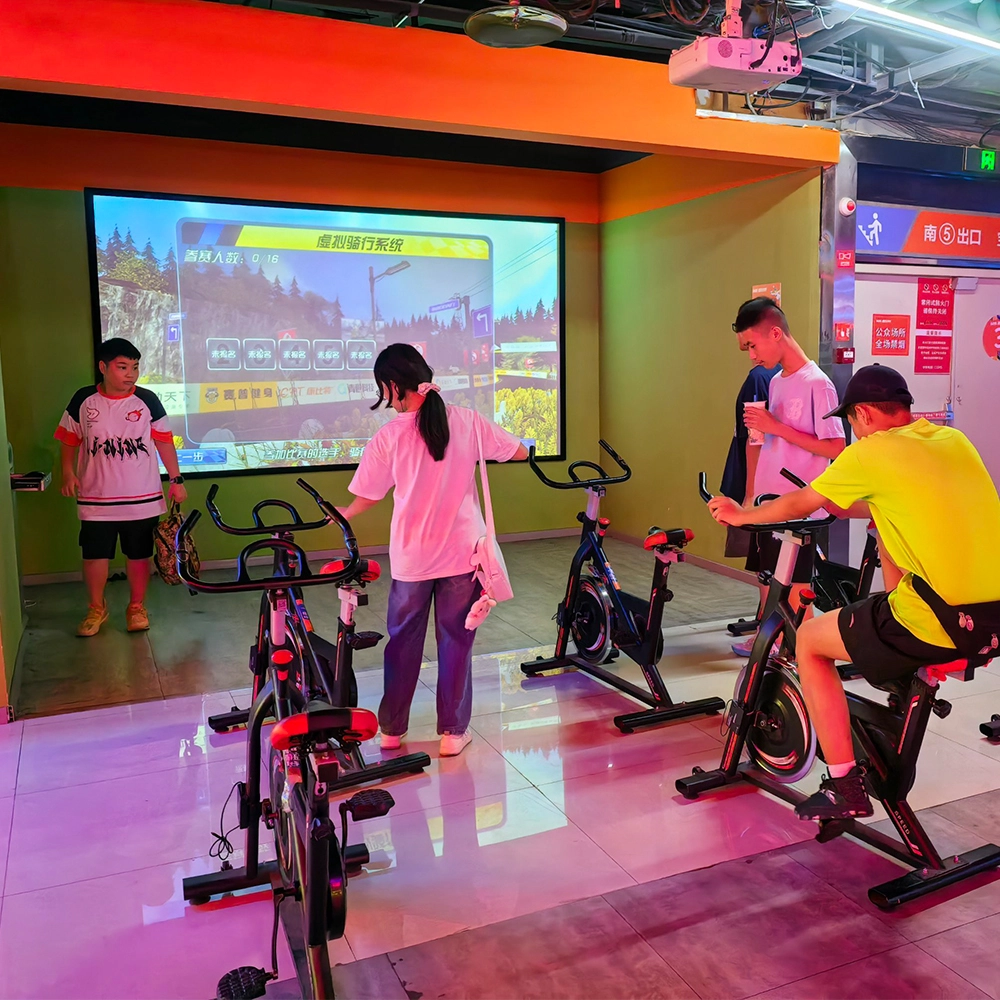
Spinning bike
Pleasure Power is full of fun and exciting rides! Diverse digital riding modes. Users can choose the virtual reality riding mode to follow the world-famous riding routes presented on the screen, such as the winding mountain passes in the Alps, the Tour de France classic track, etc., combined with 3D panoramic pictures and surround sound, as if immersed in the real scene. You can also turn on the competition mode for real-time riding competitions with the same venue or other users online, real-time updates of the leaderboard, adding to the fun and challenge of the sport! The leaderboard is updated in real time, adding to the fun and challenge of the sport. In addition, the bike is also equipped with an intelligent resistance adjustment system, which automatically adjusts the resistance according to the undulation of the terrain in the virtual scene and the progress of the race, simulating the real riding experience of climbing and descending slopes so that the user can get a more comprehensive workout in the process of cycling.
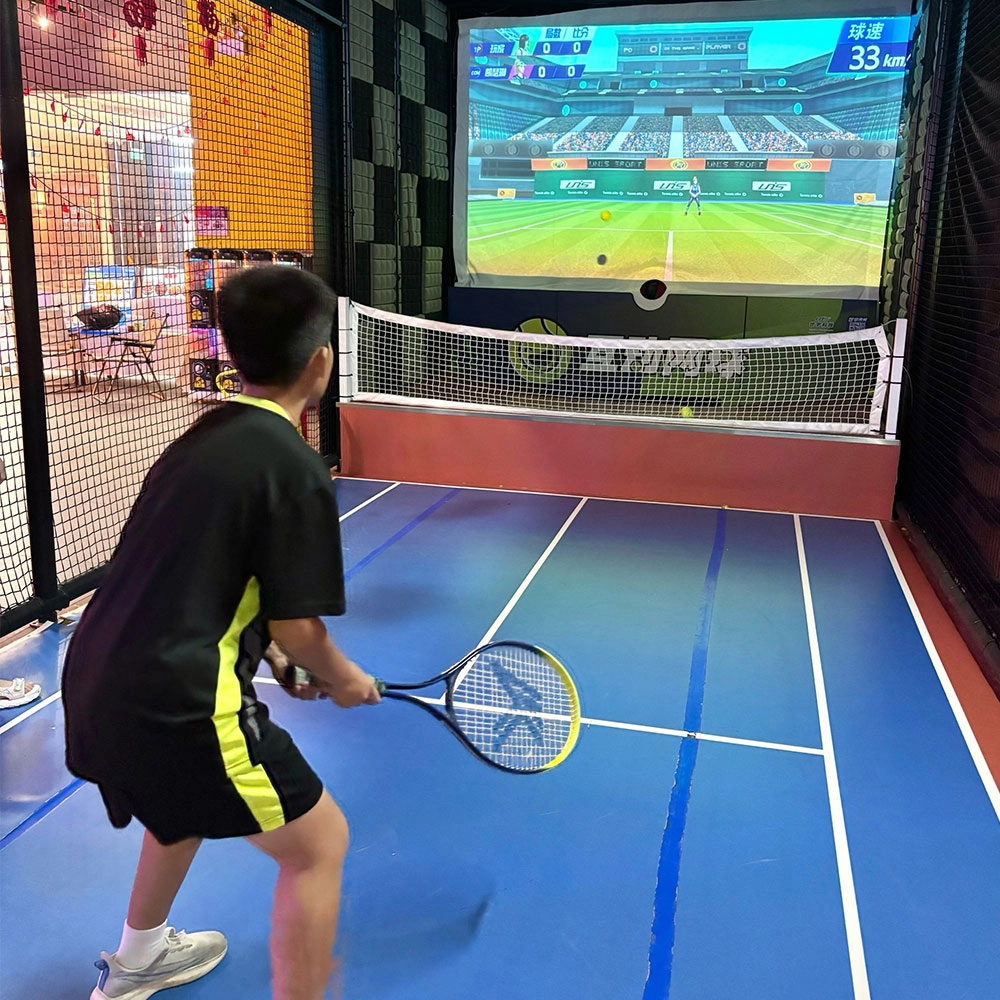
Indoor Tide Play Simulation Tennis Equipment
FUNTECH is full of fun and exciting playgrounds! With high-definition scene projection, force feedback racket, and intelligent scoring system, the simulated tennis equipment in the indoor arcade realizes immersive sports experiences and diversified interactive play, combining the advantages of safety and ease of use with high operational efficiency.
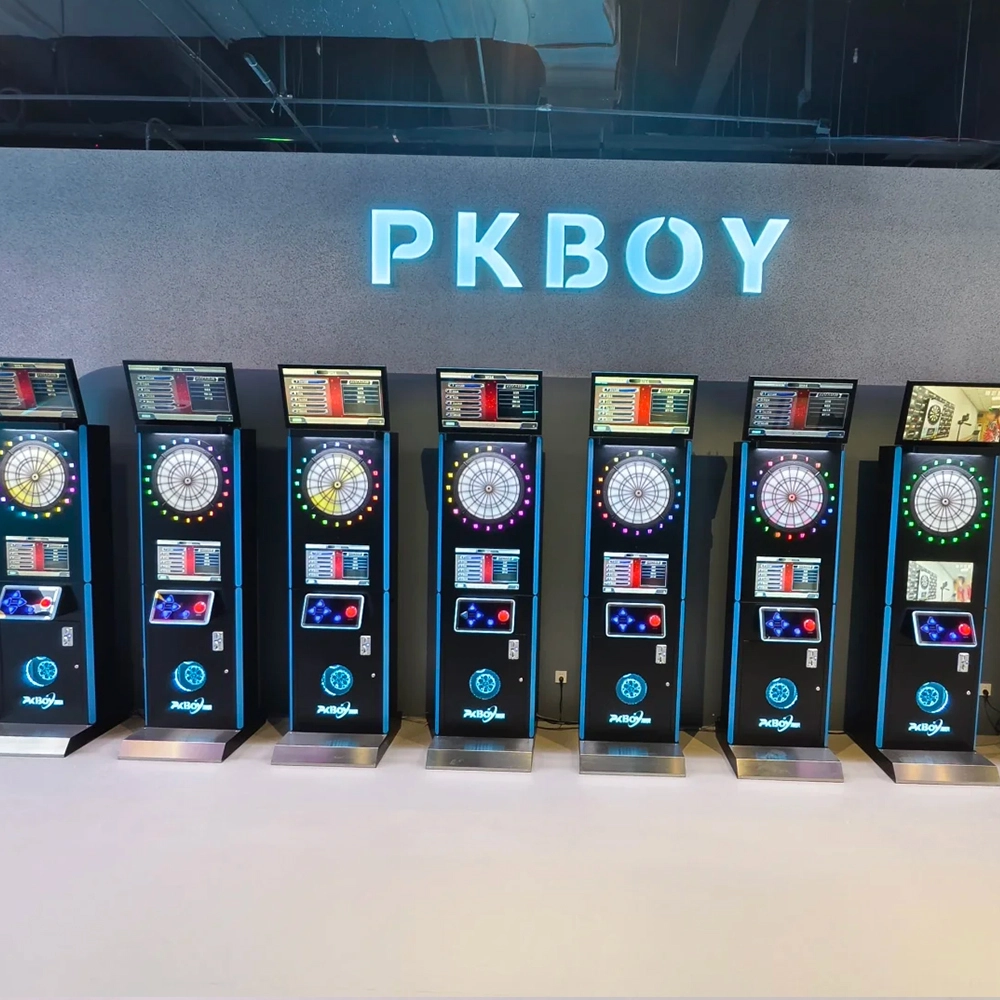
Dart Machines Bar Dart Machines
Joy Power is full of fun and excitement in the playground! The dart machine is suitable for all kinds of places, whether it is a bar, restaurant, KTV, or other entertainment venue, or a sports shop, club, or family leisure space, and can be perfectly adapted. In commercial venues, holding individual and team darts tournaments from time to time can attract more customers and increase the popularity and revenue of the venue, supplemented by various preferential activities, which can directly promote consumption and form a cycle of consumption of all the goods in the shop.
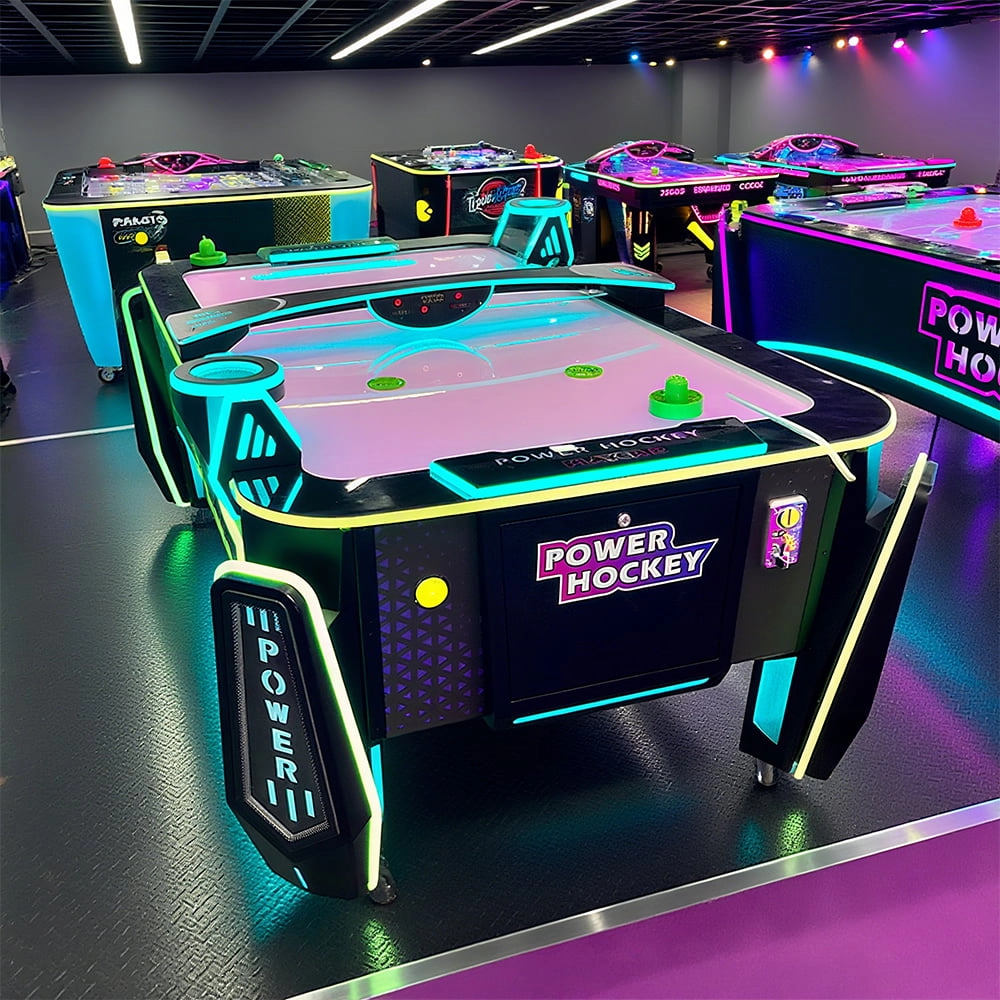
Arcade Hockey
FUNTECH is full of fun and exciting playgrounds! Air hockey, also known as air hockey, is a two-player competitive arcade game comprising a smooth, perforated playing surface, lightweight hockey sticks, a plastic puck, and an electronic scoreboard.
Ready to take your venue to the next level?
Leave us a message here, and our team will get back to you promptly.
Whether you're interested in custom orders, technical specifications, or partnership opportunities, we're here to assist you.
© 2025 FUNTECH ALL RIGHTS RESERVED

Weixia Lei
Fun_Tech-s
fun_tech20